


The Hytale Early Access went live an hour early to everyone’s surprise, but that doesn’t mean it went perfectly. Players are facing a dreaded downloading error that forces them to restart the download from 0. If your Hytale download keeps failing, here are a few fixes that you can try to get rid of the possible errors and finally play Hytale.
How to Fix Hytale Download Failing
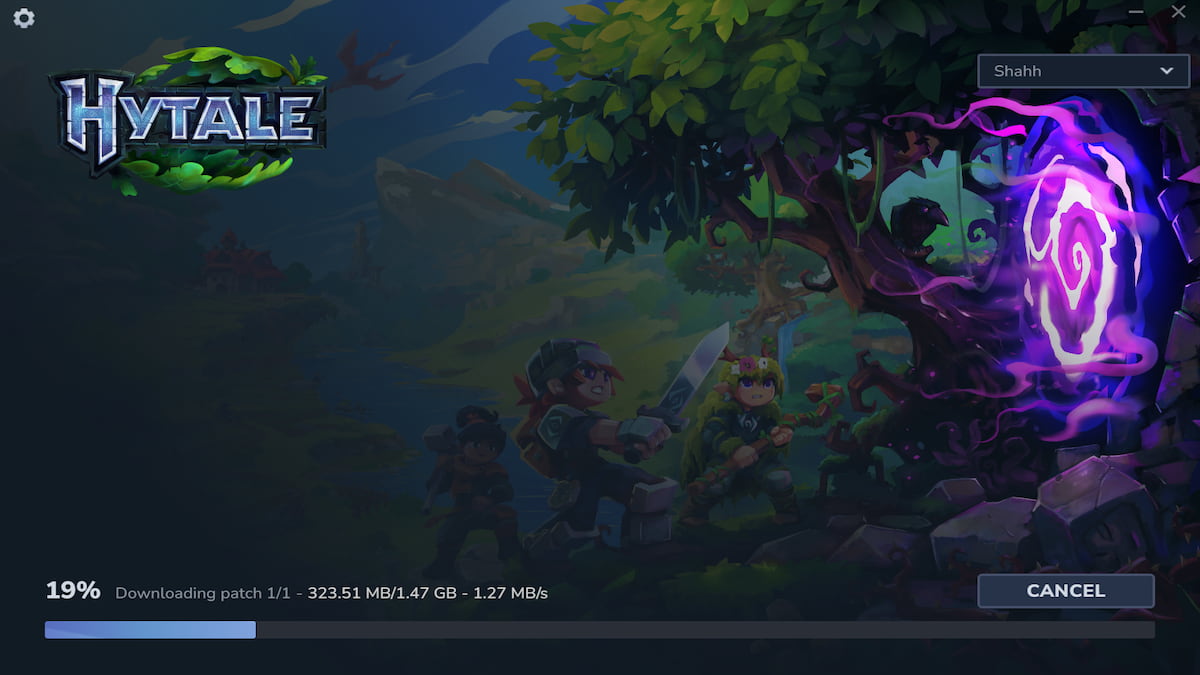
When you open the Hytale Launcher to start the download, it’ll first download the Java 25 file. After that, it’ll start downloading the patch files. Once that download is complete, you can start playing Hytale. However, players have been facing issues while downloading this file.
The download progress stops at random intervals before failing completely. When that happens, you’ll see the following screen:
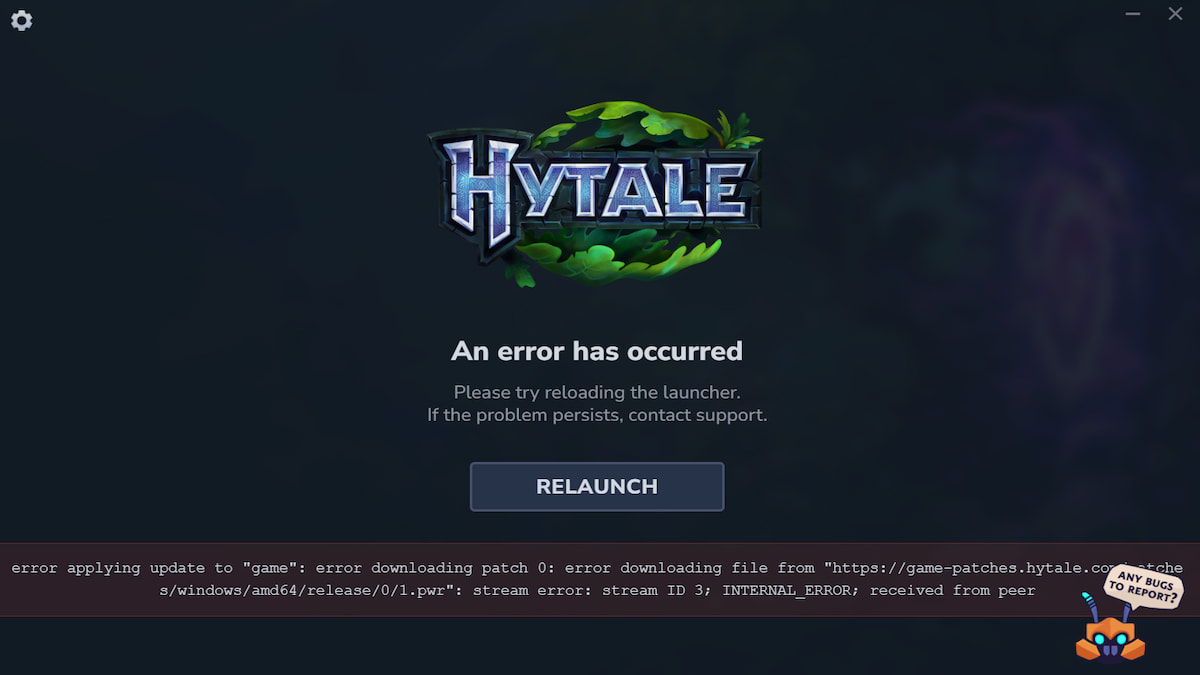
Here are all the possible fixes to this Hytale download failing error:
Fix 1 - Restart the Hytale Launcher
The classic "turn on and off" fix should get the job done. Completely exit and close the Hytale Launcher and restart it using Run as administrator. Once the launcher loads, click on Install. Hopefully, you won’t face the download failed error again. Repeat the process 3 to 5 times if the error persists.
If you’ve already tried multiple times and it still gets stuck or fails, try the next fix.
Fix 2 - Uninstall & Reinstall the Hytale Launcher
The download error could be occurring because you’re either running an outdated Hytale Launcher or the launcher is having issues. Uninstall the launcher, download it from the Hytale Store, and install it again from scratch.
This will make sure you’re using the latest version of the launcher and remove any internal bugs/errors. Once the launcher is ready, start the whole downloading process again, and hopefully everything will go smoothly this time around.
Fix 3 - Use a VPN
If none of the above two fixes work, this should definitely do the trick for you. Before restarting the download, open your VPN and connect to any server in the United States or any other European country. US servers are proving the most reliable for fixing this Hytale download failing error for some reason.
If you don’t have a premium VPN, you could also use a free version to get the job done. However, that might affect your downloading speed. But, if the above two fixes aren’t working for you, this is your best bet.
Hytale FAQs
If your Hytale download is stuck, you’ll have to close the Hytale Launcher, relaunch it, and restart the downloading process.
No, if your Hytale download fails for any reason, it will restart from 0 every time. However, once you uninstall and reinstall the Hytale Launcher, it will start saving your progress.
The Hytale verification email is currently experiencing issues. If you haven’t received your Hytale verification email, try the resend email option. In case you still don’t get it, try again after a 2-3 hours, and it should get through.
We hope one of these fixes will help you bypass the Hytale download failed error and help you get in and enjoy Hytale. If the issue still persists, we suggest you uninstall and launcher, wait a few hours, and then try downloading the game during off-peak hours.
While you’re here, also check out the Official Hytale Discord Server and Social Links to join the community and stay on top of the latest news about Hytale.


