


- To dig in the game, you have to move the shovel from the left side of the bar to the right by clicking anywhere on your screen.
- The best shovels to get are the Cobalt Shovel, as it lets you dig out legendary items and boost your earnings majorly, and the Diamond Shovel, which can dig up divine items. Follow our progression guide for Dig & Clean gear below so that you know what to purchase and what to skip.
Digging and cleaning may sound like an easy concept, but there are a lot of ways in which you can waste money in this game. Our Dig & Clean beginner's guide will help you learn the basics of the game, as well as give you a clear gear progression guide so that you optimize your earnings to the max!
How Do I Dig in Dig & Clean?
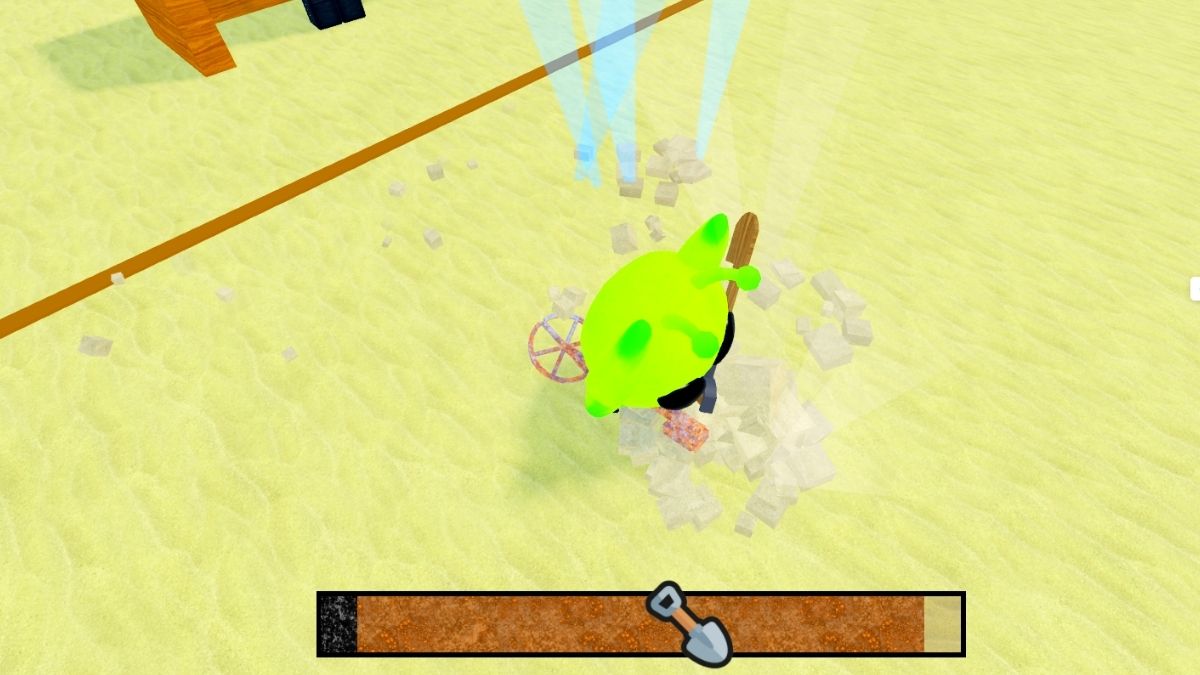
This might seem like an easy task, but the mini game for digging in Dig & Clean may seem confusing to first time players, especially if you haven't played other games like Fisch which have similar mechanics. Your goal is to get the tiny cartoon Shovel from the left side of the bar to the right. You do so by clicking the mouse or tapping your screen.
It's important to note that there are different rarities of items which you can dig up. Your basic shovel can dig up the common items, but it will struggle against any of the rarer ones. You will have to purchase better gear in order to get better items and earn more money. Keep reading for the best progression when it comes to Shovels, Detectors, as well as Sprays.
Related: Dig and Clean Codes
The Best Gear Progression for Beginners in Dig & Clean
Best Shovels
There are a lot of Shovels in the game, but especially at the start they can be too close in power to actually justify spending money on them. Here's how your progression should look like when it comes to Shovels:
| Shovel Name | Stats | Usage |
|---|---|---|
| 1. Stone Shovel | Power: 3 Walk Speed: +5% | Skip the Wood Shovel as it has pretty similar stats to this one. The goal with this one is to get a couple of green (uncommon) rarity items. This might take you a lot of effort when it comes to clicking on the mini game, but it will be well worth it. |
| 2. Gold Shovel | Power: 7 Walk Speed: +9% | If you've managed to get a couple of blue rarities (rare) with the Stone Shovel, then head straight to the Gold. If you haven't managed to get any, you can get the Metal Shovel to help out. The Gold Shovel can easily collect the first three rarities, but it still doesn't work well on purple (epic) rarity. |
| 3. Amethyst Shovel | Power: 9 Walk Speed: +11% | Use the Amethyst Shovel to focus on purple (epic) rarity items, as your base should now be full of them. This is the final shovel you can get from the home beach, so your goal now is to save up to unlock Shipwreck Cove, where you'll get even better Shovels. |
| 4. Cobalt Shovel | Power: 17 Walk Speed: +14% | The Cobalt Shovel and the Titanium Shovel are similar costs and similar stats, so if have a good setup in your base, I suggest you wait until you have enough money to purchase the Cobalt Shovel. This one can dig out gold (legendary) rarity items, which are your next aim to fill up your base as much as possible. |
| 5. Ruby Shovel | Power: 26 Walk Speed: +16% | Same goes for the Ruby and Carbon Shovel. I suggest you skip the Carbon and just wait it out a bit until you can get the Ruby one. |
| 6. Diamond Shovel | Power: 40 Walk Speed: +17% | The Diamond Shovel has a good enough power increase to justify purchasing it as the final shovel of Shipwreck Cove. This one can pull out golden (legendary) items, as well as red (mythic). |
This is the best Shovel progression for beginners to mid level, and it will have you earning millions quickly!
Best Detectors
The Detectors have a Luck and Range stat, which means that these tools will help you get higher rarity items when they have bigger Luck.
| Detector | Stats |
|---|---|
| 1. Silver Detector | Luck: x5 Range: 8 |
| 2. Gold Detector | Luck: x8 Range: 8.5 |
| 3. Platinum Detector | Luck: x12 Range: 9 |
| 4. Onyx Detector | Luck: x18 Range: 9.5 |
| 5. Jade Detector | Luck: x44 Range: 10.75 |
| 6. Crystal Detector | Luck: x110 Range: 12 |
Best Sprays
Sprays clean up your items, and how fast you clean your items depends on their Power and Range. These aren't extra important as you can push through some slower clean ups of higher rarity items before you invest in a better spray.
| Spray | Stats |
|---|---|
| 1. Plastic Spray Bottle | Power: 57 Range: 26 |
| 2. Copper Spray Bottle | Power: 71 Range: 28 |
| 3. Plastic Pressure Washer | Power: 137 Range: 36 |
| 4. Opal Pressure Washer | Power: 235 Range: 42 |
How Do I Earn Money Fast in Dig & Clean?
For starters, don't waste cash on gear you won't need, so follow our progression guide above carefully. Now, as you just start the game with no money, your goal is to get as many items set up in your base. If you can get a couple of Green rarity items with the Plastic Shovel, you will be off to a great start.

How much your items earn money depends on their rarity, weight, and condition. When it comes to rarity, you can see the difference by the colors which the dig spots emit from the ground. You can check the colors of each rarity in your Collection index. If it's difficult to dig out an item, that means they will be heavy, earning you more money.
The condition doesn't have a clear visual sign when digging. Your item condition can range from Ok, Good, Great, to Perfect, and the best condition, Mint. The better the condition of an item, the more money it will earn in your base.
How to Get Better Conditions on Items?
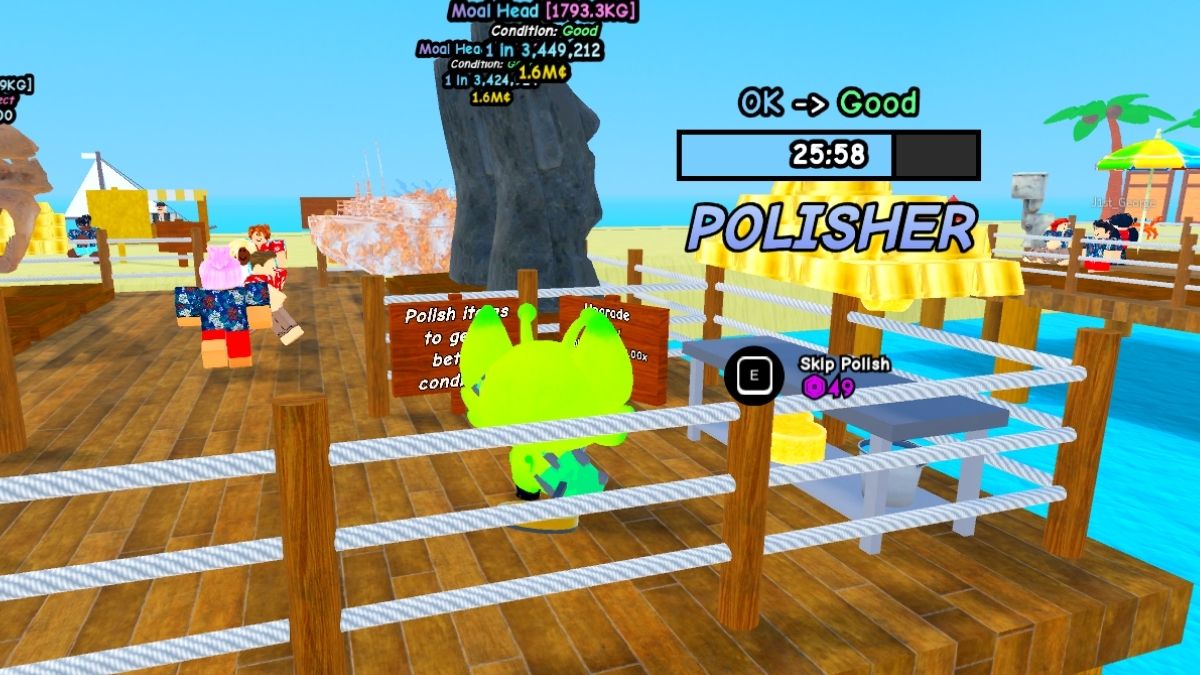
If you get a high rarity item but its condition isn't great in Dig & Clean, you can polish it. To unlock the Polish station, you need 20M, and I suggest doing that only after you have unlocked Shipwreck Cove Island and gotten all the equipment from there.
The higher rarity of an item, the longer it takes to polish. You can also purchase another Polish station for 20M, but I suggest doing so after you've unlocked all available equipment first.
Now, your goal is to always dig for the highest rarity of an item you can at that moment with your shovel. Sometimes you can even grab a rarity which usually doesn't work, if the item is small enough. Try even the ones you know are out of your range. Click fast and if you see the Shovel moving forward rather than backward, you can get it, so stick through it!
Your goal is to unlock upstairs to get even more slots for items and earn more money. However, from beginning to end, until around you unlock the second island, you will be getting and swapping a lot of items which you won't know what to do with. You also only have a limited amount of inventory, which is why you will have to sell them. Most of the items you get before endgame content won't be useful for you later, so don't fret about selling them.
How Do I Get More Tourists to Visit?
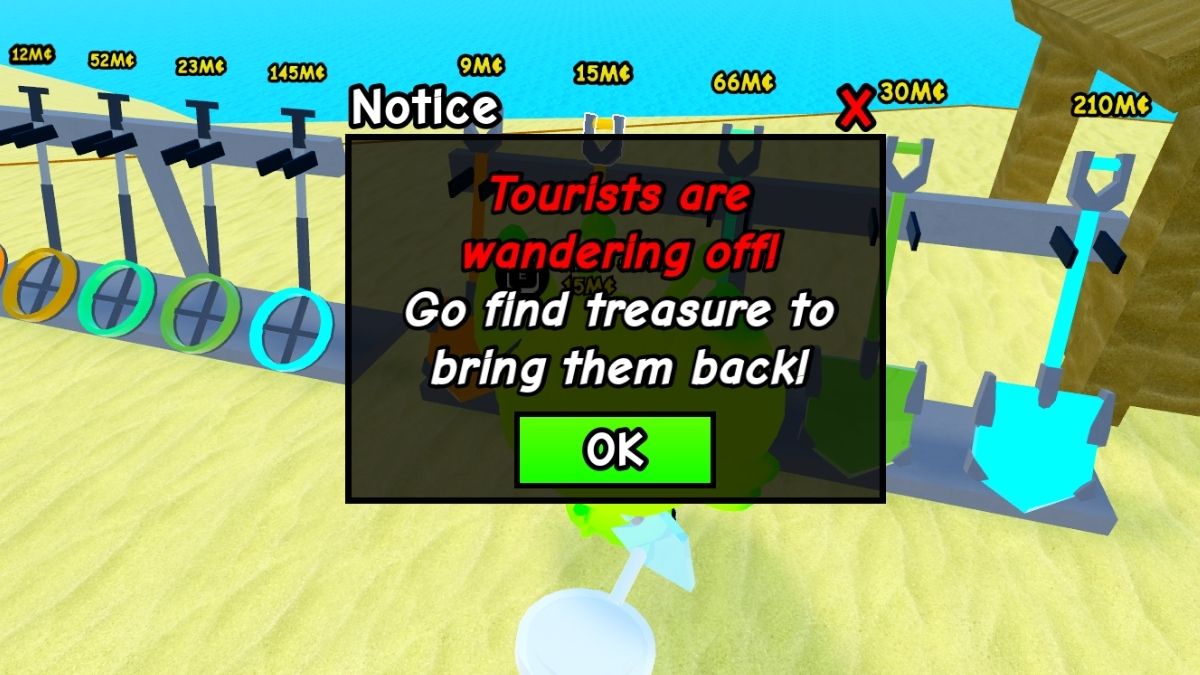
If you notice a sign that says your Tourist numbers are dropping, that's because you haven't added anything new to the base in a while. When going on digging expeditions, especially the ones on different islands, I suggest digging for at most 20-25 items. This way, you won't be away for too long and you'll be able to clean up fast and add new items to your base.
How Do I Favorite Items in Dig & Clean?
Favoriting Items is a feature in Dig & Clean added with Update 1. You can favorite items in your inventory by double clicking on said item. Doing so prevents this item from accidentally being sold. This is useful in cases when you get a really good item and you want to save it for when you unlock the upstairs level of the base.
That's it from our beginners guide in Dig & Clean. After you've done everything and gotten all the gear we suggested, unlock the Sphinx Sands Island where you should get the best gear, then work towards unlocking the upstairs section of your base. If you're interested in more cleaning games, check out our useful Clean the Library maps guide.


