
If you have so many items but can't figure out where anything is, there is a solution. Check out how to sort and filter storage in Palworld for your convenience.
How to organize your Palworld storage
There is never enough storage, especially as you level up and start hoarding materials like I do. And sorting can quickly turn to hell even with your best efforts at keeping everything in its place. Check out how to organize your Palworld storage so that you don't have to stress about it every time you come back with more materials.
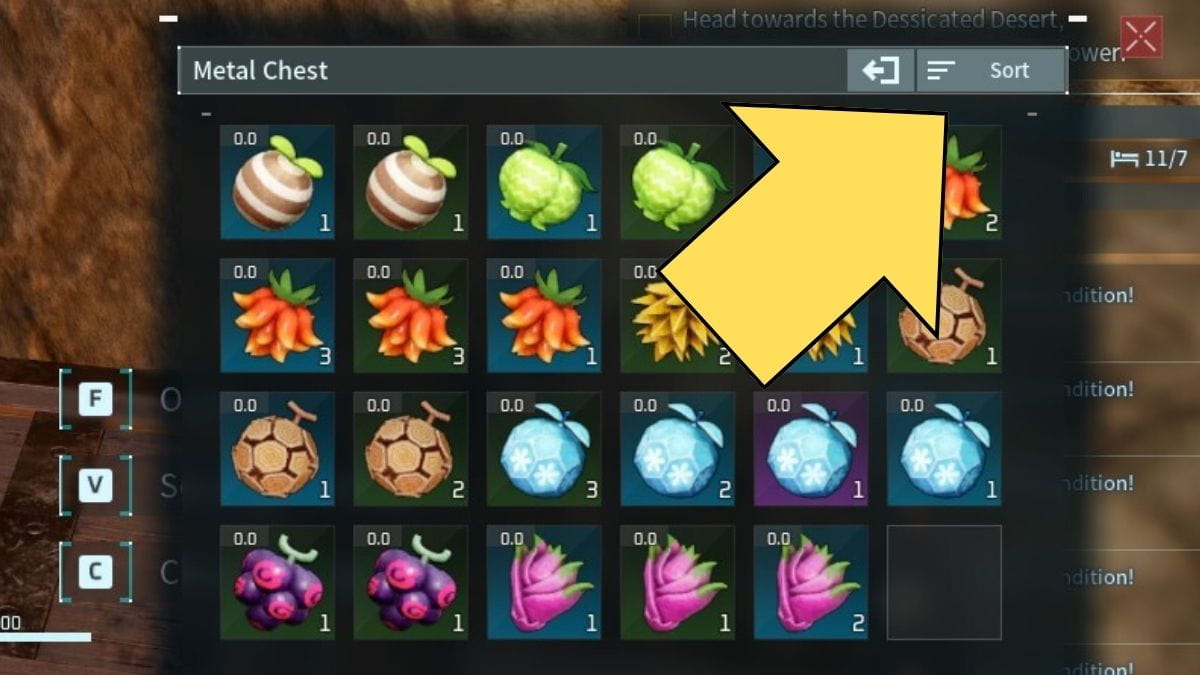
The easiest way to organize everything is to use the sort button, which you can find when you open the chest. However, there is a more detailed and better way to do this. When you approach a chest, don't immediately open it like I tend to do. Instead, click on the Chest settings button.
Once you press the button, it will open a filter menu where you can select and unselect what goes into a specific chest. When you unselect something, that item type cannot be placed into that particular chest until you have selected it again.
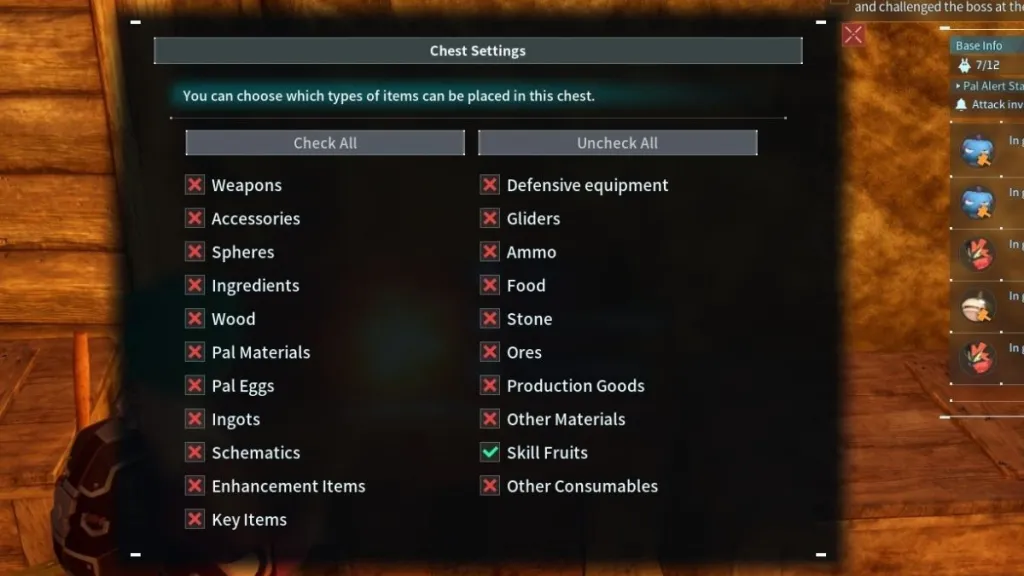
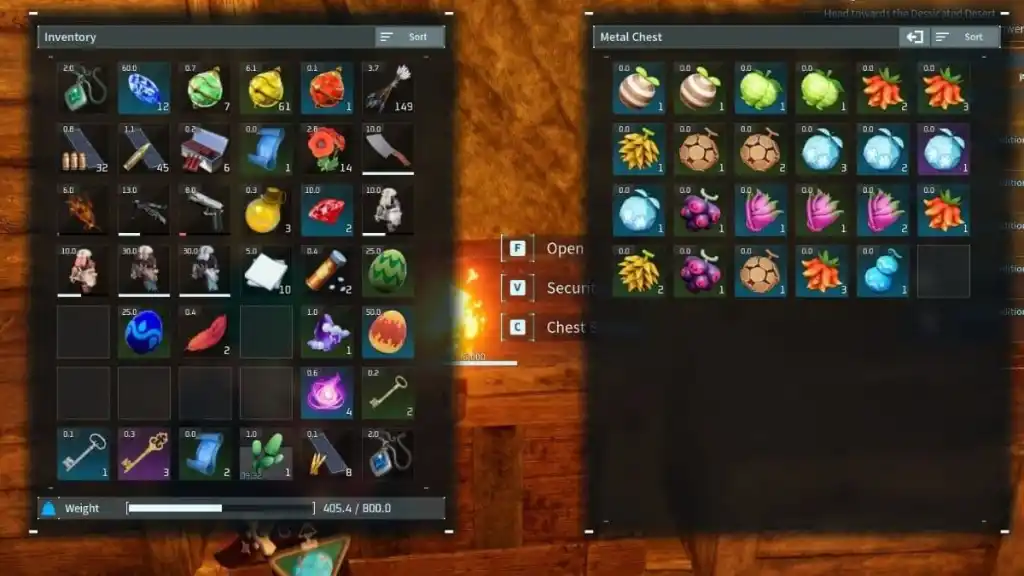
In the images above, I unselected everything other than Skill Fruits. That means that even if I click on something else by accident, only more Skill Fruits can be added to it.
This option exists for the Feed Box as well, except you can only select and unselect two options: Food and Ingredients. This is useful since it means your Pals won't be combining ingredients with the food you just made.
While you can leave all items selected and just place items randomly, I definitely suggest that you make great use of the filter option. It's so easy to forget where you placed an item, especially if you need something in your other base or when you are going to explore. It will make your life so much easier. I suggest making specific chests for:
- Pal Materials
- Ingredients
- Ores
- Schematics
- Weapons
- Ammo
- Skill Fruits
Of course, this is just what I like to do; you can go even further when separating your items in storage. The sky is the limit! Or at least the available filters.
If you want to customize your look in the game, check out How to change your appearance in Palworld on Pro Game Guides.