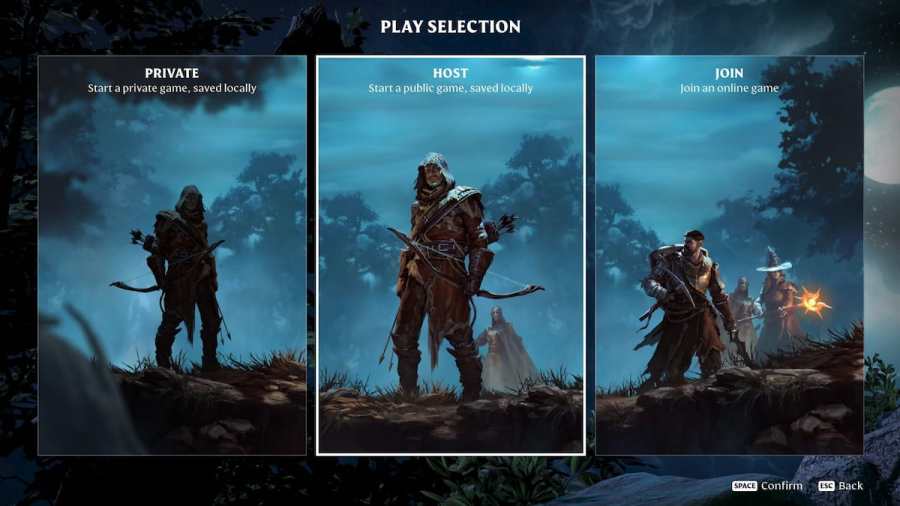
Although Enshrouded's single-player mode is fun, I wanted to try jumping into a server and playing co-op with other players, but my game crashed as soon as the server list popped up. If you've experienced the same problem, here's how to fix the join server crash in Enshrouded.
Join server crash error solution - Enshrouded
The issue is likely due to the game's servers being overloaded or becoming unstable after an influx of new players. Before you give up and go back to playing solo, try one of the following fixes:
Check server status
To make sure the problem is on the developer's side, visit the developers' official Twitter/X account @KeenGamesStudio or visit the official Keen Games Discord Server to see whether the servers are down. If yes, the solution is to wait until they've got them back up and running.
Related: How to respec in Enshrouded
Reset your router
Resetting your router refreshes your connection and eliminates most of the internet connectivity issues. Turn your router off, unplug it from the wall socket, and wait a few minutes to complete the power cycle. Afterwards, plug the router back in, turn it on and try connecting to a server in Enshrouded.
Wait for an update
Unfortunately, new game servers are often finnicky after launch, and the best thing you can do is wait it out. In this case, Keen Games are well-aware of the issue, and they're doing their best to enable joining servers again. Until then, you can set up your own server and level up your character, and your friends will be able to join you as soon as the bug is resolved.
Need more inventory room in Enshrouded? Check out How to expand your inventory in Enshrouded on Pro Game Guides.
Keep in mind that you can also use a third-party hosting service (like Nitrado) to set up your own dedicated Enshrouded server.