


Automate dust selling in Moon Sweepers by connecting several automation equipment to the Hub's external intake with Conveyor Belts. Start with the $50 Building Tool and $100 Packager for a basic setup. For advanced automation, purchase J.O.O.N.A.S. for $20,000 with a $1,500 Capsule Catcher.
Selling dust manually in Moon Sweepers can become time-consuming as you collect large amounts of lunar dust. Instead of repeatedly carrying capsules back to the Hub, you can build an automatic selling system using various equipment. These systems transport collected dust directly to the Hub, requiring little to no manual input. So, to help you set it up, here’s a complete guide on how to auto sell dust in Moon Sweepers.
What Do You Need to Auto Sell Dust in Moon Sweepers?
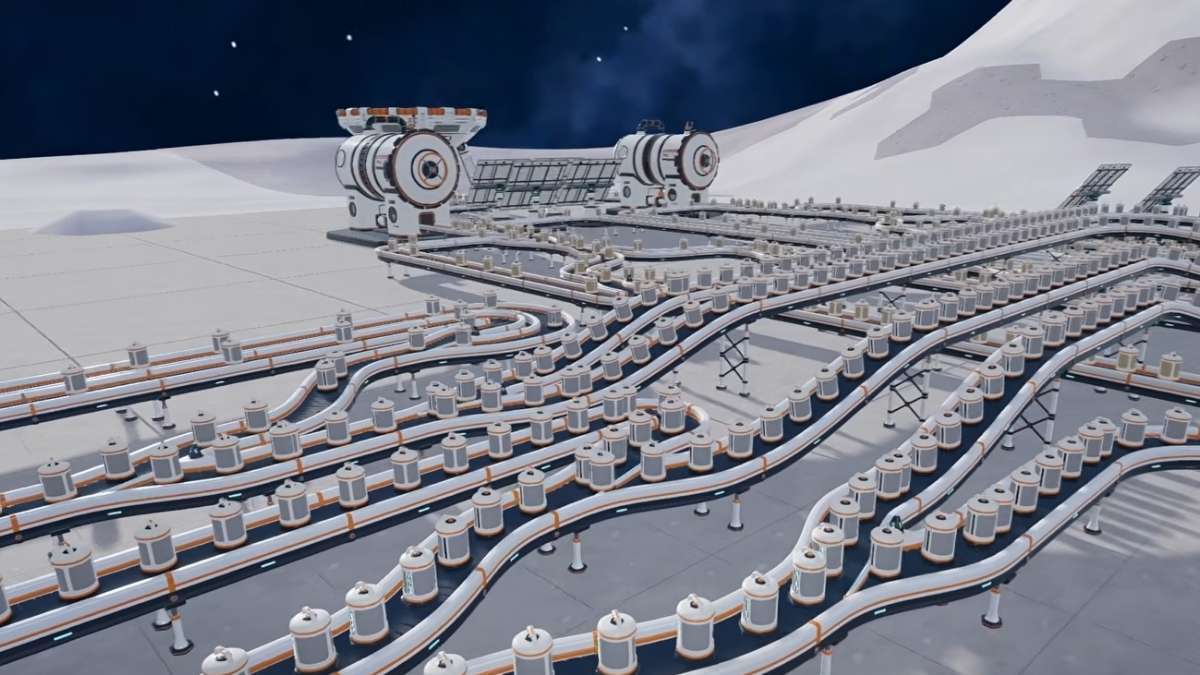
Before building an automatic selling system, you need to buy the required equipment and decide how you will collect and transport dust. A basic setup is relatively cheap, while full automation systems require additional equipment. Below, we’ve listed some of the equipment required to set up the automation.
| Item | Cost | Use |
|---|---|---|
| Building Tool | $50 | Unlocks construction and the build menu |
| Packager | $100 | Converts deposited dust into capsules |
| Conveyor Belt | $0.50 per metre | Transports capsules towards the Hub |
| Robot Vacuum Mk I or Mk II | $250/$500 | Automatically collects dust in its operating area |
| Garage | $200 | Supports vehicle unloading and dust collection |
| Capsule Catcher | $1,500 | Receives capsules launched by J.O.O.N.A.S. |
| J.O.O.N.A.S. | $20,000 | Automatically cleans lunar sectors |
How to Auto Sell Dust in Moon Sweepers?
Automatic dust selling in Moon Sweepers allows you to earn money without repeatedly travelling back to the station to deposit your collected dust. Below, we’ve mentioned how to set up an automation system in Moon Sweepers.
Purchase the Building Tool
First, you need to purchase the Building Tool for $50 if you have not unlocked it already. Then, equip it and open the build menu to access the available equipment, including Packagers and Conveyor Belts. You will use this tool to place and arrange the machines required for automatic selling.
Place a Packager
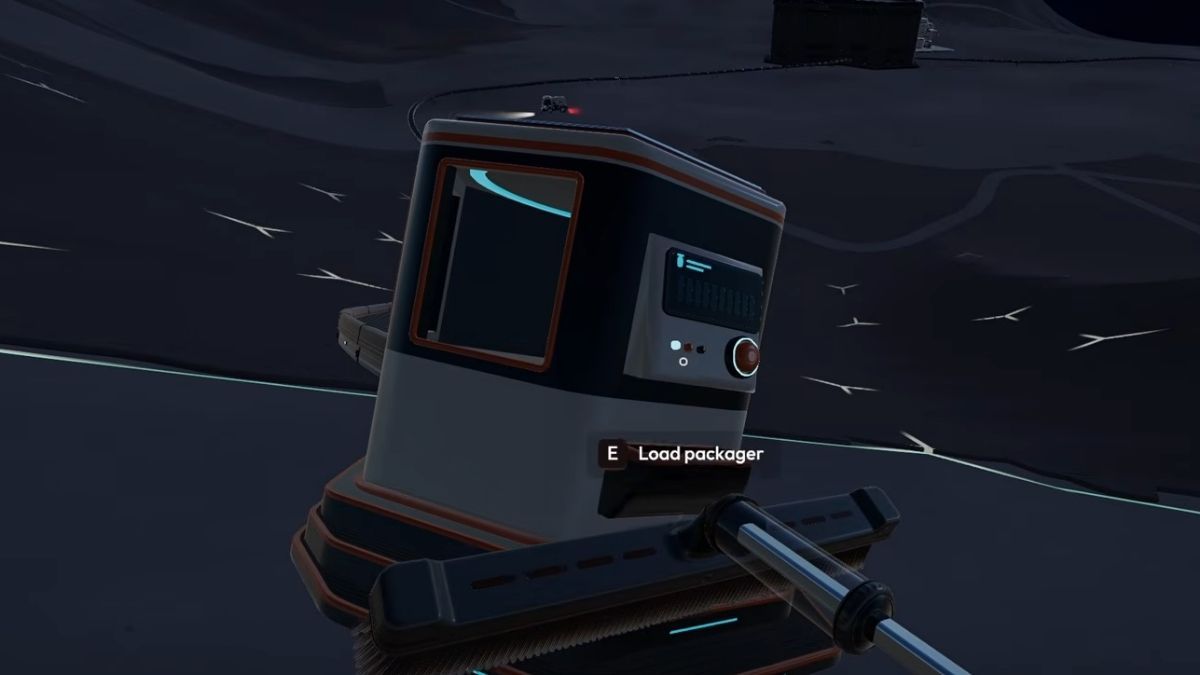
Purchase a Packager for $100 and place it near your regular cleaning area. This machine accepts dust collected using your cleaning tool and converts it into capsules that can travel through Conveyor Belts.
So, approach the Packager and interact with it to deposit your collected dust. The machine will produce capsules that can be transported through its output connection. However, remember that this setup automates transportation and selling, but you still need to collect and deposit dust manually.
Connect Conveyor Belts to the Packager
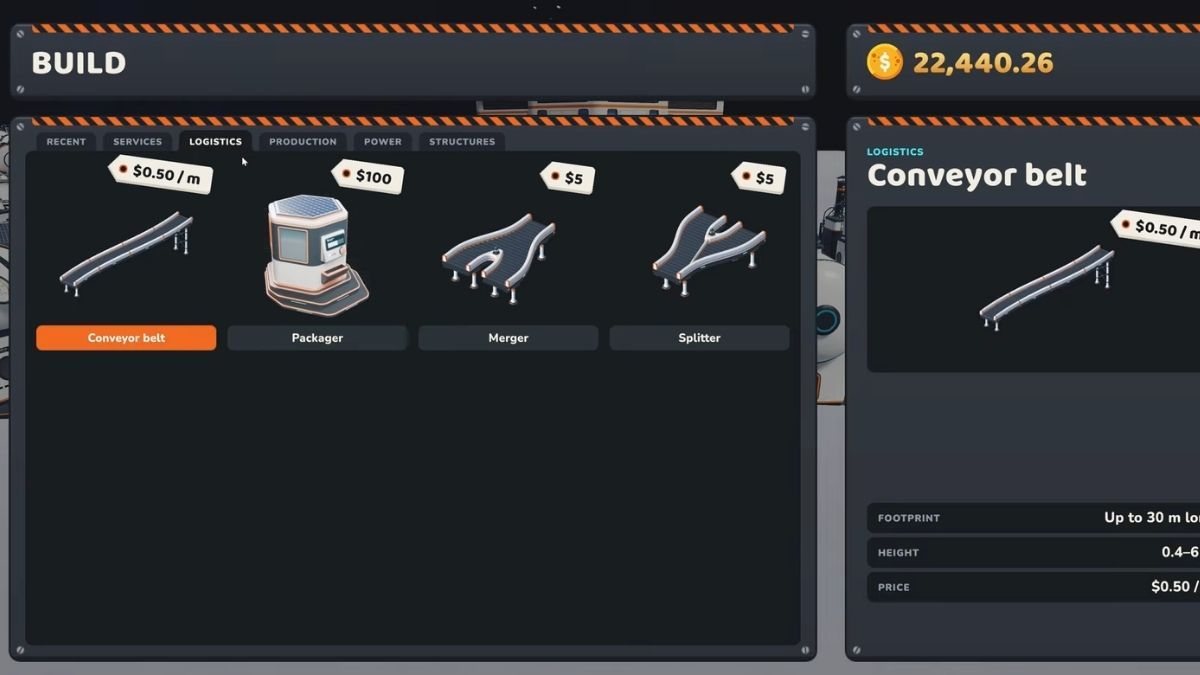
Purchase Conveyor Belts and connect them to the Packager's output. Each belt costs $0.50 per metre and can extend up to 30 metres per section. Therefore, position them carefully so that capsules travel to the Hub rather than getting stuck or moving in the wrong direction.
If you are new and trying automation for the first time, use the shortest practical route. You can extend the conveyor network later when you have more money and additional machines.
Connect the Conveyor to the Hub's External Intake
Find the external deposit intake on the Hub and connect the final Conveyor section directly to its receiving port. The intake is located on the exterior of the building and can be easily identified by its receiving opening.
Test Your Automatic Selling System
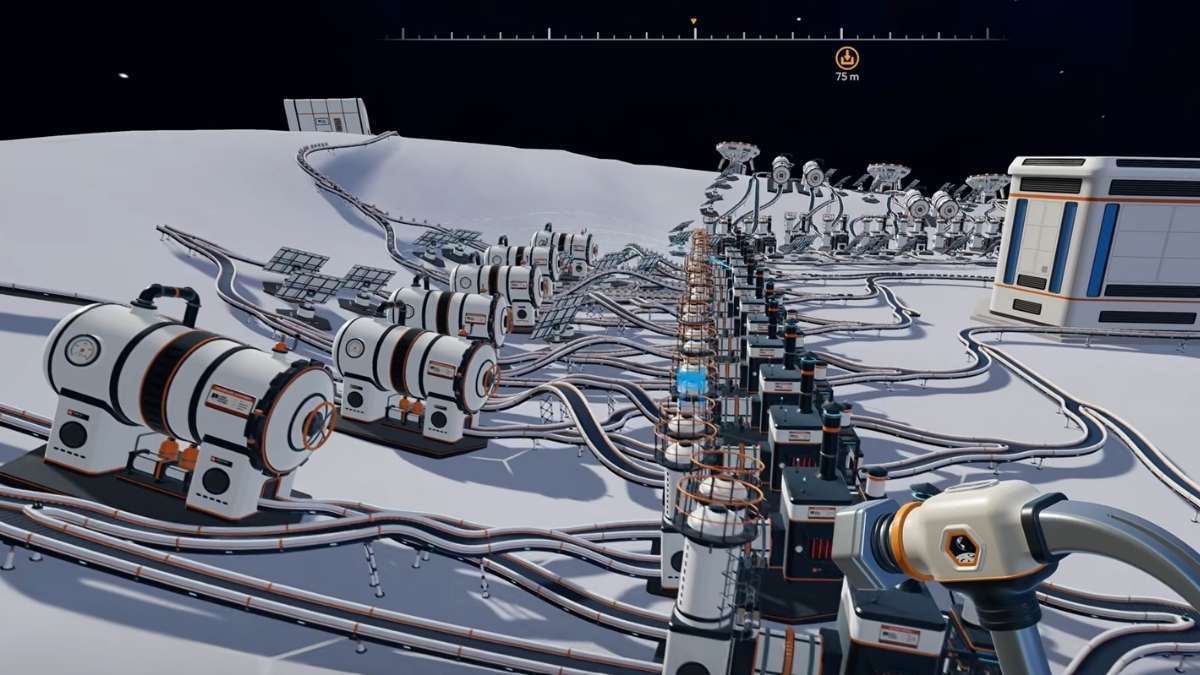
Once everything is connected, deposit a small amount of dust into the Packager and check if the capsules are travelling along the Conveyor. Then, follow the capsules until they reach the Hub's intake, and check your money to confirm that the payment has been credited.
If the test works, your automatic dust selling system is ready. You can now expand the conveyor route or connect additional automation machines to increase the amount of dust delivered to the Hub.
Best Ways to Auto Sell Dust in Moon Sweepers
Apart from the Packager, there are several other ways to automate dust collection and delivery. These options become particularly useful when you start using vehicles and automated cleaning equipment. Below, we’ve mentioned some of the best ways to auto sell dust in Moon Sweepers.
Use a Robot Vacuum
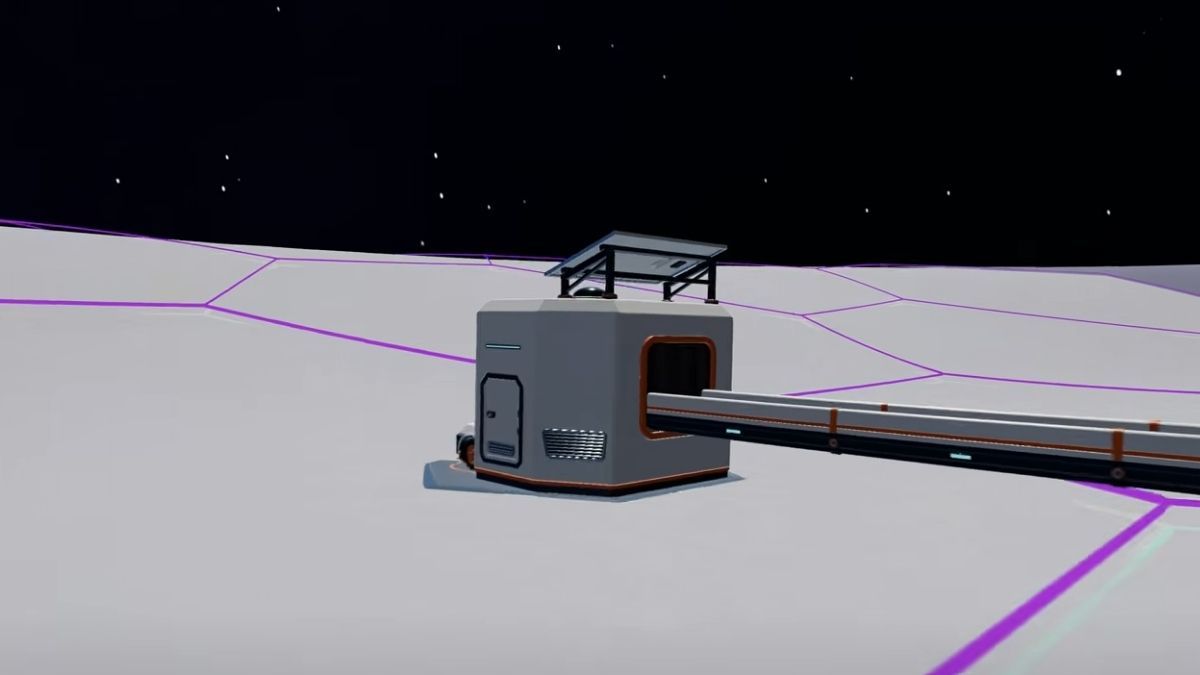
Robot Vacuums are useful for automating dust collection within a limited operating area. To use one, purchase it from the Services menu and place its dock near an area with plenty of uncleaned hexes. Likewise, connect the dock's capsule output to a Conveyor Belt leading to the Hub's external intake. Below, we’ve listed all Robot Vacuum variants.
| Robot Vacuum | Cost | Coverage |
|---|---|---|
| Robot Vacuum Mk I | $250 | 19 hexes |
| Robot Vacuum Mk II | $500 | 37 hexes |
Robot Vacuum Mk I is best for early-game automation because it costs only $250. However, Robot Vacuum Mk II is the better long-term option if you have enough money and plenty of untouched terrain, as it covers 37 hexes compared with Mk I's 19.
This setup reduces the need to manually collect dust, although the robot's productivity depends on the cleaning area. Once its assigned area has been cleaned, you may need to relocate or expand your cleaning setup to continue collecting dust.
Use a Garage to Sell Vehicle Dust
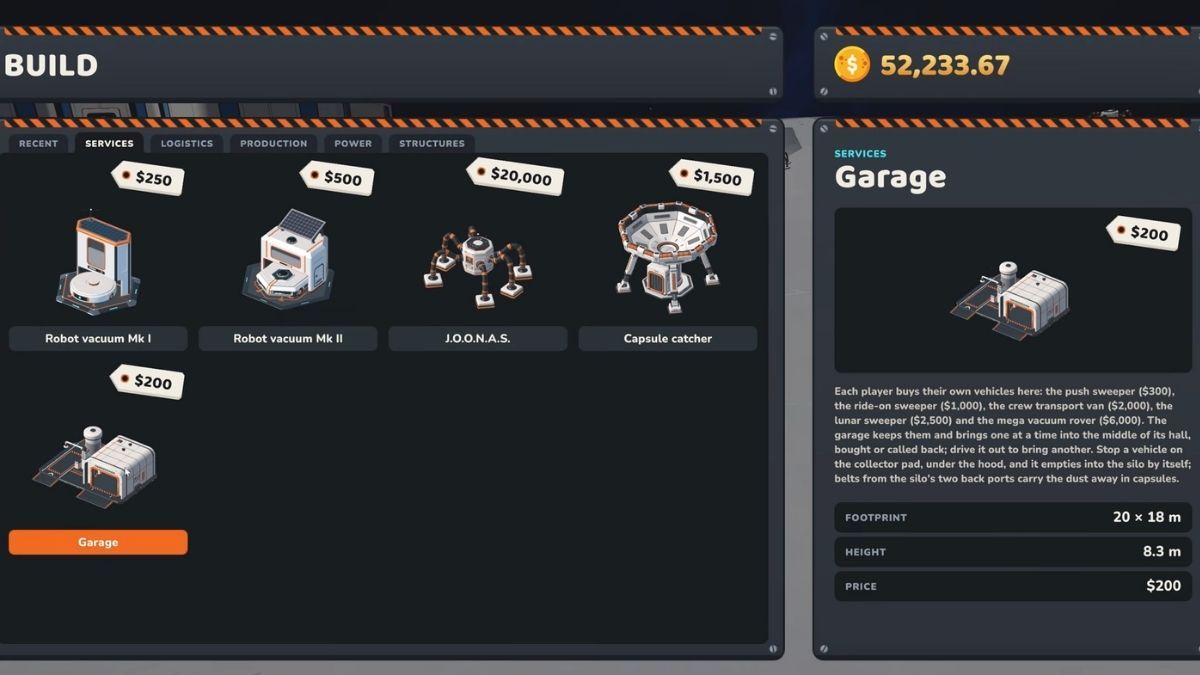
If you prefer using vehicles, a Garage provides another way to automate dust delivery. Once you collect dust, drive your vehicle onto the Garage's collector pad to unload it into the Garage silo. You can then connect the Garage's output to a Conveyor Belt leading towards the Hub's external intake.
This method is useful with vehicles that have larger hoppers, such as the Lunar Sweeper and Mega Vacuum Rover. It allows you to collect large amounts of dust before unloading everything through a connected delivery system.
Use J.O.O.N.A.S. and a Capsule Catcher
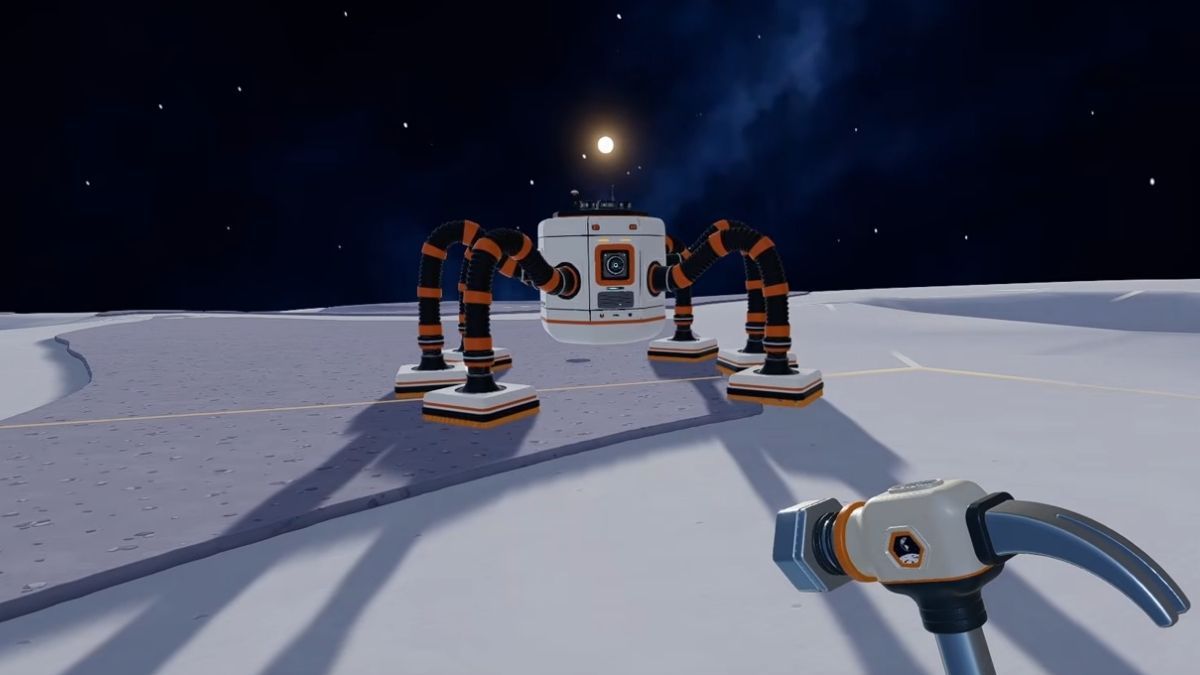
For late-game automation, J.O.O.N.A.S. is one of the best options. The robot automatically cleans lunar sectors and launches collected dust capsules towards a Capsule Catcher. The catcher receives these larger capsules and converts them into smaller dust capsules that can be transported through a Conveyor Belt.
So, connect the Capsule Catcher's output to a conveyor route leading to the Hub. This allows you to automate both dust collection and delivery without manually operating a cleaning tool or vehicle. However, make sure your catcher and conveyor system can handle the incoming material before purchasing additional robots.
However, J.O.O.N.A.S. requires a Capsule Catcher to collect and deliver the dust capsules effectively. The robot costs $20,000, while the Capsule Catcher costs $1,500, which brings the minimum setup cost to $21,500. This excludes additional equipment, such as conveyor belts and mergers, so make sure you have enough money to build this automation system.
What Are the Common Auto Selling Problems in Moon Sweepers?
Sometimes your automatic selling system may stop working due to some setup error. Below, we’ve listed some of the problems that you might encounter and how to fix them.
| Problem | Solution |
|---|---|
| Packager is not producing capsules | Deposit dust and check the machine's output |
| Capsules are stuck on conveyor belts | Check Conveyor Belt direction and connections |
| Robot Vacuum stops delivering dust | Check its dock and whether its cleaning area is already cleared |
| J.O.O.N.A.S. stops delivering capsules | Check Capsule Catcher availability and delivery routing |
| No money is received at the Hub | Confirm that the Conveyor Belt reaches the actual external intake |
Frequently Asked Questions (FAQs)
Yes. You can automatically sell dust by connecting a capsule-producing machine to the Hub's external deposit intake through conveyor belts.
The cheapest basic setup requires the Building Tool for $50, a Packager for $100, and Conveyor Belts costing approximately $0.50 per metre. This lets you automate dust transportation and selling while continuing to collect dust manually.
J.O.O.N.A.S. can automatically collect dust and launch capsules towards a Capsule Catcher. Then, connect the catcher's output to a conveyor leading to the Hub's external intake to complete the selling process.
For more on Moon Sweepers, check out How to Make Money Fast in Moon Sweepers or 5 Best Moon Sweepers Mods on Pro Game Guides!


