




Roblox Abyss has plenty of fish to catch and tons of gear to use, and if you want helpful information on all that, the Abyss Wiki and Trello are your best bet. Moreover, if you like to stay on top of any news and play the game with the community, you’ll also want to check out the Abyss Discord. So, we’ve gathered all the links in one place so you can check out whatever you want.
What is the Abyss Wiki Link
The official Abyss wiki is still in the works, and the devs haven’t shared the link just yet. However, a BloxInformer wiki page for Abyss that you can visit by clicking the link below:
You’ll find a short beginner’s and controls guide on the BloxInformer wiki, which will help you get started on your underwater fishing ventures. The following features/mechanics have dedicated pages that you can visit to learn more:
- Fish - Information on all fish that you can catch in Abyss
- Races - Information about all the Races in Abyss, including their buffs and debuffs
- Artifacts - Information on uses and obtainment methods of Artifacts
- Tubes - Information about the transporting and breathing devices players will have to use in Abyss
- Guns - Overview of the fish-catching mechanic and information on different harpoons
What is the Abyss Trello Link
There is no official Abyss Trello board that you can visit. Moreover, since the dev team and testers are focused on developing an official Abyss Wiki, we might never get a Trello board for Abyss.
However, if things change and the developers do make a Trello board, we’ll update this page accordingly, and you’ll be able to find the link right here.
What is the Abyss Discord Link
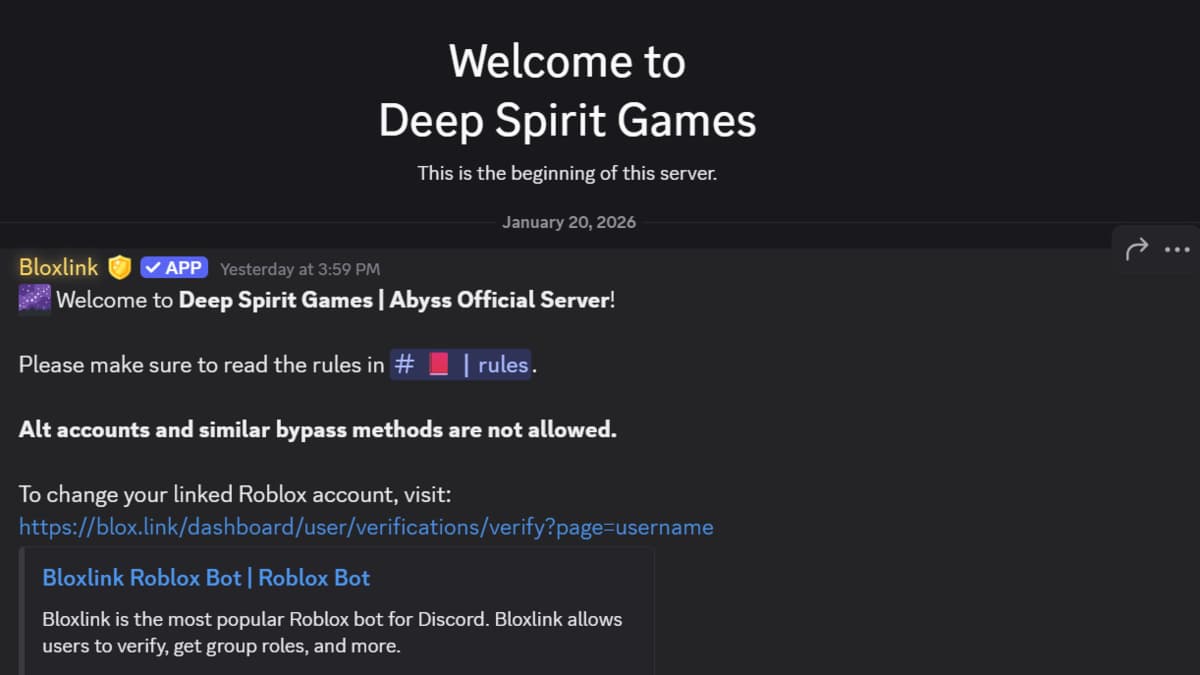
You can join the official Abyss Discord server using the link shared below:
The server is called Deep Spirit Games, named after the development studio behind Abyss. You can use the server to become a part of the community, get in touch with the developers, and get updates about the game.
RELATED: Roblox Abyss Beginner’s Guide – Tips & Tricks for Getting Started
How to Use the Abyss Discord
Once you join the Abyss Discord using the link above, you’ll first have to complete a quick verification to gain access to the rest of the server and all its channels. Here’s how to do that:
- Go to the #ro-verification channel.
- Scroll down a little, and you’ll see a green Verify with Bloxlink button.
- Click on to verify your Roblox account.
- Go through the #rules and #information channel.
Once you complete this process, you should get access to all channels in the server. In case you don’t see a Community tab, click on Deep Dpirit Games in the top left corner to open a drop-down menu and find and click on the Show All Channels button.
After toggling it on, you’ll see the Community tab where you can chat with the community in #general, share in-game media in the #media channel, and check out the other channels as well.
If you want the latest news and updates about Abyss, see the #announcements channel and the #update-logs channel.
Scroll down to the bottom of the tabs pane, and you’ll see a Content Creators tab. You can use the channels in there to see the Abyss Content Creator Requirements and apply to become an official content partner.
Abyss FAQs
Abyss is an underwater fishing simulator on Roblox that will release on February 8, 2026.
Abyss will release on Roblox for PC, Mobile, and Console. Players on every platform will be able to play the game on launch day.
The tester positions for Abyss are currently closed for an indefinite period. You can learn about the re-opening and application process in the official Discord server.
Also, keep an eye on our Abyss Codes page to grab the latest codes and their free rewards before they expire.
 Shah is a Roblox specialist with years of experience covering the platform’s biggest games, updates, and code drops for top-tier gaming sites. Formerly an accountant, he now applies the same precision to analyzing mechanics, meta shifts, and game trends across the Roblox universe. He’s especially known for breaking down Blox Fruits treasure hunts and mastering the grind in Grow a Garden.