




Bridger Western is a Roblox experience that combines Wild West gunfights with supernatural elements inspired by JoJo’s Bizarre Adventure. To stay updated with the latest changes and announcements, it’s important to regularly check the official Trello board, Discord server, and Wiki. Below, we've provided all the direct links to each resource, along with simple tips on how to use them effectively.
- Bridger Western Discord Server
- Bridger Western Trello Board
- Bridger Western Wiki Link
- Bridger Western Game Link
- Bridger Western Community Page
What is the Bridger Western Discord?
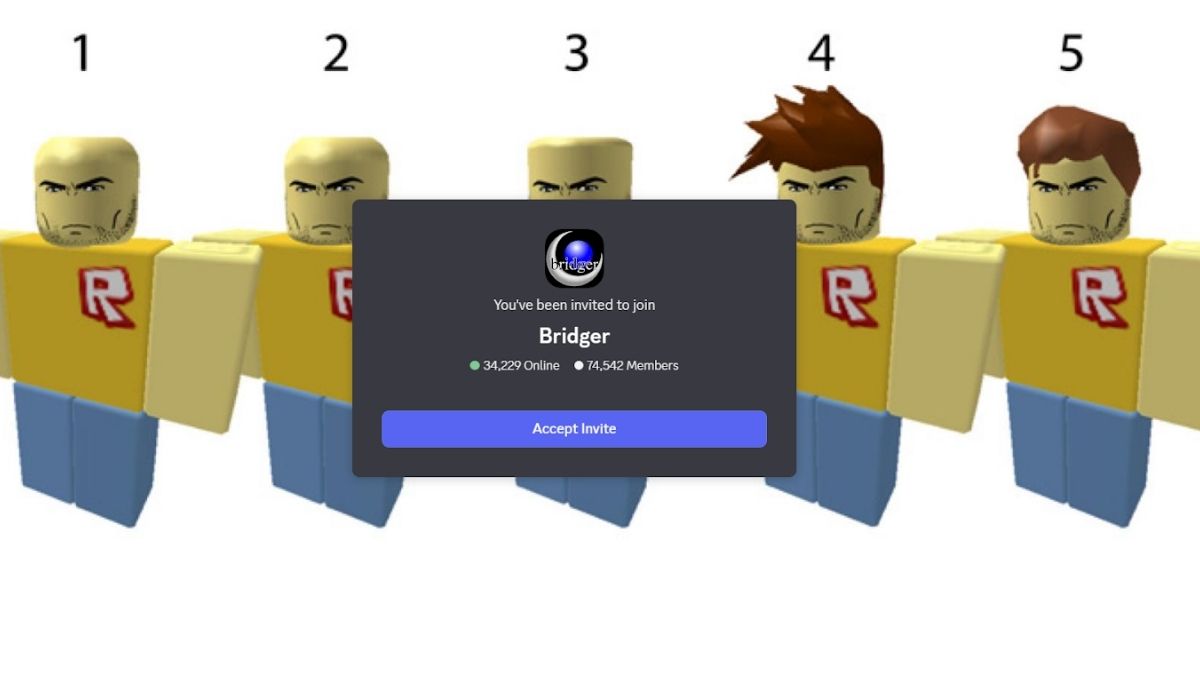
The official Bridger Western Discord server acts as the main community space for everyone. After joining, you should first go through the #rules channel to understand the server guidelines. So, to unlock full access, you will also need to complete verification using Bloxlink.
It’s also a good idea to keep an eye on the #announcements channel, as it shares important updates and news about upcoming Bridger Western content. Similarly, the #sneakpeeks channel gives you an early look at features and additions that are still in development.
How to Use Bridger Western Discord
The Bridger Western Discord server functions as a central hub where the community and developers interact directly. It’s the go-to place for staying updated, as developers frequently share news, respond to player feedback, and offer support.
Within the server, you can report bugs, ask questions, join giveaways, and get help from both the development team and veterans. On top of that, it’s the main platform where major events and new content are officially announced, making it an essential source of information for anyone playing the game.
What is the Bridger Western Trello?
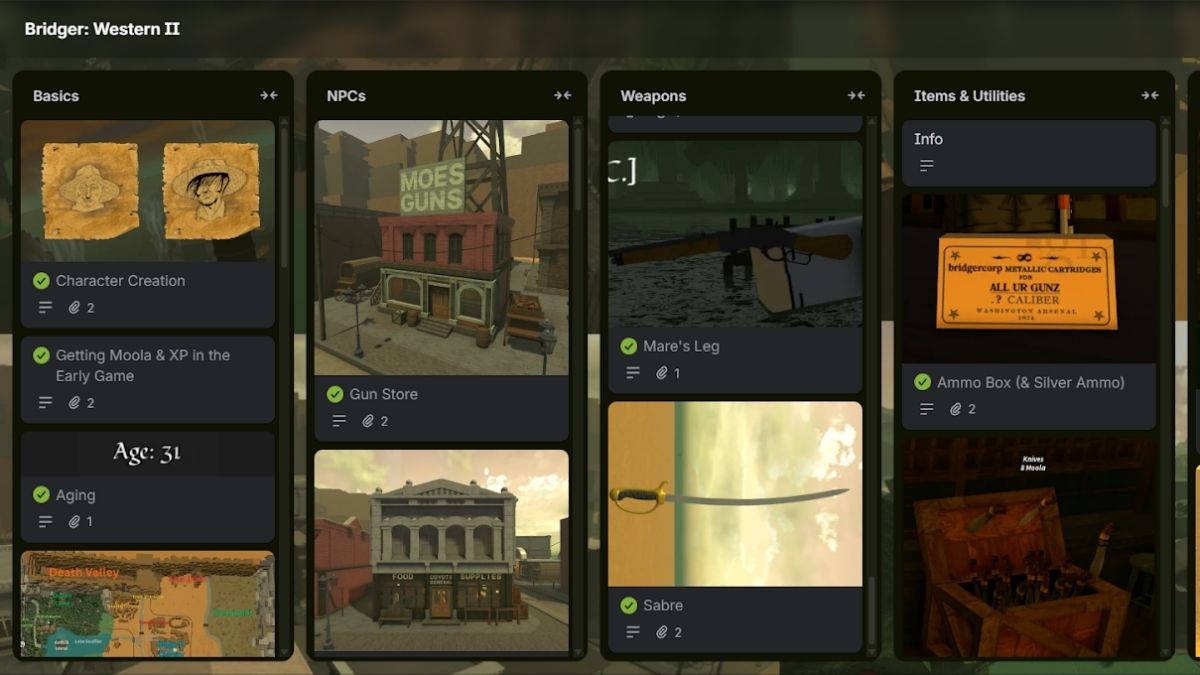
The Bridger Western Trello board works as a comprehensive information hub, giving you a deeper understanding of various game features like NPCs, weapons, items, utilities, stands, and more.
Additionally, the board features detailed cards for each category, including NPCs, enemies, quests, and weapons, making it especially helpful for those who are new and trying to learn how the game works.
How to Use Bridger Western Trello
Surfing through the Bridger Western Trello board is simple since it doesn’t require any sign-in. The board is neatly organized into sections covering stands, weapons, enemies, NPCs, and other key features. Each section provides detailed insights, helping you gain a better understanding of the game.
To explore further, just click on any card to expand it and view more details. It’s also a good idea to check different sections regularly so you don’t miss out on newly added content. Overall, the Trello board is a valuable resource, particularly for beginners getting started with Bridger Western.
What is the Bridger Western Wiki?
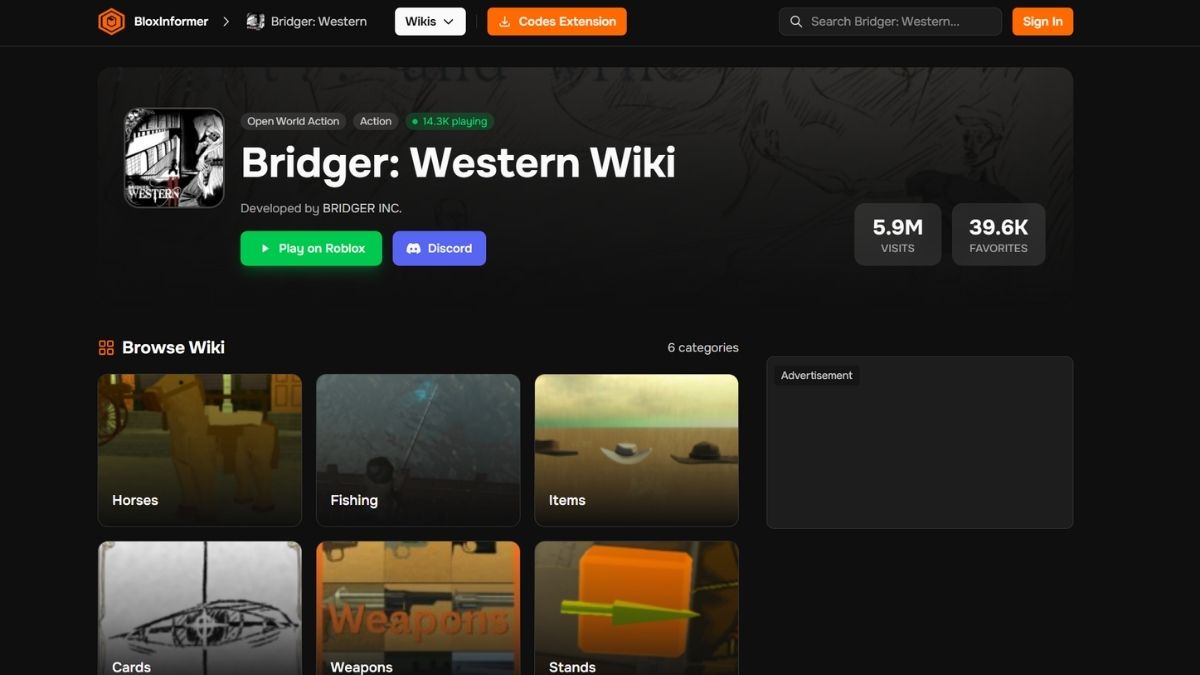
At the moment, Bridger Western does a complete Wiki by Blox Informer. You can find detailed information on all the various components of the game, like Horses, Stands, and much more. There are dedicated pages for each of these, along with the attributes and stats you need to know.
Apart from this, you can also find information about the developers, links to their official profiles, game page, Discord, and much more on the Wiki page. Even fundamentals like controls and keybinds can also be found on the Wiki.
How to Use Bridger Western Wiki
If you want to know more about any of the in-game stuff, like Cards, Horses, or Stands, and their attributes or how to get them, then the Wiki is the place to go. You will find dedicated sections on each of these topics, similar to the Columns on the Trello Board.
You can then navigate to said pages, and select exactly what you're looking for, then you will find a detailed description about the item or Stand, along with info on how to acquire it, how to use it, movesets, and much more. If you want more tips, you can check out our guides on Bridger Western.
Frequently Asked Questions (FAQs)
You can join the official Discord server, read the rules, and complete Bloxlink verification to unlock full access. It’s used for updates, support, and community interaction.
The Trello board provides detailed information about game features like NPCs, weapons, enemies, quests, and stands to help players understand the game better.
No, the Trello board is public and does not require any login. You can simply browse and click on cards to view detailed information.
Yes, there is a detailed Wiki for Bridger Western by Blox Informer. Apart from this, the Discord server is also a reliable source for learning about the game and staying updated.
For more on Bridger Western Roblox, check out Sailor Piece Discord Link and Trello or Official Goalbound Trello Link and Discord on Pro Game Guides!
 Sudhanyo Chatterjee has nearly six years of writing experience, with four focused on the gaming industry. He specializes in RPGs, strategy games, and mobile game guides. His favorite titles include the Diablo series and strategy staples like Total War and Age of Empires.