


You can earn Coins in My Little Pony Card Opening by:
- Making Postcards.
- Playing the Pony Pairs mini-game.
- Selling your Cards.
- Completing Quests.
- Claiming Daily Gifts.
- Redeeming My Little Pony Card Opening Codes.
Whether you want to buy cute decor items for your desk or get every pack available, you’ll need Coins. Luckily, there are plenty of ways to earn Coins in My Little Pony Card, and we’ve listed all of them in this guide.
How to Earn Coins in My Little Pony Card Opening
There are six different ways you can earn Coins in My Little Pony Card Opening, including playing mini-games and redeeming My Little Pony Card Opening Codes. Read on to learn more about all the methods.
1. Making Postcards
At your desk, click on the postcard on the left of your collection book. Drag stickers from the sticker sheet and place them on the postcard one after the other. After placing all the stickers, click on the postcard again to stamp it and send it.
Each postcard gives a random amount of coins. Perfectly place each sticker to start combos and earn more coins.
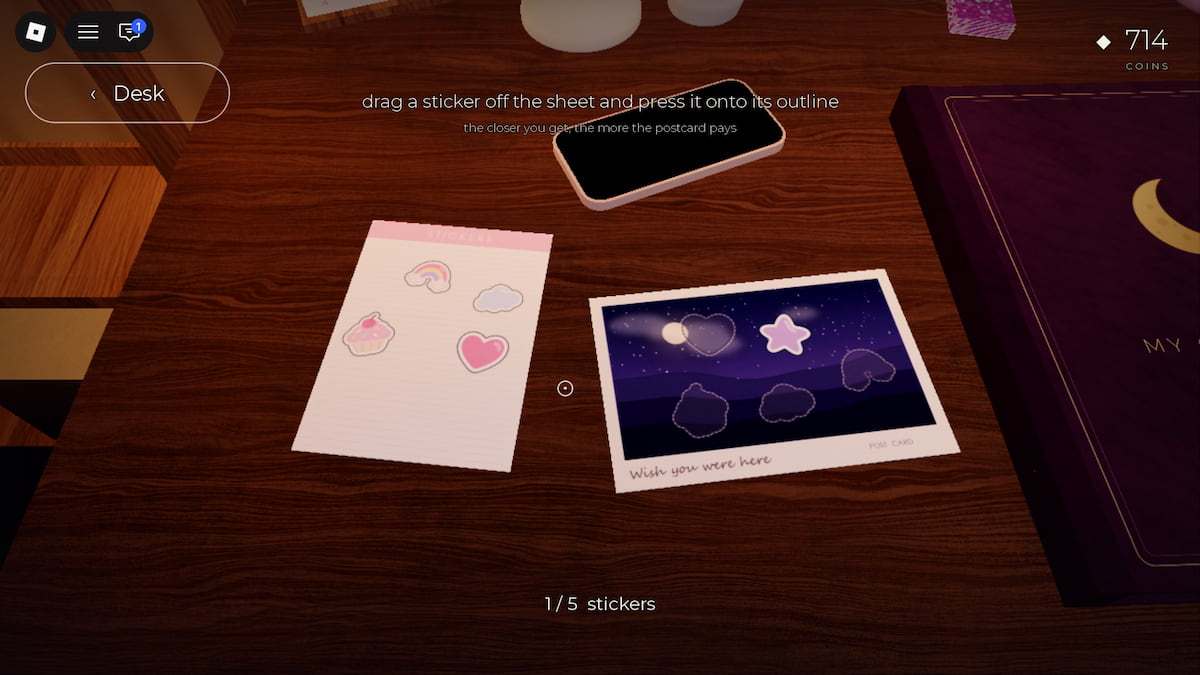
Pro Tip: Join the Pony Card Club Roblox Community to get a +10% Coin Boost from every postcard you complete and post.
2. Pony Pairs Mini-Game
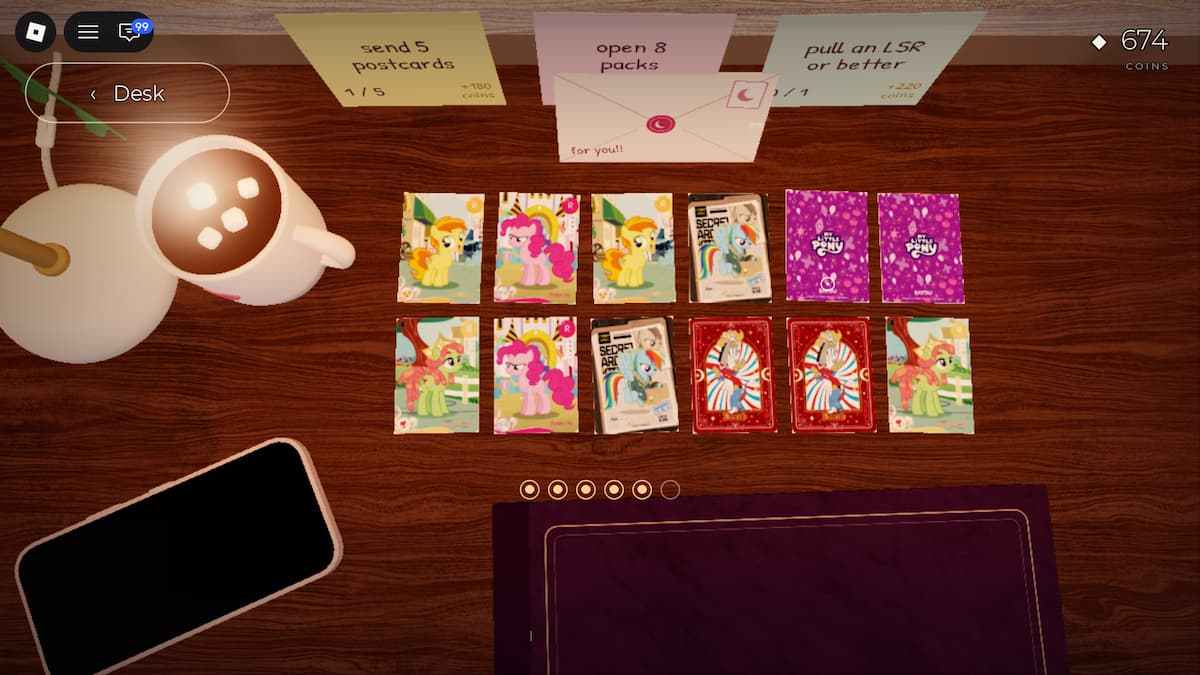
Just above the My Collection book, you’ll see a deck of cards. Click on it to start a Pony Pairs mini-game. It is a memory game where you have to match two of the same cards from the deck. For each pair you find, you’ll earn a random amount of coins. Complete the full stack to earn the mega prize.
There’s no cooldown, and you can keep playing this mini-game for as long as you want.
3. Sell Your Cards
Requirement: Must have opened at least 50 Packs.
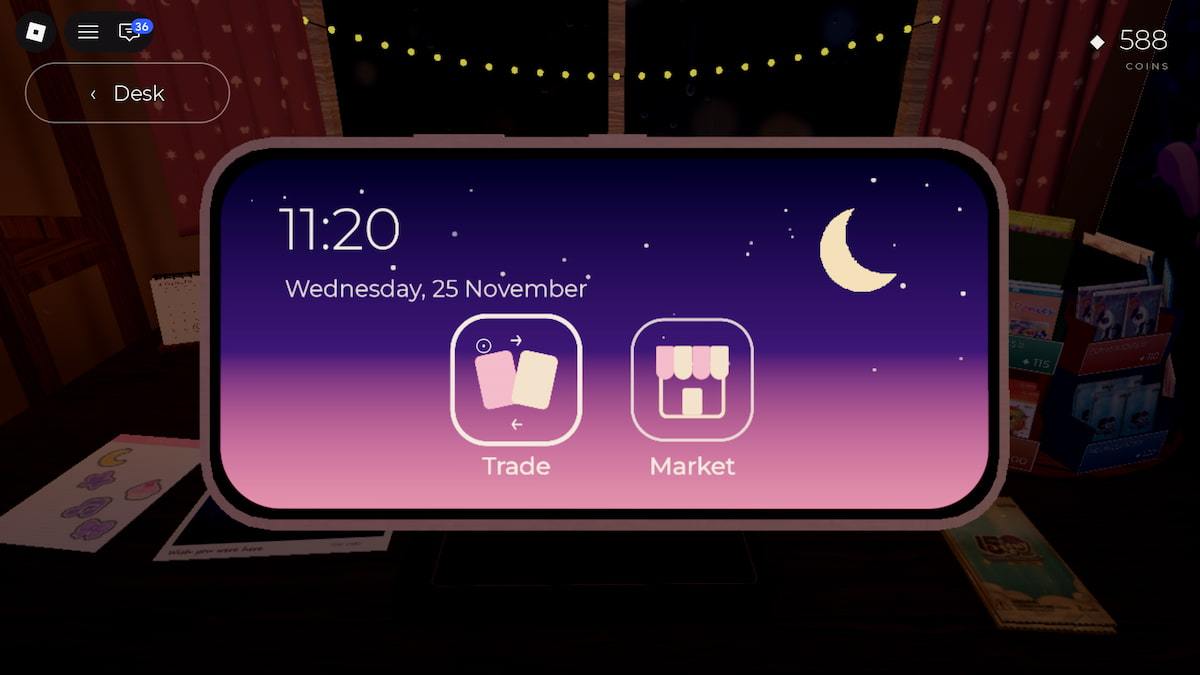
After you’ve opened 50 packs in My Little Pony Card Opening, you can sell duplicate cards in the market. To do that, click on the mobile phone, then open the Market. Switch to the Sell tab and put up the cards you don’t want for sale.
Players who want that card can buy it using coins. The Market works even if you’re offline. If a card gets sold, the Market keeps 5% of the total sale value.
4. Complete Quests
You’ll see three different Post-it notes just above the Pony Pair mini-game. These are quests related to different in-game tasks (sending a certain amount of postcards, opening a certain number of packs). Complete these tasks, and you’ll earn different amounts of Coins (harder quests give more coins).
Anytime you complete a quest, the reward gets transferred to your inventory automatically. No manual claiming required.
5. Daily Gifts
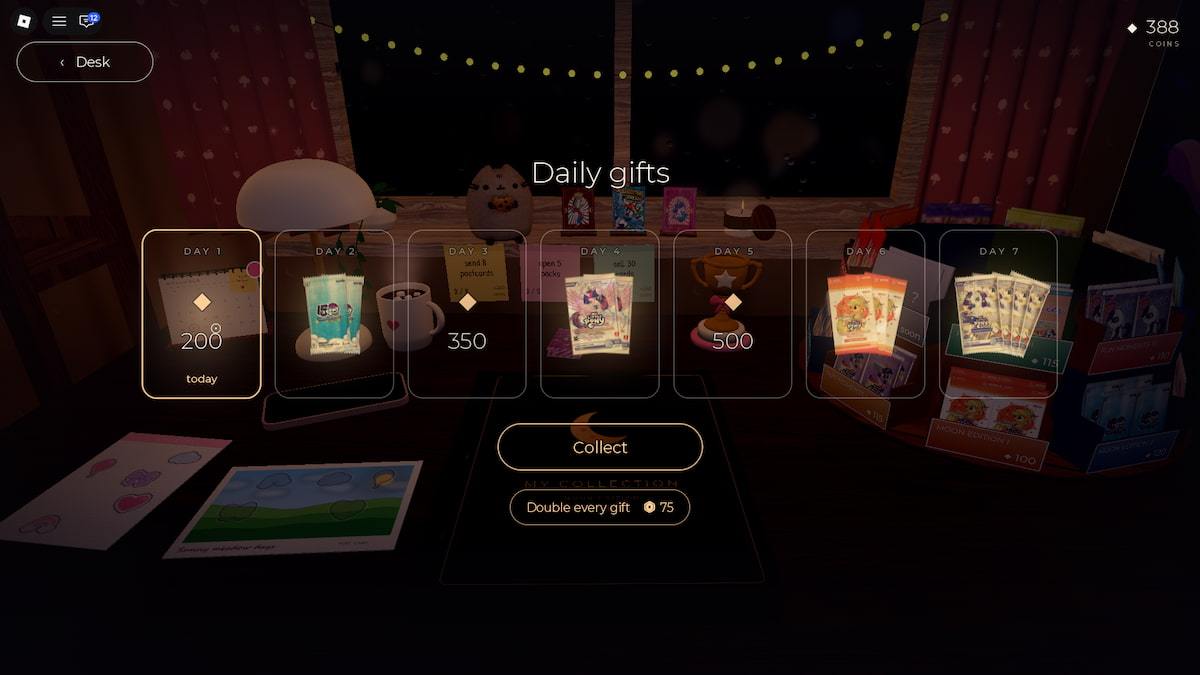
There’s a small calendar just by the lamp. Click on it to see and claim your Daily Gifts. You can claim one every 24 hours, and the calendar resets every week. The rewards include Coins and Packs.
Apart from these F2P methods, you can also buy Coins using Robux. To do that, click on the ‘+’ sign next to your coins in the top-right corner of the screen and choose what bundle you want to buy. You should also join the Pony Card Club Roblox Community to earn 300 Coins for free.


