


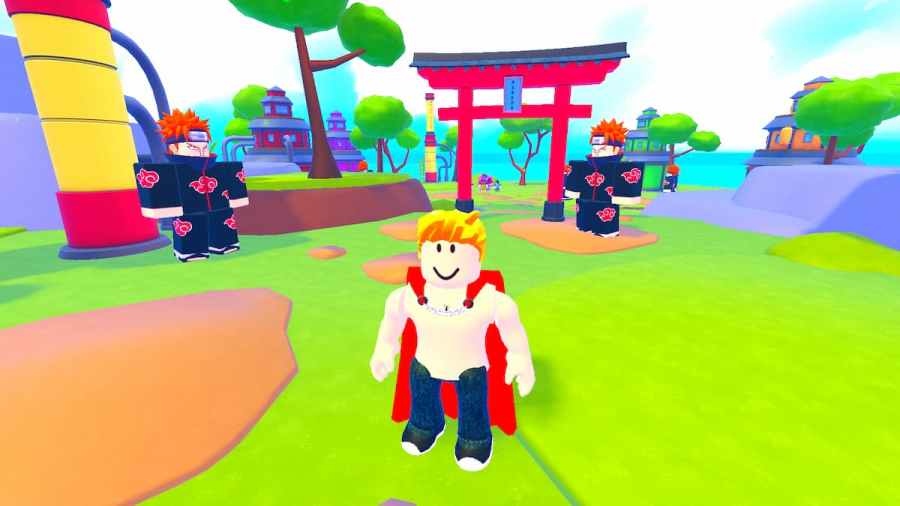
Sometimes, it's nice to enjoy a no-stress action game, especially if it's inspired by anime. One of them is Anime Power, and it packs everything you need from a clicker action game. To get the most out of it, be sure to use the Anime Power Trello link and Discord server to learn more.
- Anime Power Codes—Free Diamonds, Potions, and Crystals!
- Anime Power Trello Board—Everything you need about the game content.
- Anime Power Discord Server—Contact other players and developers.
- Anime Power Game Link—Start playing the game!
What is the Anime Power Trello Link?
Use the Anime Power Trello link (https://trello.com/b/7WrcMBSQ/anime-power) to learn more about all segments of the game so you can level up faster and have even more fun playing. Here you'll find out more about:
- Auras
- Accessories
- Abilities
- Swords
- Mounts
- Titles
- Worlds, etc.
How to use Anime Power Trello
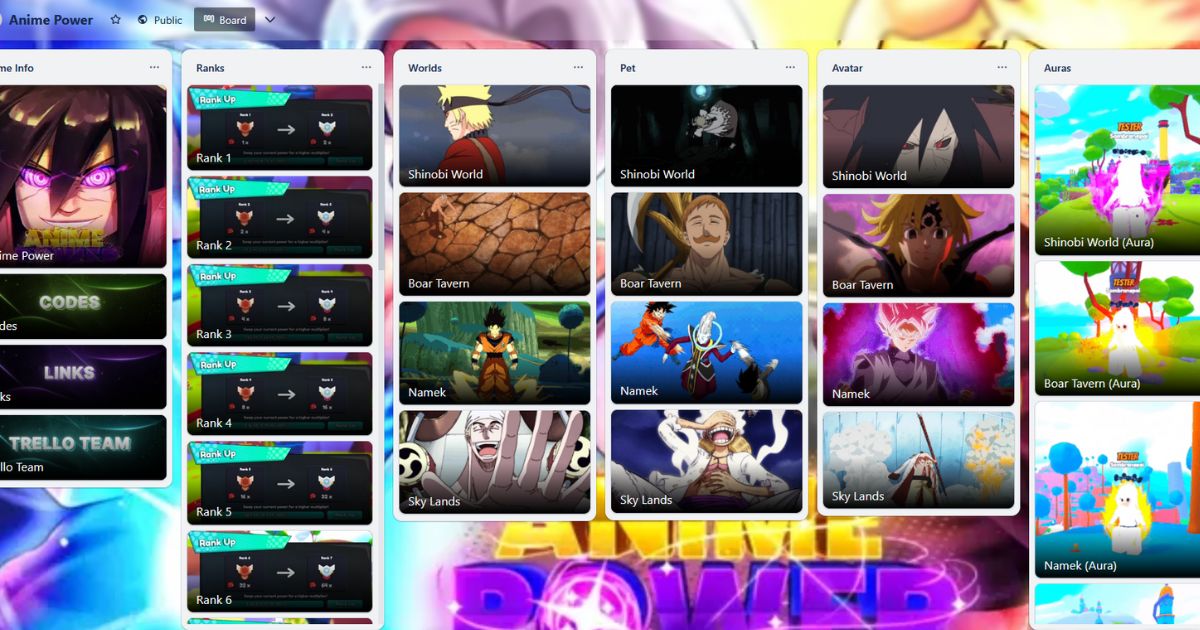
The Anime Trello board is easily accessible via a link, and that's everything you need to do to use it. You don't need a Trello account to use it, but you do need to know how to search for topics. The board has multiple columns with different topics, filled with cards.
The best way to filter your search is to press the F key button and type the topic you're looking for. For example, by typing "Shinobi," you'll easily find the Shinobi World card. When you wish to revert to all cards, just click on the "Clear all" option in the upper right corner.
What is the Anime Power Discord Link?
The Anime Power Discord link will take you to the server with multiple channels dedicated to different game topics. You should start your browsing with #announcements, as there you'll learn firsthand about the latest news. Next up is the #update-log channel with the list of all updates. The most interesting is #sneak, where developers post content development that has yet to be introduced in Anime Power.
How to use Anime Power Discord
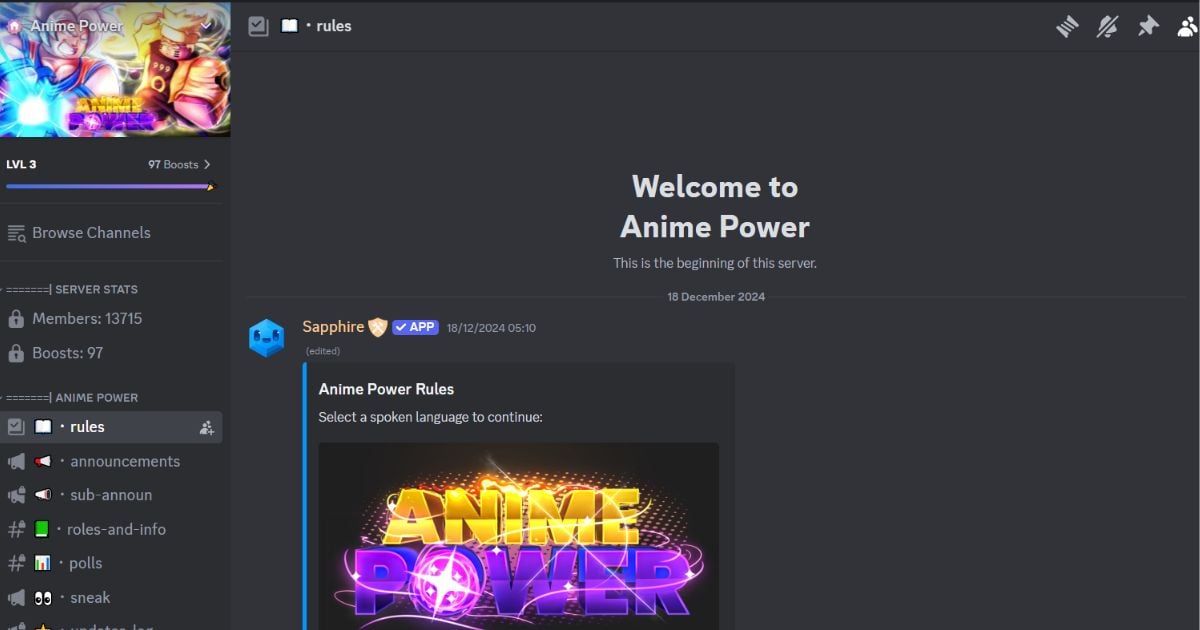
- Download the Discord app and create an account to access the Anime Power Discord server.
- Only after the verification process you'll be able to join all channels.
- The PC version is the way to go, as searching for content is easier.
- You can use the Discord app on your phone to chat with friends and avoid notifications on your PC while playing.
Want more Roblox guides? Check out Roblox Game Codes, and don't forget to subscribe to our PGG YouTube channel for the latest Roblox videos.


