


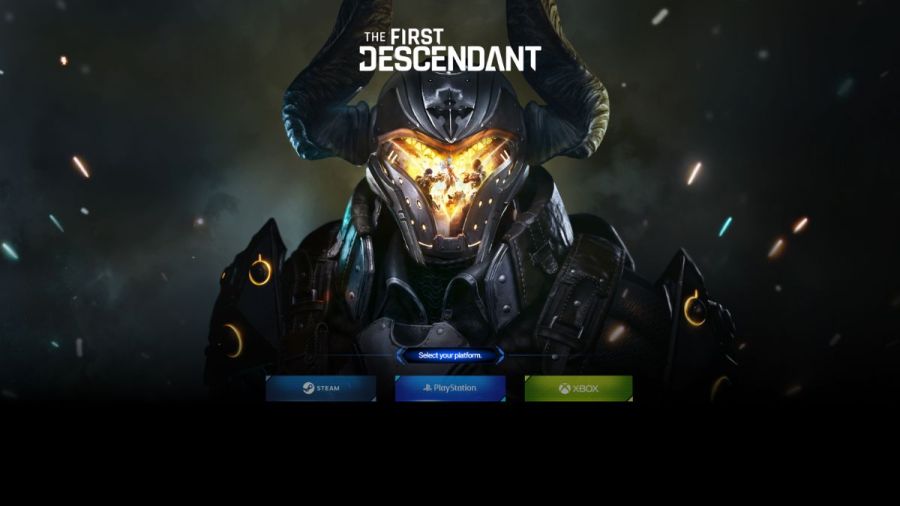
If it's your destiny to play Destiny-like games, you should definitely try The First Descendant, a free-to-play RPG shooter with a lot of similarities in its looter-shooter gameplay. Once, you've booted up the game, the next step is to link your Xbox, PlayStation, or Steam account for free rewards and cross-play.
How to link Xbox, PlayStation, and Steam accounts to Nexon - The First Descendant
You'll get additional rewards by linking your Xbox, Steam, or PlayStation account to the Nexon platform from The First Descendant developers. This will, among other things, allow you to get The First Descendant Twitch drops as a reward for watching streams (when they appear). Below, you'll learn how to connect your account to Nexon. If you have any issues, visit the First Descendant Discord server.
How to link a Steam account to Nexon - The First Descendant
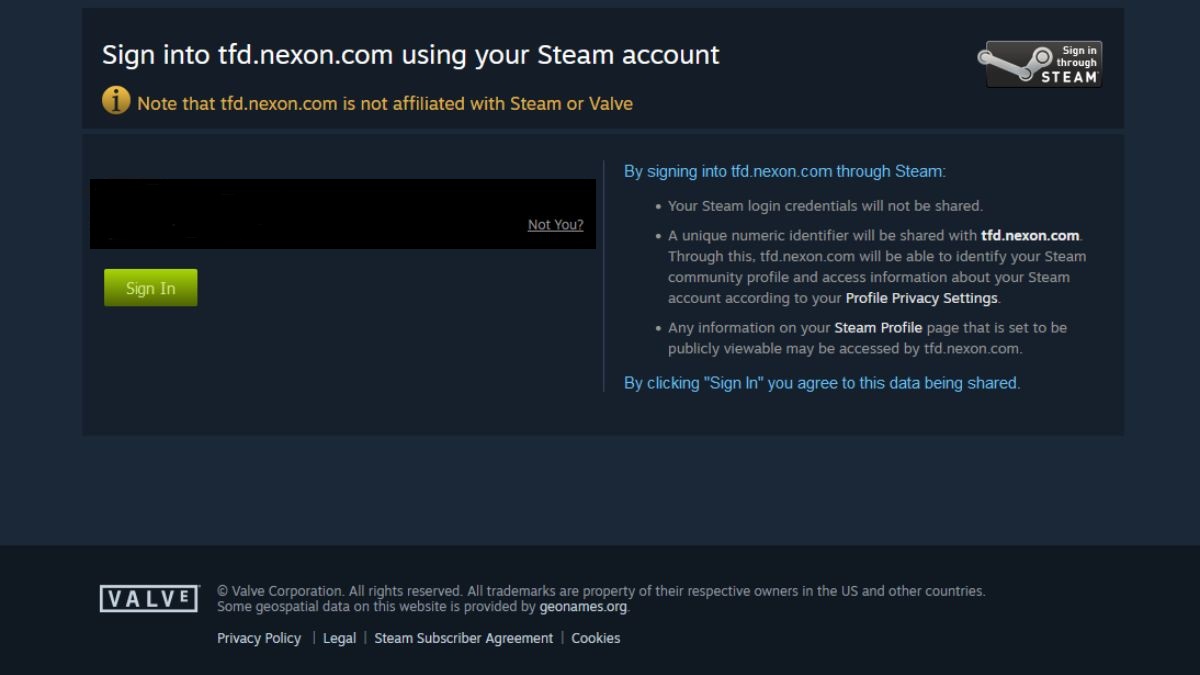
Follow the instructions below to link your Steam account to Nexon for The First Descendant.
- Download and install The First Descendant.
- Visit the official account linking page.
- Click on the Steam tab.
- Follow instructions, and if needed, check your email if the system asks for two-step verification.
How to link a PlayStation account to Nexon - The First Descendant
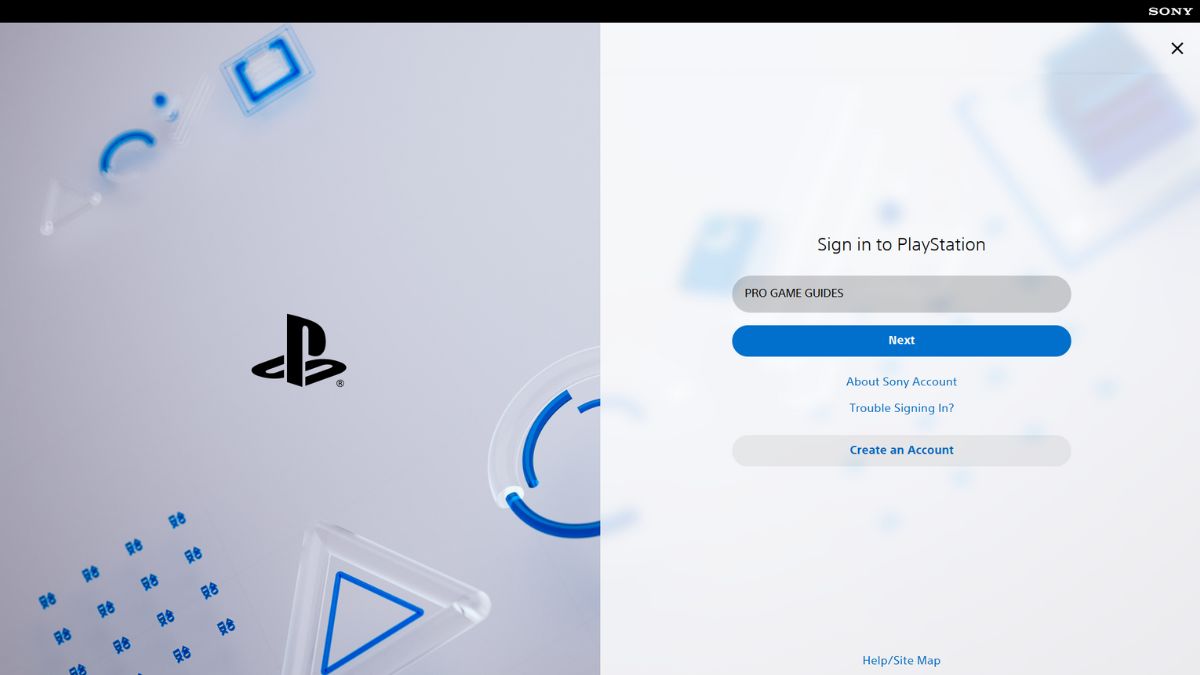
Follow the instructions below to link the PSN account to Nexon for The First Descendant.
- Download The First Descendant on your PS4 or PS5 console.
- Visit the official account connecting page.
- Select the PlayStation platform.
- Log into your PSN account.
- Confirm linking to complete the process.
How to link an Xbox account to Nexon - The First Descendant
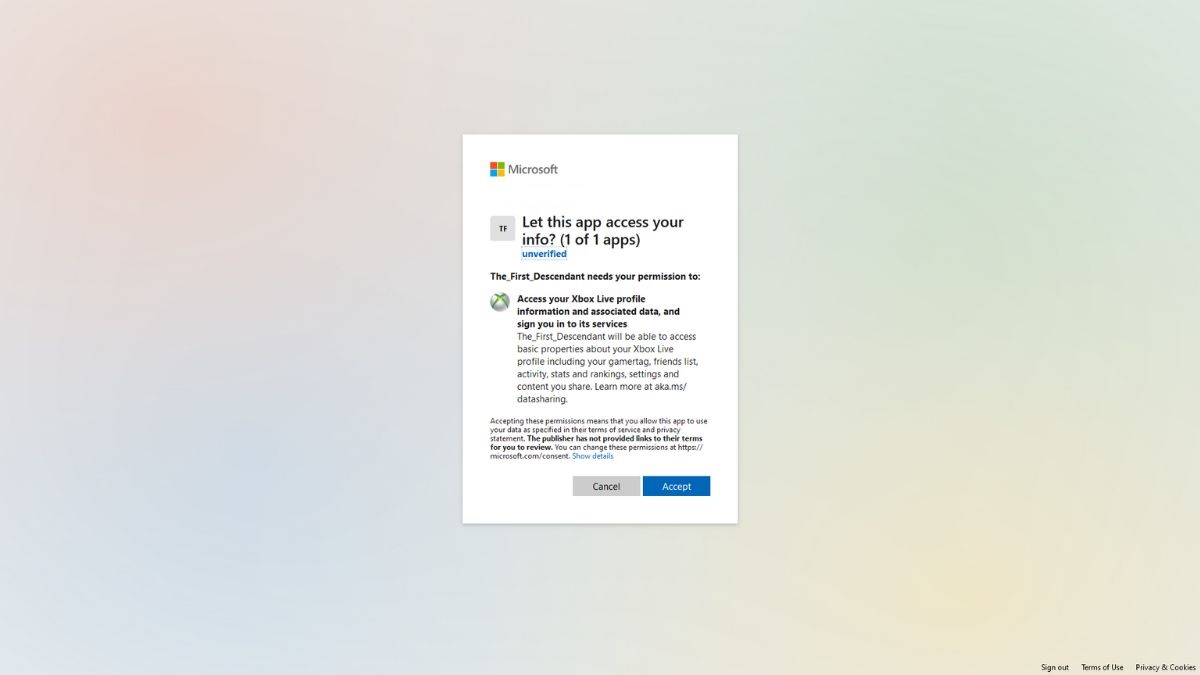
Follow the instructions below to link the Xbox account to Nexon for The First Descendant.
- Download the game on your Xbox console.
- Visit the Nexon account page.
- Click the Xbox tab.
- Log into your Microsoft account.
- Click the Accept button to complete the linking process.
For more information on The First Descendant, check out How to unlock all trophies in The First Descendant on Pro Game Guides.


