


Ghost of Shinobi is a new Ability inside Anime Apocalypse, and it offers skills such as Fire Breath, Astral Spin, Astral Slash, Tornado Twist and Ghost of Shinobi. The best of them deals 14400 damage, while the others deal around 2000. A new gamemode called Wave Defense has also arrived, where you have to protect your central base against waves of enemies that spawn from all four sides of the map.
A new ability has come to Anime Apocalypse! It is called the Ghost of Shinobi, and it is based on Madara from Naruto. Accordingly, you can expect some insane skills from him if you manage to obtain it. Additionally, we also have an alternative game mode called Wave Defense, in which you have to fight off waves of enemies while guarding your base. Keep reading this complete guide to find out more!
How to Unlock the Ghost of Shinobi in Anime Apocalypse
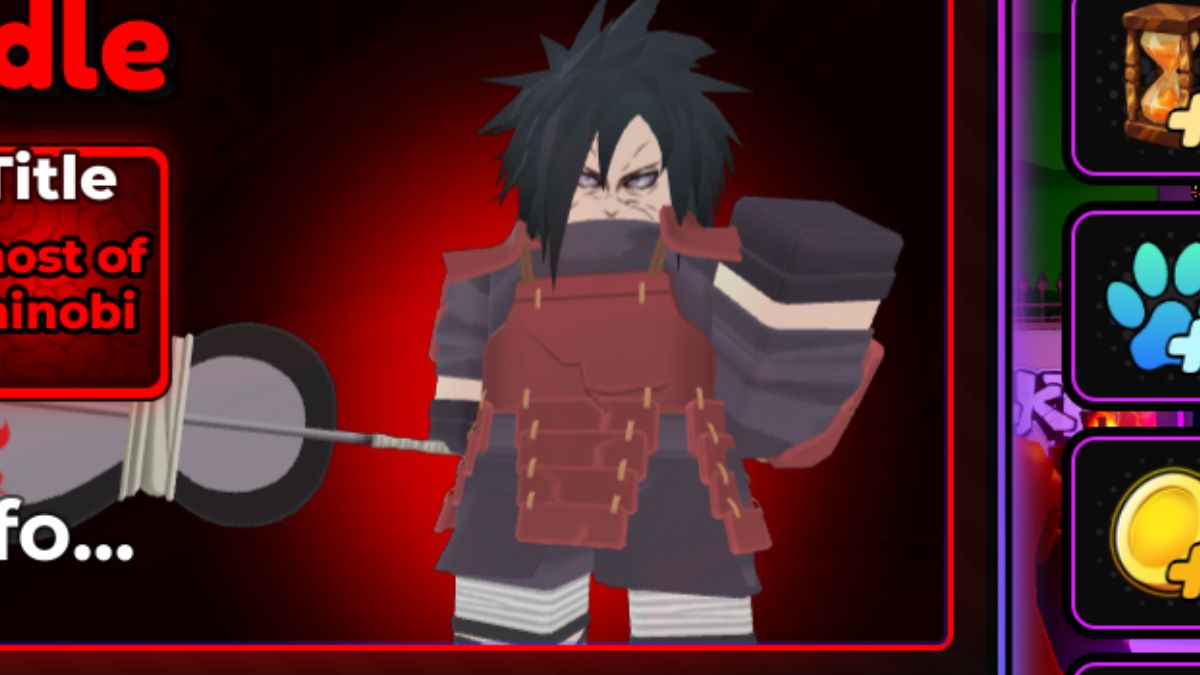
Ghost of Shinobi is an ability inside Anime Apocalypse. To unlock it, either press the E key or go to the purple Ability portal, the one where Goku is standing. Both of these actions will open up the Ability menu, where you will have to spend Ability Spins to get it. Since they are luck-based and the Ghost of Shinobi is in the rarest Majestic tier, you will likely have to accumulate a lot of spins to stand a chance of getting him.
Because the Ability Spins are a gacha system and the drop rates for the Ghost of Shinobi are only 0.05% and 0.5% for Regular Spins and Lucky Spins, respectively, you will have to keep spinning for quite a while in order to unlock this ability. Your Spin reserves are thus all but guaranteed to get depleted, so we thoroughly suggest that you utilize one of the methods listed below to acquire as many of them as possible:
- Leveling up the Season Pass. Simply play the game and as you level up, the same level will carry over to the Season Pass, allowing you to eventually redeem the Spins once you have reached the required level. You can find the Season Pass on the right side of your main game screen, represented by a red "Season 1" button.
- Redeeming the Daily rewards, which can also be found on the right side of the screen, under the yellow trophy button. Namely, the main ones you should be going for are the rewards for the 2nd, 5th, and 7th day of consecutive playing, as only they give the aforementioned Spins. All you have to do is log onto the game to be eligible for the reward, and make sure to actually do that, as skipping a day will reset your reward progress back to day 1.
- Redeeming the game's free codes, which can again be found on the right side of the screen under the purple "codes" button. Make sure to check out this guide to find out exactly what they are, as well as if any new ones get added subsequently.
What is the Best Skill that the Ghost of Shinobi has?
The best skill that the Ghost of Shinobi ability offers inside Anime Apocalypse is the appropriately named Ghost of Shinobi skill, which is activated by pressing the G button on your keyboard once the awakening bar fills up. Once activated, it summons a huge meteor that deals a monstrous 14400 damage to all enemies caught in its huge radius.
The other abilities included in the Ghost of Shinobi's kit are:
- Fire Breath (Z skill): Spits fire in front of the player, damaging all enemies up to a moderate distance away. Deals about 2300 damage with a short 6-second cooldown, so make sure to spam it as much as possible to burn away your enemies quickly.
- Astral Spin (X skill): Performs a fast spin that damages all enemies around you for about 2600 points. Moderate cooldown of 10 seconds means that you will be able to dispatch large numbers of enemies.
- Astral Slash (C skill): Summons a Susanoo that delivers a single hit for 2300 damage. However, its long 14-second cooldown sadly means you won't get to use it often.
- Tornado Twist (V skill): This one is a Mastery skill, so you will have to play for quite a while to unlock it. Once you do, activating it will produce a forward-facing tornado that deals about 1800 damage to enemies at close and medium range. However, be wary of its 20-second cooldown.
How to Play the Wave Defense Mode in Anime Apocalypse?
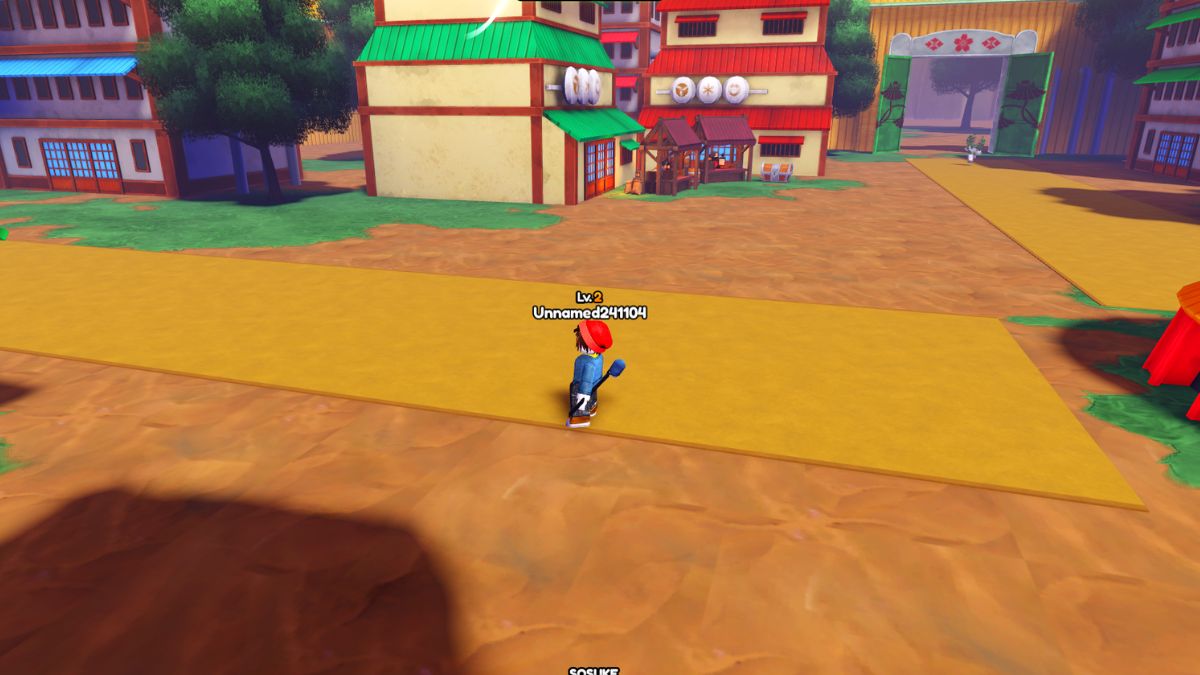
To play the Wave Defense mode in Anime Apocalypse, simply go to the portals where you would normally start a game, but instead of the usual Survival game, make sure to select the Wave Defense mode under the Game Modes tab. Once inside, waves of enemies will start spawning along the four orange pathways, and they will be trying to attack your base, which is in the middle of the map. Your goal is to prevent them from doing that and keep defending it for as long as possible.
This game mode is best enjoyed with several players, ideally 4, as each of you can focus on holding a single lane. Keep in mind that there are no options to increase the difficulty of this gamemode, which should not be too much of a problem since it naturally gets harder the more waves you manage to survive.
To find out more about Anime Apocalypse, check out All Anime Apocalypse Titles – Buffs & How to Unlock.


