


The Haze Seas Trello has all the information you need about the game’s various mechanics like: Swords, Fighting Styles, Devil Fruits, Races, Accessories, and more. You can also learn about the various islands in Haze Seas. You can check it out as well as the rest of social media links here:
Whether you want to learn about the various features and mechanics of Haze Seas or join the community to join crews and get in touch with other Haze Seas players, you’ll need the official Haze Seas Trello, Wiki, and Discord links. And that’s exactly what we’ve collected and listed for you in this guide.
What is the Haze Seas Trello Link
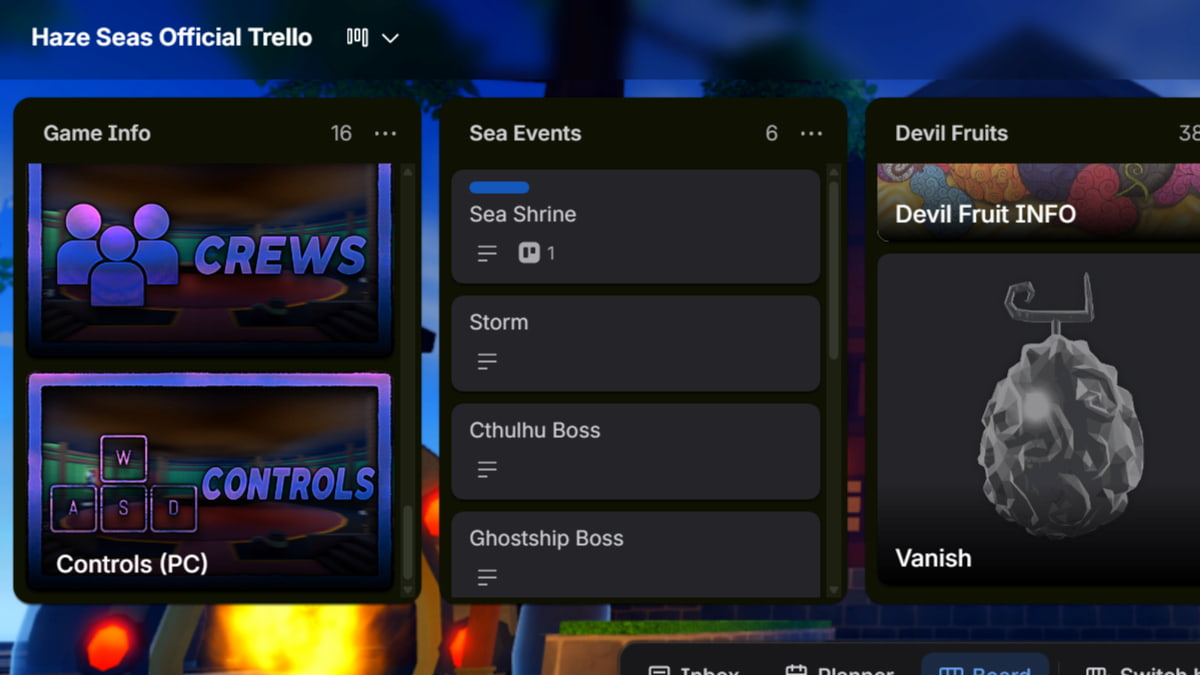
You can check out the official Haze Seas Trello using the link shared below:
Once the page loads, you’ll see the Trello board full of different columns. Each column represents a certain feature/mechanic of the game and provides detailed information about it.
The very first column on the Haze Seas Trello is the Game Info column. This is a must-read for all players because it shares the official Discord server link, lists all the latest Haze Seas Codes, shows all the Controls, and explains all major systems of the game, including the Chest System, Mastery System, Bounty System, and more.
Related: Haze Seas Tier List
The Sea Events tab shows all the Sea Events that can spawn across all three seas in Haze Seas. Devil Fruits, Swords, and Fighting Styles also have their separate columns. Study these to choose the best option for your playstyle.
The Races column is another important one to study. This will help you understand the various Races so you know exactly which one to use.
You’ll also find all the information on the important NPCs, Bosses, and major locations on Haze Seas.
What is the Haze Seas Wiki Link
There is no official wiki for Haza Seas, right now. However, you can use the community wiki page to find information on Haze Seas. Use the link below to access the community wiki for Haze Seas:
What is the Haze Seas Discord Link
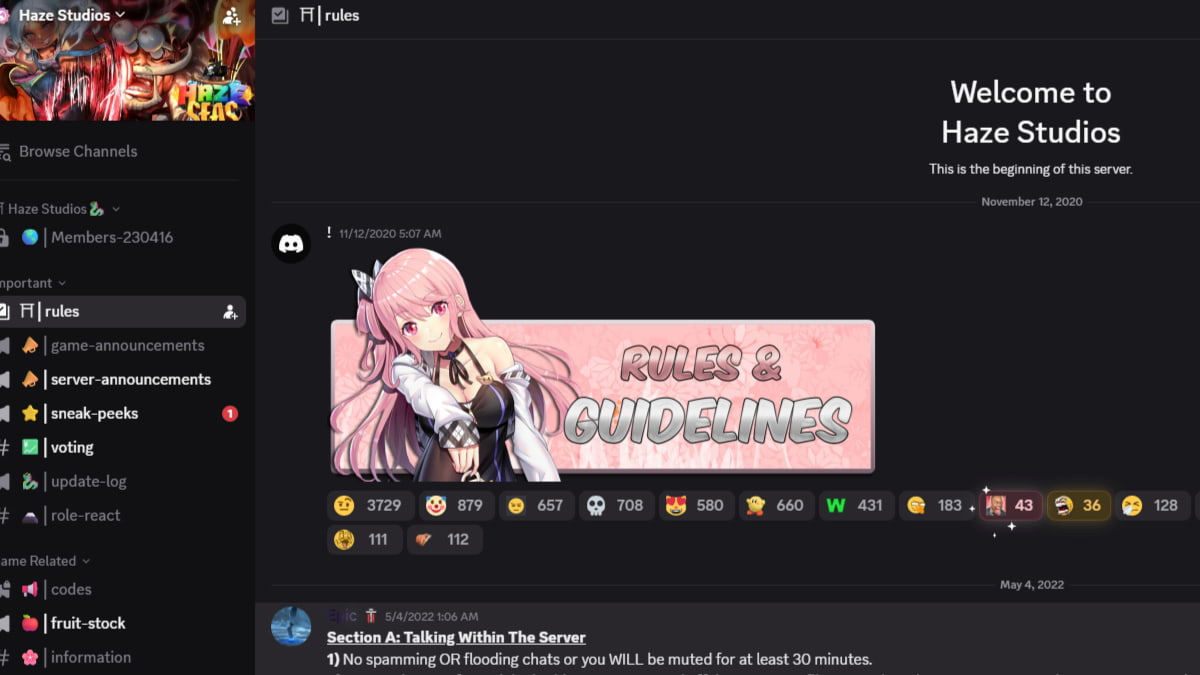
You can join the official Haze Seas server using the invite link shared below:
As soon as you click on the link above and accept the Discord prompt, you’ll gain access to all channels of the Haze Studios Discord server. In here, you can see various channels used for different purposes.
The #game-announcement channel is where you’ll find all the latest announcements about the state of the game. This includes any upcoming updates, any hotfixes applied, or communications from the developers in case the game goes into maintenance.
You can track the Devil Fruit stocks in the #fruit-stock channel. The latest Haze Seas Codes are usually shared first in the #codes channel.
If you just want to chat or ask questions about the game, use the #general and the #discussion-and-questions channels, respectively. The #bug-reports channel is where you can report any bugs/glitches that you find in the game.
Other Important Haze Seas Links
Below are a few other important Haze Seas links that you need to know about:
- Haze Seas Game Link - The link to the official game page of Haze Seas. Just click on it to start playing.
- Haze Studios Roblox Group - The official Roblox community page of Haze Studios
- Haze Seas Ban Appeals Discord Server - A dedicated Discord server made for players to appeal Haze Seas bans.
- Haze Studios YouTube - See the latest showcases for Haze Seas.
- Haze Seas X/Twitter - Follow for the latest news, showcases, and codes.
And that’s all the Haze Seas links that you need to know about, including the Haze Seas Trello, Discord, YouTube, and more. Hopefully, these will help you get the information you are after and master Haze Seas.
While you’re here, make sure you check out our Roblox section, which is filled with the latest codes and helpful guides for all the top Roblox games, including Haze Seas Codes, Haze Seas Accessories, & more.


