How to Get the Hunt Mega Token in Regretevator

If you aren't satisfied with just getting the Regular Badge Token, we are here to help. Check out our guide to get the Hunt Mega Token in Regretevator as soon as possible without dying (though you might die a little if you are unlucky).

Recommended Videos

How to Start the Hunt Mega Token Quest in Regretevator

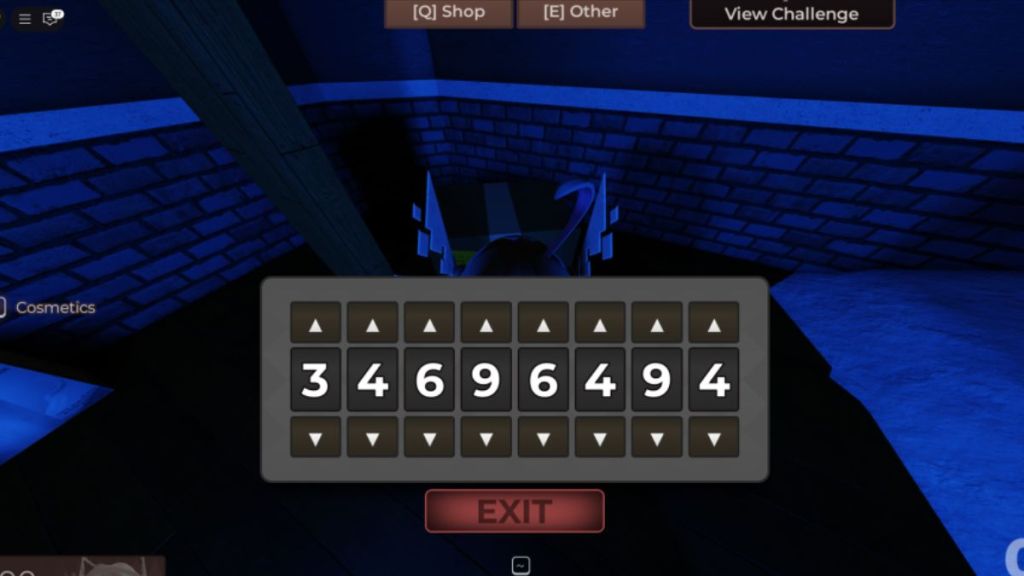
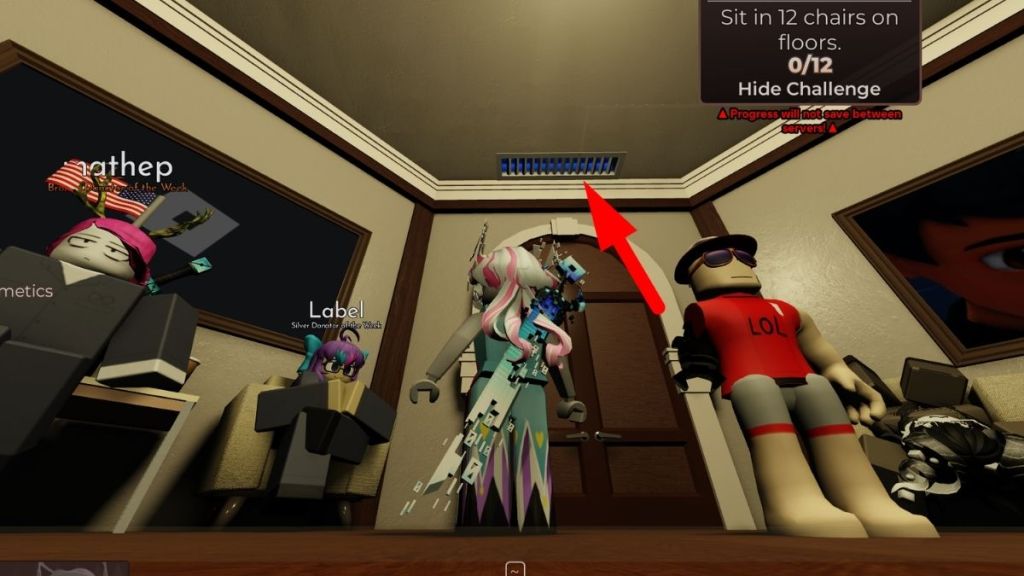
To start the Hunt Mega Token Quest in Regretevator, get the other Mega Tokens first, then go into the Lobby. Look behind the TV and you'll see a little white button. Press it to officially start the quest. There is a blue vent above the spawn door. You can go up it and you'll see a locked box. We need to find a code for it.
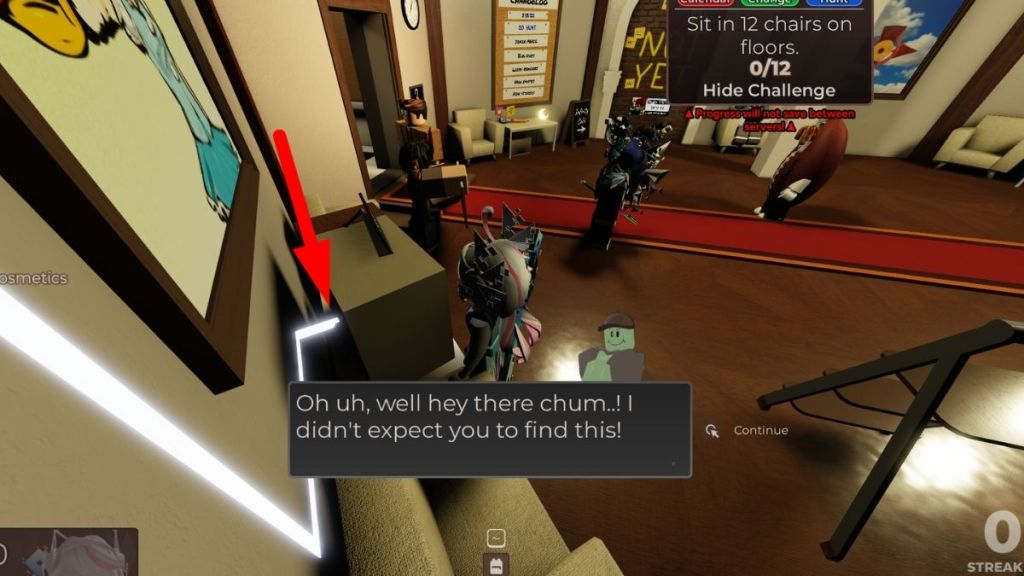
  • Regretevator Tv Button in Mega Hunt
  • Regretevator secret vent

How to Complete the Regretavator Mega Token Quest in Hunt Mega Edition

Head back down and into the elevator to start exploring rooms since you need to find four Mysterious Notes. They glow a pretty bright blue light, so you should be able to see them relatively easily. The Notes spawn on every room, you just need to have luck to find it before the time runs out (or you get killed by something).
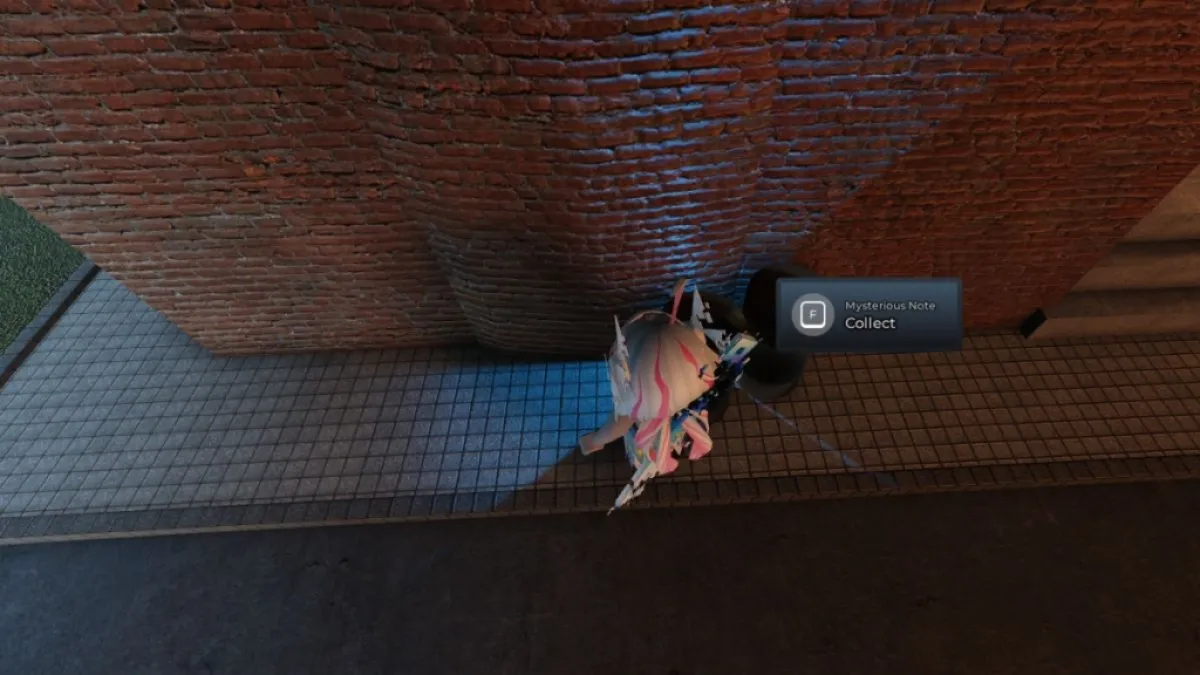
Regretevator mYSTERIOUS nOTE
Screenshot by Pro Game Guides

Once you have all four notes, go back to the lobby where you will see the corkscrew board. The four notes are pinned as well as four pieces of paper which tell you that you need to find Floppies. Luckily, they are all in the lobby so you don't risk dying.
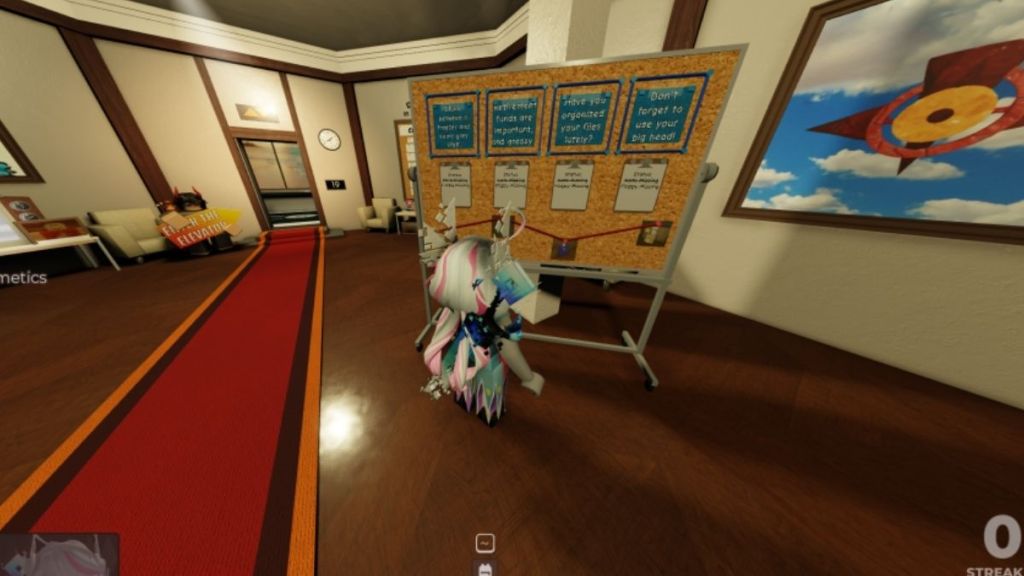
  • Board in Regretevator
  • Floppy disk in Regretevator
  • Floppy disk in Regretevator
  • Floppy disk in Regretevator
  • Floppy disk in Regretevator

All Floppy Locations in Regretevator

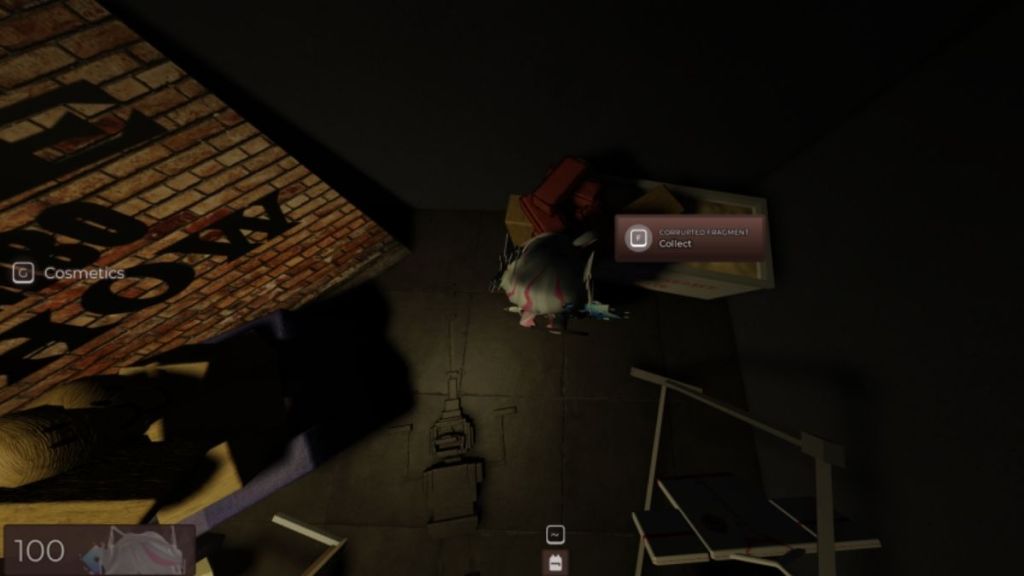
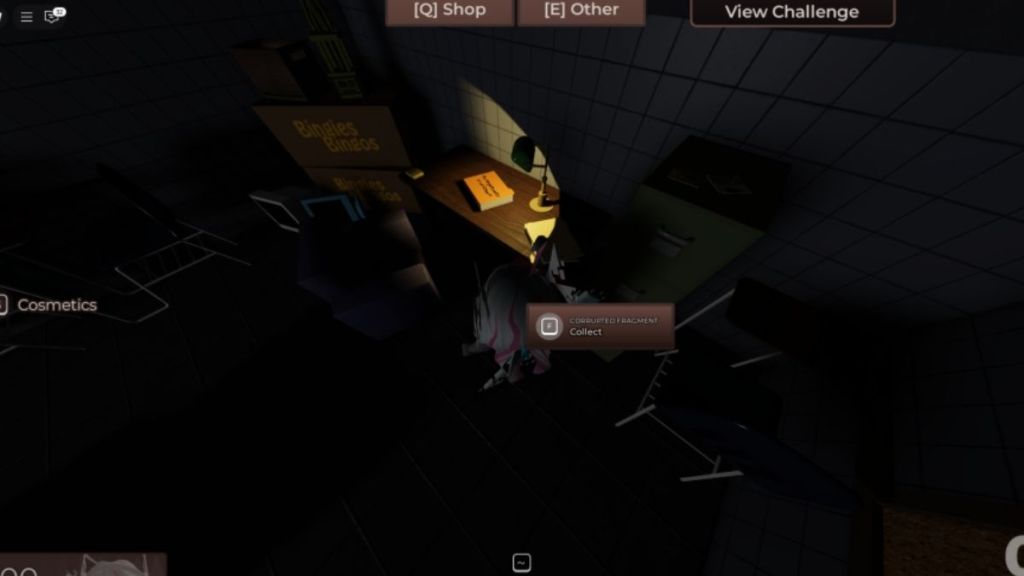
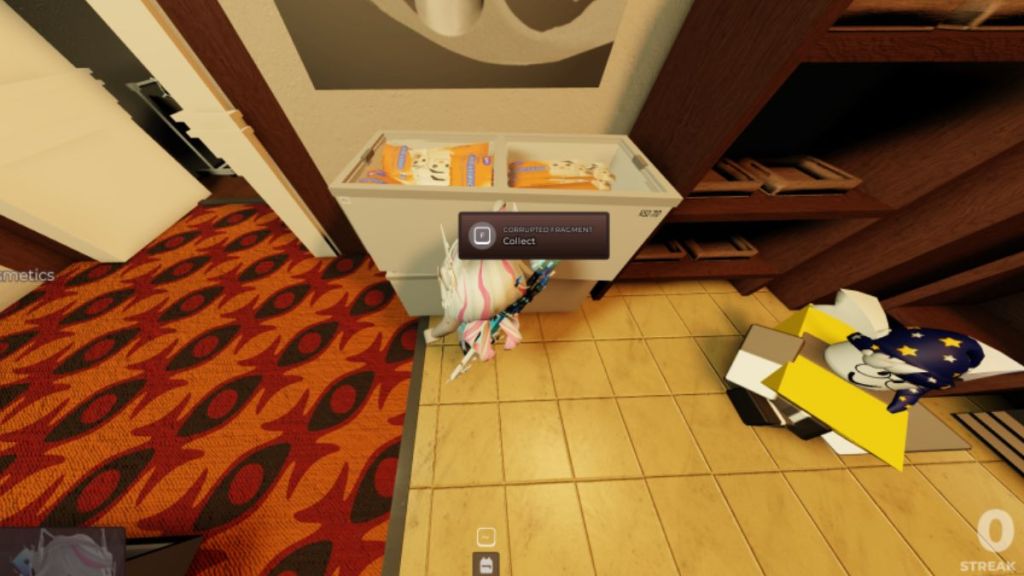
  • Floppy 1 - Go to the shop and look behind the freezer
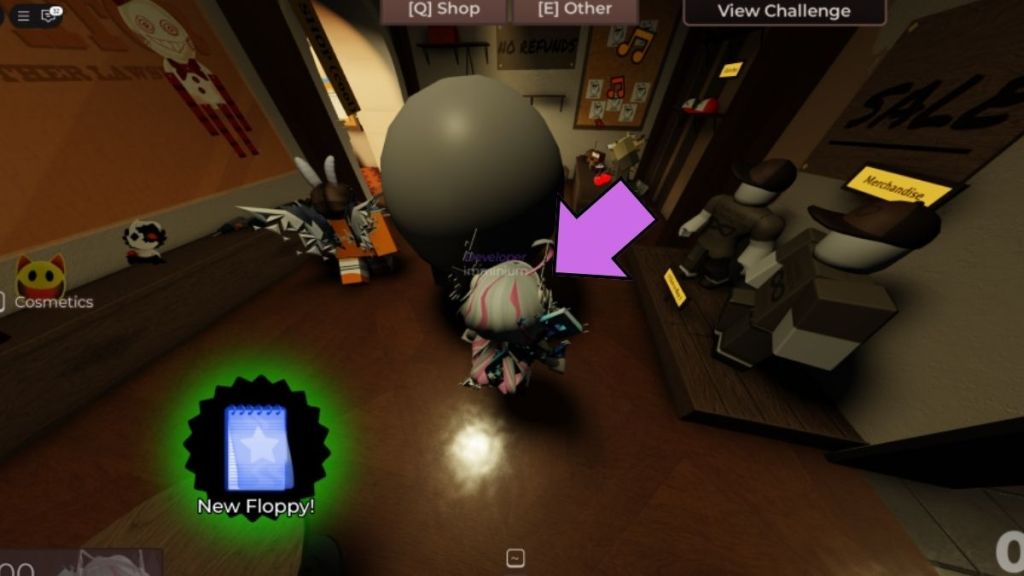
  • Floppy 2 - Big gray sphere head in the lobby
  • Floppy 3 - In the basement file cabinet
  • Floppy 3 - In the basement next to the retirement funds are grease box
  • Floppy disk in Regretevator
  • Floppy disk in Regretevator
  • Code in Regretevator

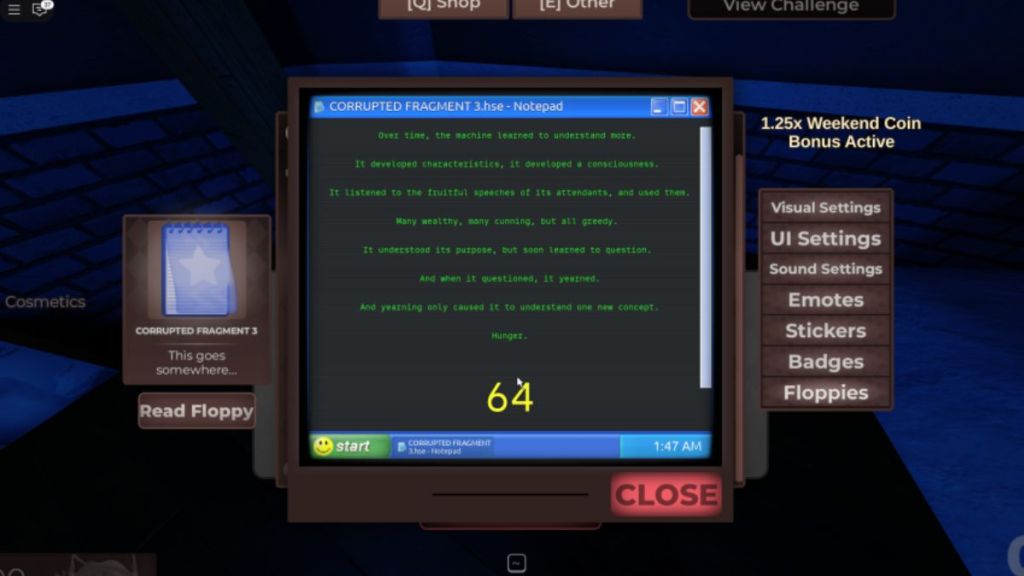
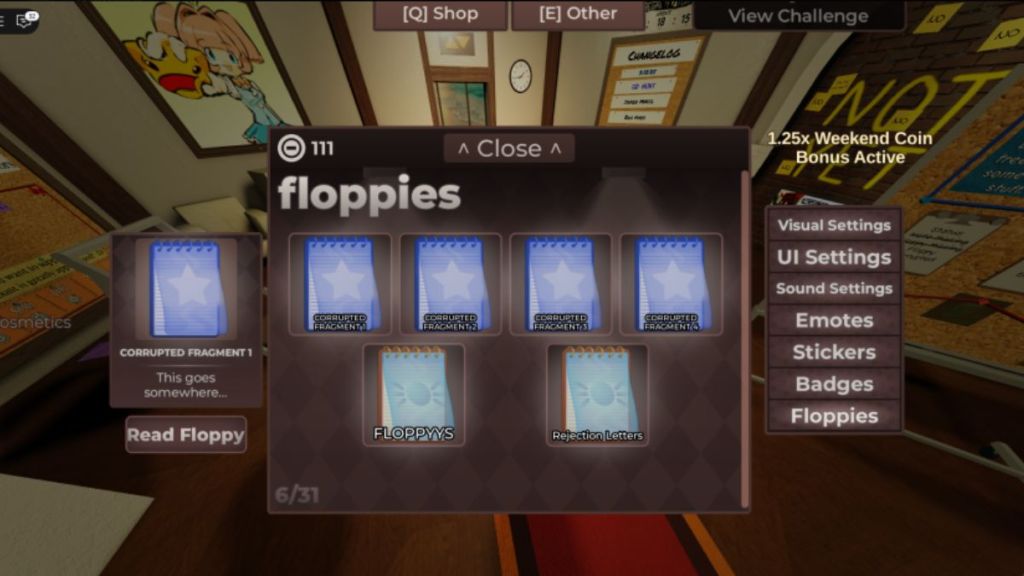
When you have all Floppies, you need to decrypt them:

  • Open your Other Menu
  • Go to the Floppies TAB
  • Read the Floppy
  • Press Start, then play one of the four mini games to encrypt it.

When all of the Floppies are decrypted, you can go back up the Vent and to the box. Open the menu and go back to the Floppies tab. Read each one for a two digit number which you will combine into a code. Use it and you'll get the Regretevator Mega Token.

For more on The Hunt Mega Edition Roblox, check out The Hunt Mega Edition Infection Gunfight Event Guide or The Hunt Mega Edition Eat the World Event Guide on Pro Game Guides!

Get Roblox codes and news as soon as we add it by following our PGG Roblox Twitter account!

About the Author

Hristina Matic assigning editor Pro Game Guides

Hristina Matić

Assigning Editor

Hristina Matić is the Assigning Editor at Pro Game Guides, responsible for editorial oversight and content quality across the publication. She holds a Master's degree in English Language, Literature and Culture from the University of Belgrade and has built her foundation in content and editorial work across gaming media before joining PGG, where she has grown into a senior editorial role. A horror specialist first and foremost, Hristina has put hundreds of hours into Dead by Daylight, Outlast, The Last of Us, and Until Dawn, games she returns to repeatedly and knows at a level most guides writers don't. That depth of genre knowledge translates directly to her Roblox coverage, where she focuses on the platform's expanding horror and survival scene: titles like 99 Nights in the Forest, Hunty Zombies, and Paradox (DOORS). She also covers multiplayer action titles including Marvel Rivals, R.E.P.O., and PEAK.

Topics covered: Roblox TDs, Horror Games, Dead by Daylight, Multiplayer Games, Marvel Rivals

Find Hristina Matić on: Twitter

Forgot password
Enter the email address you used when you joined and we'll send you instructions to reset your password.
If you used Apple or Google to create your account, this process will create a password for your existing account.
This site is protected by reCAPTCHA and the Google Privacy Policy and Terms of Service apply.
Reset password instructions sent. If you have an account with us, you will receive an email within a few minutes.
Something went wrong. Try again or contact support if the problem persists.