As you progress through the Destiny 2: The Witch Queen campaign, you will encounter a mission called Trust Goes Both Ways. This mission will trigger after you’ve met with Fynch, a friendly Hive ghost. This quest has five steps to it and here’s how you complete it. Step 1 The first step of this mission […]
Deepsight is a brand new ability that you will acquire while playing Destiny 2: The Witch Queen. This ability allows you to see things that existed in the past, including the memory of weapons. You will come across this ability by playing through the first few missions in The Witch Queen campaign. Related: How to […]
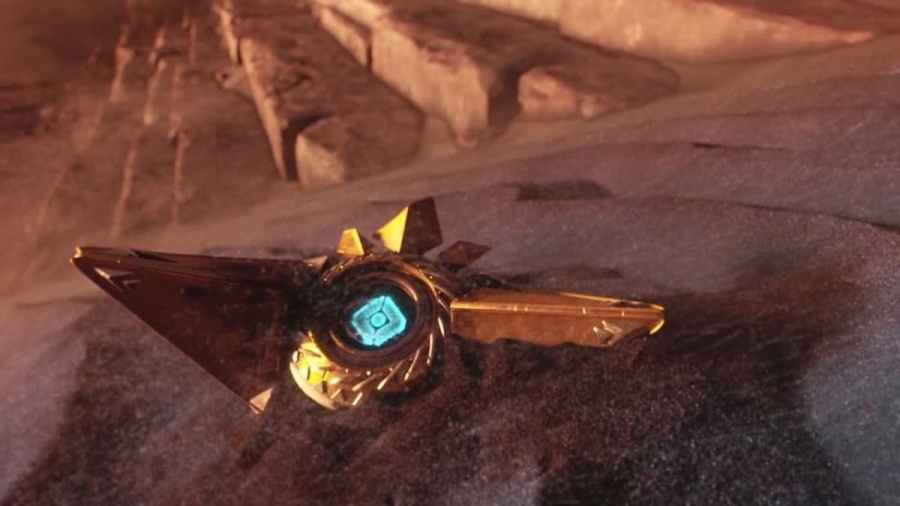
Sagira is Osiris’ ghost in Destiny 2: The Witch Queen. Osiris lost Sagira a while back and is currently one of the very few Guardians who is ghost-less. Sagira first appeared way back in Destiny 1 and on many occasions, has worked with the Guardian and their Ghost. Needless to say, Ghost wasn’t happy and […]
While playing Destiny 2, there is a chance that you may come across the Error Code: Plum. This error code pops up if the BattlEye Launcher detects some software that violates Bungie’s Terms of Service. What this means is that the BattlEye Launcher has detected some cheat software on your system. In situations where you […]
The Lucent Hive are a new breed of enemies that you will face in Destiny 2. These enemies usually have light-bearer like shields, but not to the extent of a Hive Guardian. Guns and supers work very well against the Lucent Hive. There’s also a suppressor grenade in he game now which can help combating […]