To download the community editor for State of Decay 2, you must visit the official mod page for it at the Nexus mod website. At the nexus mod page for the Community Editor mod application, you will need to click files which should be the second tab below mod tabs and right of the mod description […]
If you want to promote a leader in State of Decay 2, you must first turn one of your community members into a hero. A hero is a community member who has earned a reputation through completing missions helping other communities, and earning a ton of influence. If you want to get one of your […]
To get Goku in A Universal Time, you will need to first talk to Goku in the game, who will give you the task of gathering a total of seven dragon balls. When you give him the seven dragon balls, he will then require you to complete a quest. Complete this quest, and you will […]
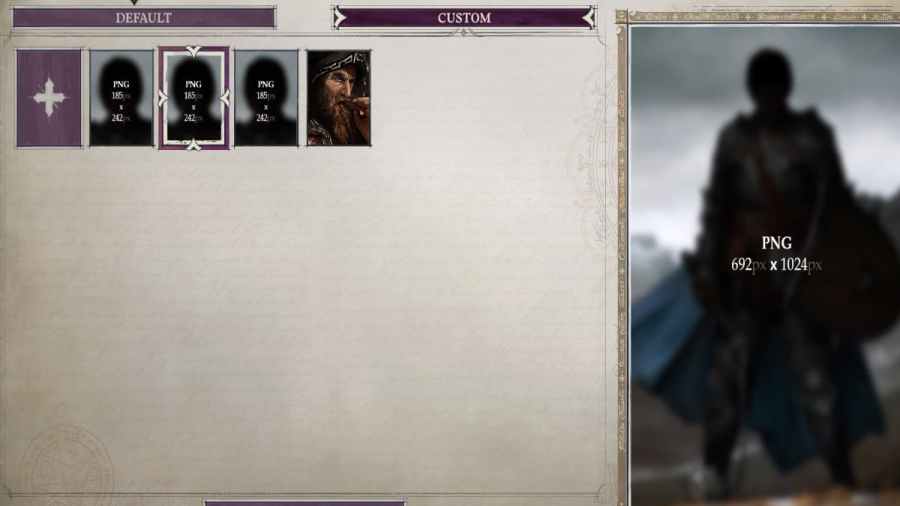
Getting custom portraits for Pathfinder: Wrath of the Righteous is easy and can be done exactly how it was done in the previous game, Pathfinder: Kingmaker. In short, if you want custom portraits, you can both obtain and use them by going to the folder on your PC as shown below. C:\Users\urpcname\AppData\LocalLow\Owlcat Games\Pathfinder Wrath Of […]
In total, there are 15 companions, all of whom have unique backgrounds, races, and ways to get them in your party. Certain characters will be locked behind specific Mythic Paths—like the Lich Mythic Path—or behind quests in the game. Each character will also have a unique identity, alignment, and class that makes them stand out […]