Of all the features present in Adopt Me!, the usage of codes has always stumped me—where do I use them? What can they give me? Do they even exist?! If you’re anything like me and have also found yourself wondering, you’re luck! I’ve created the brief below that answers all of these questions and more. […]
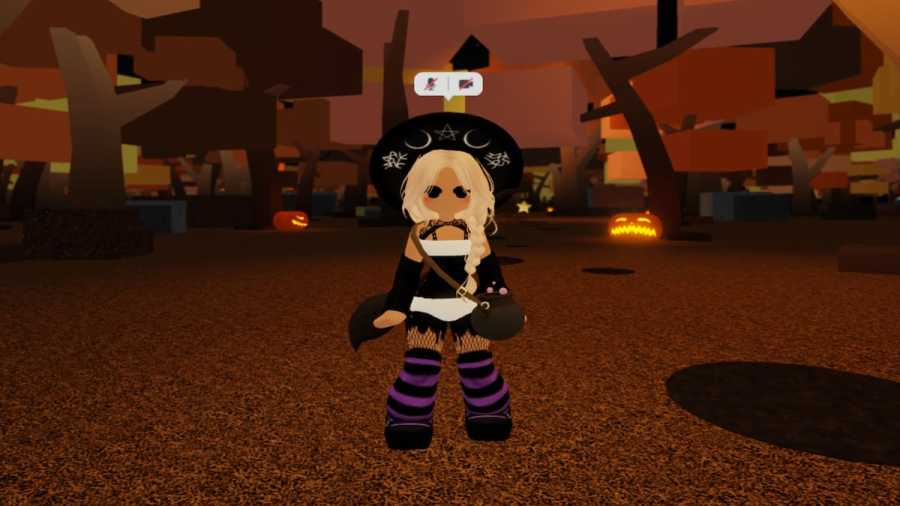
As crisp brown leaves crunch under my feet, and the smell of pumpkin spice sweetness wafts all around me, I can’t contain my excitement, I can’t hold back my glee—it’s almost time for spooky season, and I’m ready to trick or treat! If you’re anything like me, expressing yourself through your Roblox avatar is a great […]
Roblox continues to grow in popularity— and new features are continuously announced for the platform, including voice chat and dynamic avatars. Therefore, it was only natural for Roblox to come on PlayStation. How to install Roblox on PS4 or PS5 Follow these instructions on how to install Roblox on PS4 or PS5: Related: How to add cross platform friends […]
Not only is Adopt Me! one of the most popular experiences on all of Roblox, it’s also a hugely successful brand outside of the gaming platform. Adopt Me! toys can be found in most major retailers, in McDonald’s Happy Meals, and now, in Amazon Holiday Gift Books! When I received my own 2023 Amazon Holiday […]
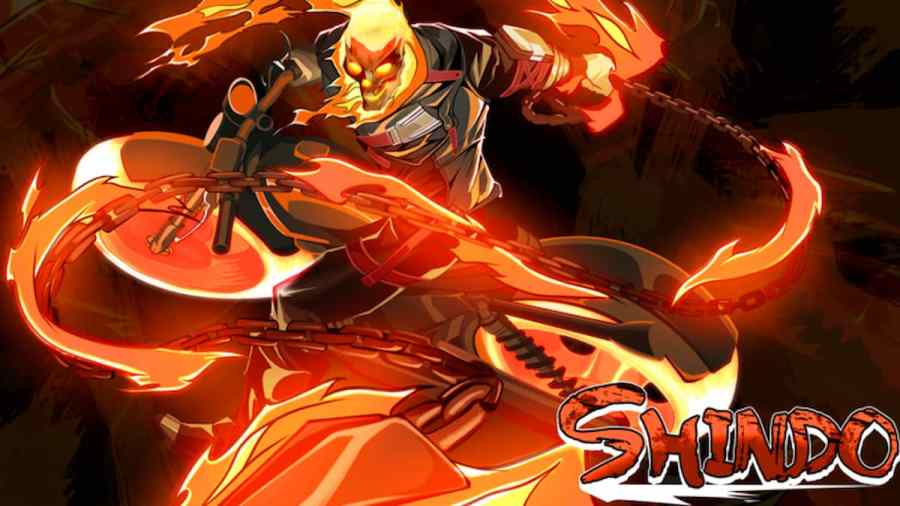
The Naruto-inspired experience Shinobi Life 2 (previously titled Shindo Life) is more than meets the eye with enhanced user mechanics, various customizable abilities, an in-depth character editor, and even more for players to explore and endure. Though this experience thrives on player interactions and has a massive community behind it, there may be times when you’d prefer to play alone or with a small […]