


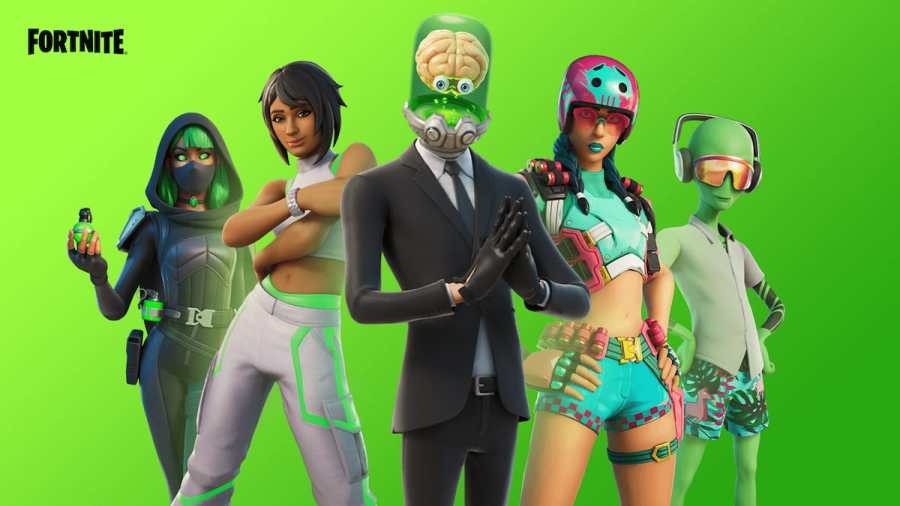
To get Fortnite Twitch Drops, link your Twitch and Epic Games accounts, watch an eligible stream for the time required by the campaign, and claim your reward in Twitch Drops Inventory before the claim deadline. Fortnite Drops are only available during eligible campaigns. Check Twitch Drops Campaigns to see whether one is running.
How to Get Fortnite Twitch Drops
- Link your accounts. Connect Twitch to the Epic Games account you use to play Fortnite before the event, and keep the accounts linked when you claim the reward.
- Find an active Fortnite campaign. Open Twitch Drops Campaigns and look for Fortnite under the open campaigns. Open the campaign details to see the rewards, required watch time, and eligible channels.
- Watch an eligible channel. Sign in to your linked Twitch account and watch a participating channel for the required time. You can track your progress in Twitch Drops Inventory.
- Claim your reward. When Twitch tells you the Drop is ready, open your Drops Inventory and select Claim Now before the deadline shown in the notification. Then launch Fortnite on your linked Epic Games account to check for the reward.
Are Fortnite Twitch Drops Available Right Now?
Check Twitch Drops Campaigns for an open Fortnite campaign. If Fortnite is absent from the open campaigns, check back for the next event. If you already earned a reward, check Drops Inventory to see whether you can still claim it.
How to Connect Your Fortnite Account to Twitch
- Sign in to the Epic Games account you use to play Fortnite.
- Open Linked Accounts and select Link under Twitch.
- Follow the prompts to sign in to Twitch and authorize the connection. Use the same Twitch account you plan to watch and claim Drops with.
- Return to Epic's Linked Accounts page and confirm that Twitch is linked.
Why Aren't My Fortnite Twitch Drops Showing Up?
If your watch progress is stuck, check that the campaign is still open, the channel is participating, and you're signed in to the correct Twitch account. If the reward is ready but missing in Fortnite, confirm that you've claimed it in Twitch Drops Inventory and that Twitch is linked to the Epic Games account you use in-game.
If you've claimed the Drop and confirmed the account link, follow Epic Games' troubleshooting steps for missing Twitch Drops.
Related: Best Fortnite Free For All Map Codes – Fortnite Creative 2.0
For more Fortnite guides, see how to thank the bus driver in Fortnite on Pro Game Guides.


