




Nearly seven years after we saw the first glimpse of Hytale, we’ll finally get to play the game on January 13, 2026, when the Hytale Early Access goes live. Windows, Mac, and Linux users will get to play the game while console players will have to wait a bit. That said, there are some Hytale system requirements that your PC must meet if you want to play the game, and you can learn all about that right here.
Hytale System Requirements - Minimum & Recommended

Hytale is not an easy game to run for PCs because it’s a sandbox voxel game. These are usually heavier on your CPU and RAM than on the GPU. But that doesn’t mean you’ll be able to play the game at its best possible settings with a low-tier GPU. Your setup must have the minimum required GPU (including VRAM), or it’ll struggle.
The table below lists both the Minimum and recommended hardware requirements to run Hytale:
| Specs | Minimum (Low Preset, 30+ FPS, 1080p) | Recommended (High Preset, 60+ FPS, 1080p) |
|---|---|---|
| OS | Windows 11 Windows 10 x64-architecture (version 1809) Linux x64-architecture (Kernel 6.15) Apple Silicon with macOS Tahoe (26.0) | Windows 11 Windows 10 x64-architecture (version 1809) Linux x64-architecture (Kernel 6.15) Apple Silicon with macOS Tahoe (26.0) |
| CPU | Intel Core i5-7500 (or equivalent) AMD Ryzen 3 1200 (or equivalent) Apple M1 (any variant) | Intel Core i5-10400 (or equivalent) AMD Ryzen 5 3600 (or equivalent) Apple M2 (any variant) |
| RAM | Singleplayer [Dedicated Graphics]: 8 GB Singleplayer [Integrated Graphics]: 12 GB Multiplayer-only: 8 GB | 16 GB |
| GPU | Integrated: Intel UHD Graphics 620 AMD Radeon Vega 6 Apple M1 (any variant) Dedicated: NVIDIA GTX 900 Series AMD Radeon 400 Series Intel Arc A-Series Also Required: Up-to-date drivers OpenGL 4.1 is required Support for Vulkan 1.3 and DirectX 12 (For future content) | Integrated: Intel Iris Xe Graphics AMD Radeon 660M Apple M2 (any variant) Dedicated: NVIDIA GTX 900 Series AMD Radeon 400 Series Intel Arc A-Series Also Required: Up-to-date drivers OpenGL 4.1 is required Support for Vulkan 1.3 and DirectX 12 (For future content) |
| Storage | SATA SSD with 10 GB of free space | NVMe SSD with 20 GB of free space |
| Network | 2 Mbit/s with UDP/QUIC | 8 Mbit/s with UDP/QUIC |
Intel-based Macs won’t be able to run Hytale at the Early Access Launch. Also, if you plan to stream Hytale or record gameplay for content creation, you’ll need a more powerful setup than the two listed above.
Hytale System Requirements for Streaming/Recording
Streamers and content creators who want high and stable resolutions and framerates during recording will need the following setup:
| Specs | Requirements |
|---|---|
| OS | Windows 11 Windows 10 x64-architecture (version 1809) |
| CPU | Intel Core i7-10700K (or equivalent) AMD Ryzen 7 3800X (or equivalent) |
| RAM | 32 GB |
| GPU | NVIDIA RTX 30 Series AMD Radeon RX 7000 Series Intel Arc A-series |
| Storage | NVMe SSD with at least 10% (or 50 GB) of free space available |
| Network | 8+ Mbit/s with UDP/QUIC |
View Distance & Its Impact on Hytale Performance
Apart from hardware, the view distance you choose will also directly impact Hytale’s performance and gameplay experience. View distance is the game’s map loaded around the player.
Lower view distance puts less strain on your computer as the game is generating a smaller radius. On the other hand, increasing the view distance, and your computer goes into overdrive, generating more of the world that you might not even need.
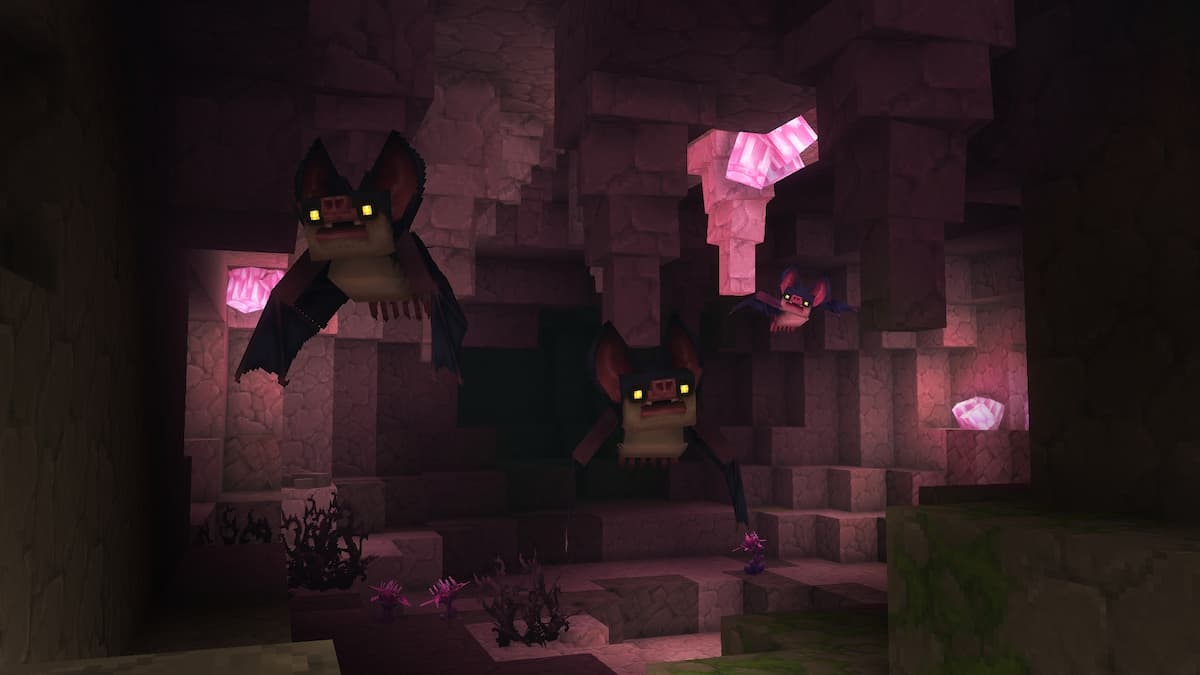
192 blocks is the minimum view distance in Hytale, and the best option for low-end PCs. The recommended view distance by Hypixel is 348. You can dial it up to 1024 blocks if you’re running the streamer setup. However, to play with a higher view distance, you must have the internet bandwidth that can keep up with world generation.
Hopefully, this breakdown of the Hytale system requirements will help you figure out whether your PC can run it or if upgrades are needed. If you intend to play Hytale multiplayer, you’ll be fine with the minimum specs. However, for single-player and modding, you’ll need at least the recommended specs.
Hytale FAQs
If you want to play Hytale on a low-end PC, prefer the multiplayer mode. This way, your PC will only have to handle graphics and gameplay instead of running the entire simulation, which will result in better performance. To play single-player, ask a friend to create a single-player server and play there.
Yes, Hytale supports offline play. You can create your own server or join friends to play online or enjoy the game solo when the internet’s out.
Hytale’s installation size is 8 GB. But the procedurally generated world will require more storage as you explore and create. Keep at least 20 GB of free space to make sure you don’t face any problems while playing the game.
Also check out our Hytale Early Access Guide to learn all about the Early Access, including what you can and can't do on day 1, and how to set everything up.
 Shah is a Roblox specialist with years of experience covering the platform’s biggest games, updates, and code drops for top-tier gaming sites. Formerly an accountant, he now applies the same precision to analyzing mechanics, meta shifts, and game trends across the Roblox universe. He’s especially known for breaking down Blox Fruits treasure hunts and mastering the grind in Grow a Garden.