To get smooth stone in Minecraft, you will need to make it regular stone, which you will need to mine cobblestone to make via a furnace in the game. Start by making a pickaxe of any type, from a wooden all the way to a stone or diamond pickaxe. You can make a pickaxe by using […]
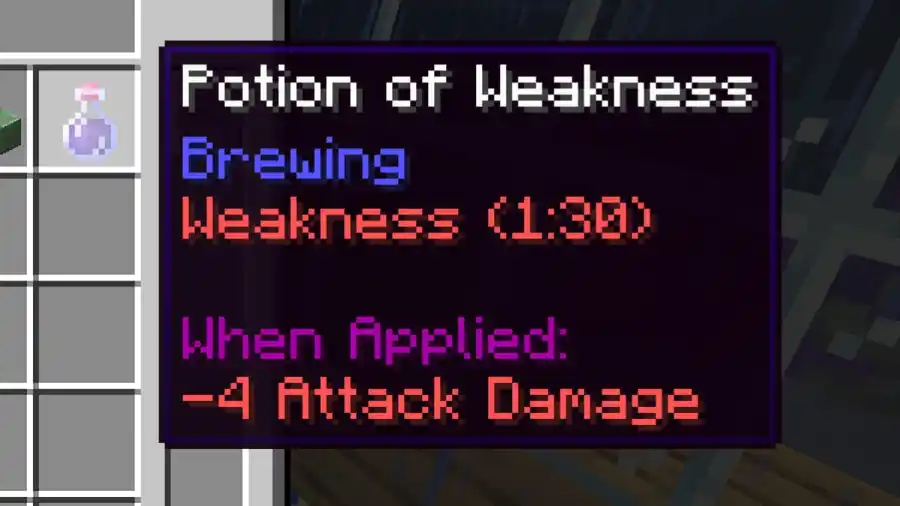
To make a potion of weakness in Minecraft, players will need a brewing stand, one spider eye, and some blaze powder to power the stand. If you don’t have a brewing stand, you can make one using three cobblestones and one blaze rod placed inside a crafting table, as shown below. You can get the […]
To make black dye in Minecraft, you will need to gather Ink sacs or a Wither rose and place it inside a crafting table, as shown by the pattern above. Doing so will allow you to make a black dye which can then be used to make stained black glass panels and blocks and black wool […]
If you are wondering how to make an aquarium in Minecraft, you will need to do it yourself through several methods, as there is no official way to do it in the game. The best way is to start out simple and gather some glass blocks, a water bucket, and some sand. This is the […]
To make grass grow in Minecraft, you will need to make bonemeal and use it on the grass. Bonemeal is a special item that players can make from bones. You can get bones from skeleton mobs, but that takes time and only is useful if you have a mob farm. Because of that, you should, […]