


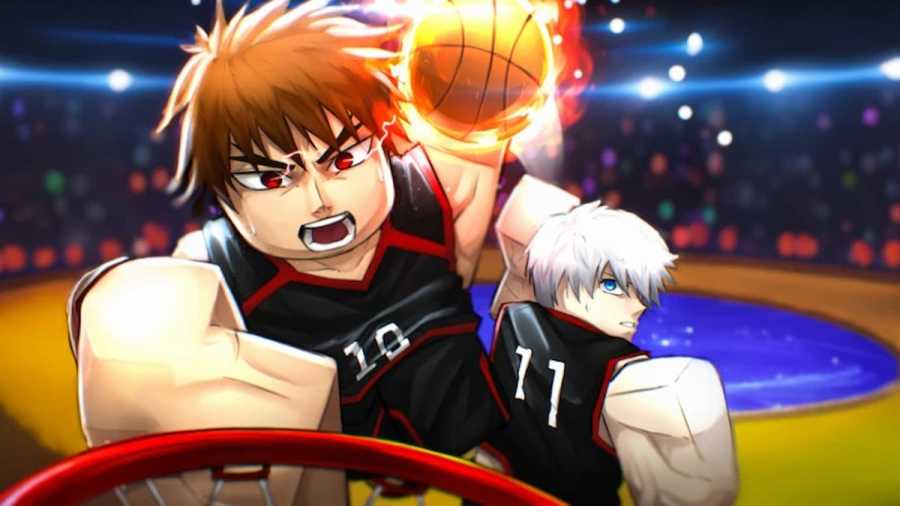
Basketball Zero is a sports simulation game based on several popular anime games, such as Slam Dunk and Koroku's Basketball, on the Roblox platform. Similar to its inspiration, there are dozens of abilities based on the animes that the players can use during the gameplay to outsmart and score against their opponents. While some of these skills are relatively easy to understand, some require an explanation about how they function. This is where the Basketball Zero Trello and Discord links come in handy.
What is the Basketball Zero Trello Link?
You can access the Basketball Zero Trello board using the given link. Here, you can learn about the individual styles, zones, and any other game mechanics using the information available on cards. Though this info is brief, they are more than enough to understand and progress as a player.
How to use the Basketball Zero Trello Board
The Basketball Zero Trello board is similar to every other Trello board on the planet, with long stacks of cards vertically arranged one below the other. Depending on your requirement, you have to navigate correctly to the desired column and pick the cards to study about a mechanic. For example, if you want to learn about legendary styles in Basketball Zero, go to the legendary styles column and check out the cards under it to find details about each legendary style in the experience.
What is the Basketball Zero Discord Link?
The other best way to learn about the game pretty quickly is to use the Discord channel. Here, you can meet several veteran players who have been playing the game since pre-alpha. You can ask them questions regarding any specific abilities in the game or even general gameplay strategies to improve your gameplay. Also, it is the best place to find new teammates, spin codes, report bugs, and even sneak peeks about upcoming updates.
How to use the Basketball Zero Discord server
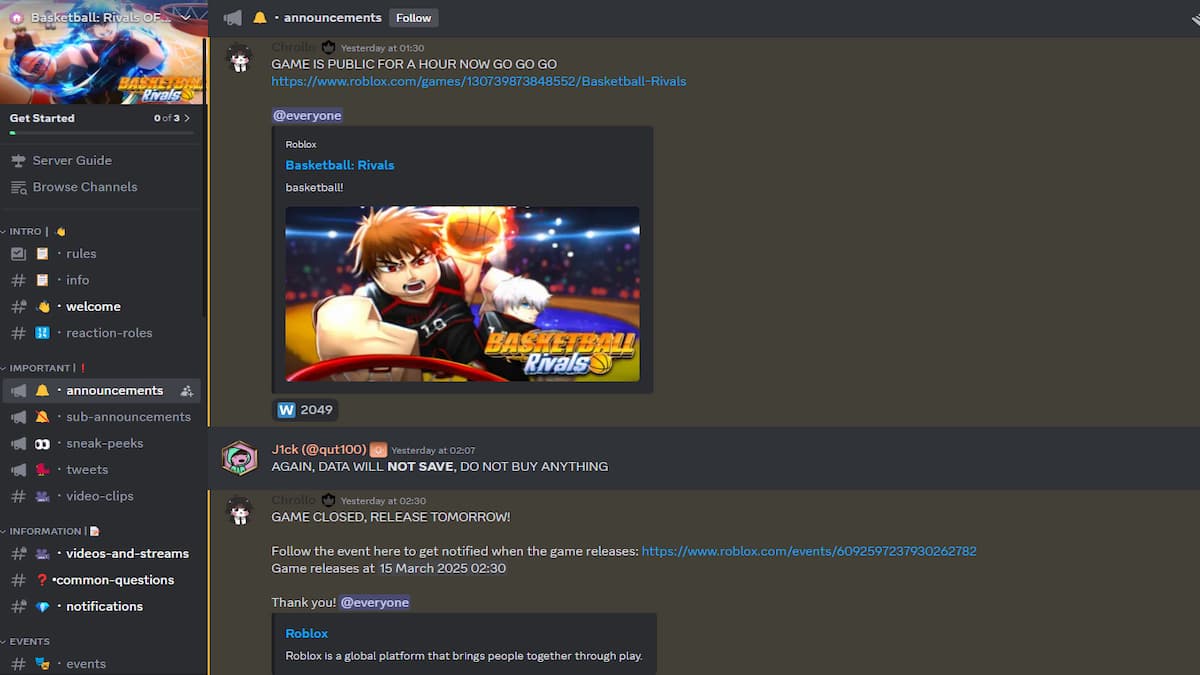
The Basketball Zero Discord server has multiple small text and voice channels. All you have to do is correctly use these channels according to your requirements. For instance, if you want to speak with other players, you can use one of the voice channels with players and ask your doubts. On the other hand, you can use text channels like announcements or sub-announcements to learn about upcoming events or updates regarding the experience.
For more on Roblox, Check out Roblox Basketball Zero – Release Date, Gameplay and more, How to get the Uncle Sam Style in Basketball Zero or Basketball: Zero Codes


