


Some of the best mods for Meccha Chameleon include Thinner Chameleon, AZERTY, and others. To install them, simply extract the mod files and copy them into the game's installation directory. For the best experience, it's recommended that every player install the same mods to ensure proper compatibility and functionality.
After a while, it can get boring to play on the same maps and game modes in Meccha Chameleon. To alleviate this boredom, players can install game modes to make the core game more interesting and varied. So, if you are wondering what some of the best Meccha Chameleon mods are, here is a list available for your browsing.
What are the best Meccha Chameleon mods?
Below, you can find a list of several Meccha Chameleon Mods that you can install on your PC and enjoy with friends.
Note: We are constantly updating the list to include more suitable Meccha Chameleon Mods. If you wish to contribute, please share your answer in the comment section.
Thinner Chameleon
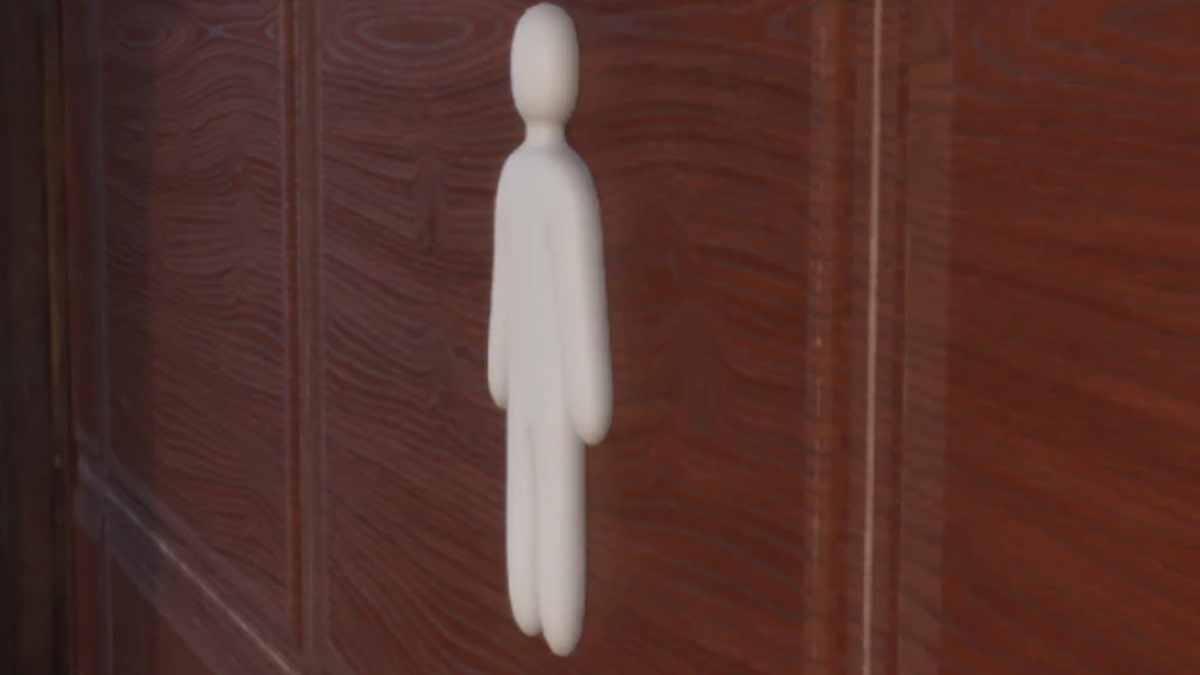
Apart from painting poorly, the most common reason players get caught in Meccha Chameleon is the characters' size. To overcome this, the Thinner Chameleon mod allows players to customize their avatar to a much thinner version, enabling them to merge with the environment more easily. The mod not only reduces the character's size but also increases it, creating various funny/troll moments with friends.
AZERTY Mod
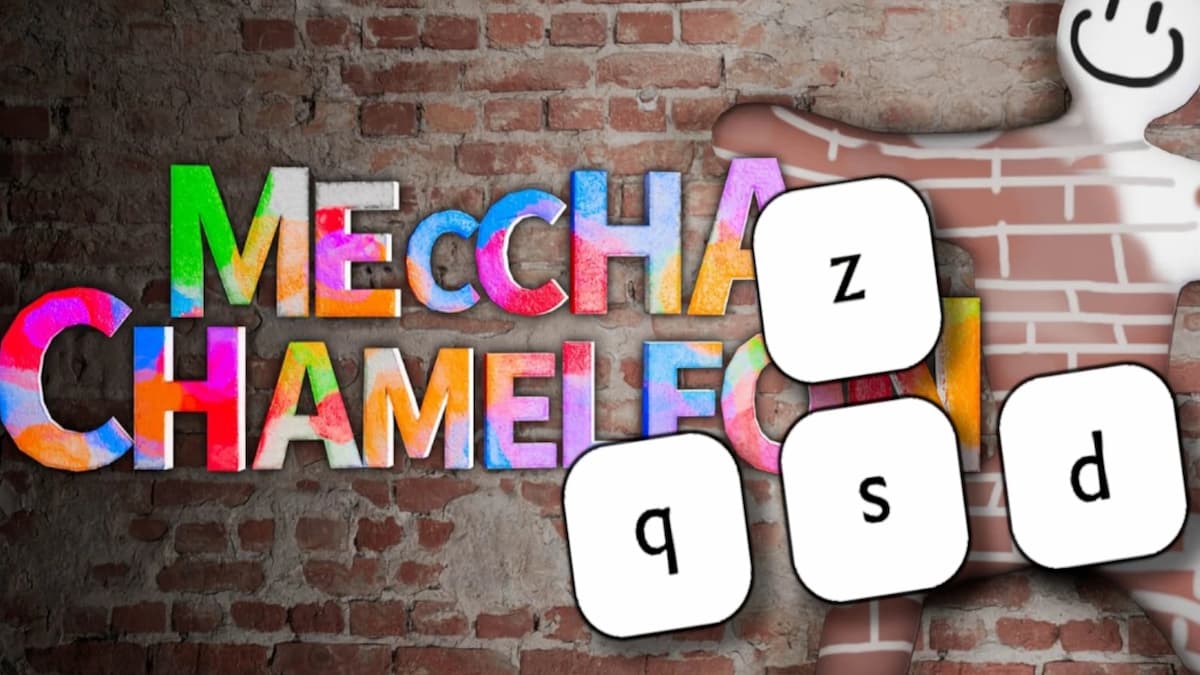
By default, the Meccha Chameleon maps movement input keys to WASD based on the QWERTY layout, with no option to switch them to other keys in the Settings menu. As a result, AZERTY keyboard users often struggle to play the game smoothly. This mod changes the keybindings to ZQSD, which is the default movement bind for AZERTY users, providing them with a normal playing experience.
How to install Meccha Chamelon Mods
To install the above mods in Meccha Chamelon, follow the steps below.
- Open the Meccha Chamelon Installation Folder on your PC.
- It should be something like ...\steamapps\common\MECCHA CHAMELEON. Locate it in your Steam directories.
- If you are installing any general mods, you can extract and install them from the directory at the above URL. If you are installing mods related to Chameleon, then extract the mod files into \steamapps\common\MECCHA CHAMELEON\Chameleon\Content\PAK.
Remember, this is a general installation procedure method and can vary for certain mods. It's better to follow the installation procedure provided by the mod uploaders to add it to your game more easily. Also, please instruct all players to install the mods on their computers to enjoy the benefits together & allow the mods to work properly without any glitches.
For more on Guides, check out All Lethal Company Terminal commands or Best base designs in ARK: Survival Ascended


