


If you're a Beginner to Command An Army, Sword & Shield is the safest class thanks to its ability to block attacks. Start by building a balanced team with the started troops and keep an eye on your Star limit. Make sure to ascend your best units, work together with your teammates and use your horse for its extra health bar. Utilize roll to escape enemies and heal when you're safely away from danger. Roll for summons to get stronger unit, by obtaining Gems from Quests and Codes.
Are you looking for an amazing strategy based battle game? Well, your search is over because Command An Army offers a multiplayer adventure where you and your team will build a strong bond in order to achiever victory. This Beginner's Guide goes into detail on everything you might need to know: from Classes, to Troops and Keybinds; we compiled it all!
Which Class Should Beginners Choose in Command An Army?
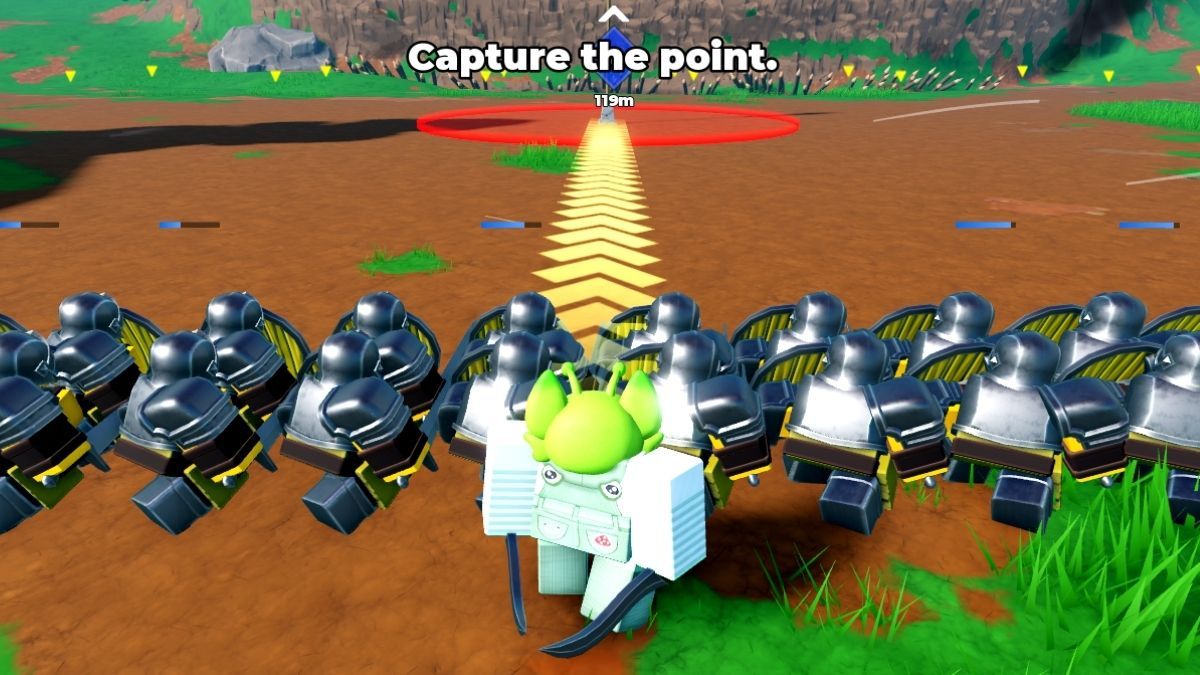
At the start of Command An Army, you're met with a non-skippable tutorial in which you have the option of choosing the Class you'd like to play as: Assassin, Sword & Shield and Hammer. In the tutorial, the class you choose will only affect how your character fights, not your troops. This is super important to note because later on if you decide to change your class, it costs 50 Gems to switch to a different one. The safest bet at the beginning is to pick the Sword & Shield because you can block enemy attacks and more efficiently guard your HP.
Command An Army Controls and Keybinds
Since Command An Army is a battle and strategy oriented game, you have to be well versed with the mechanics in order to excel. This gameplay is unique, so we have compiled a list of every keybind you need to know.
Troops Controls and Keybinds
| Action | Keybind |
|---|---|
| Hold | X |
| Follow | C |
| Attack | V |
| Rush | B |
There's an important thing to note regarding the Hold Action. Once selected, you will have 3 options to choose from in regard to which strategy you'd like to use. The formation types change based on which troop you decide to deploy during battle. With each new enemy you face you'll get the feel on what the best option is, so don't feel down if you make errors in the beginning.
Class Controls and Keybinds
| Action | Keybind |
|---|---|
| Attack | Left Mouse Click |
| Block | F |
| Roll | Q |
| Heal | H |
| Mount | G |
How To Get The Best Troops in Command An Army
This game has a standardized rolling and pity system. It is based off of Summons you can roll for using Gems. To acquire the Gems, you have to Complete Quests, win battles and the classic Roblox way, through codes. To get a head start and secure a ton of Gems, make sure to check out our Command An Army Codes article for active codes as of September 2026.
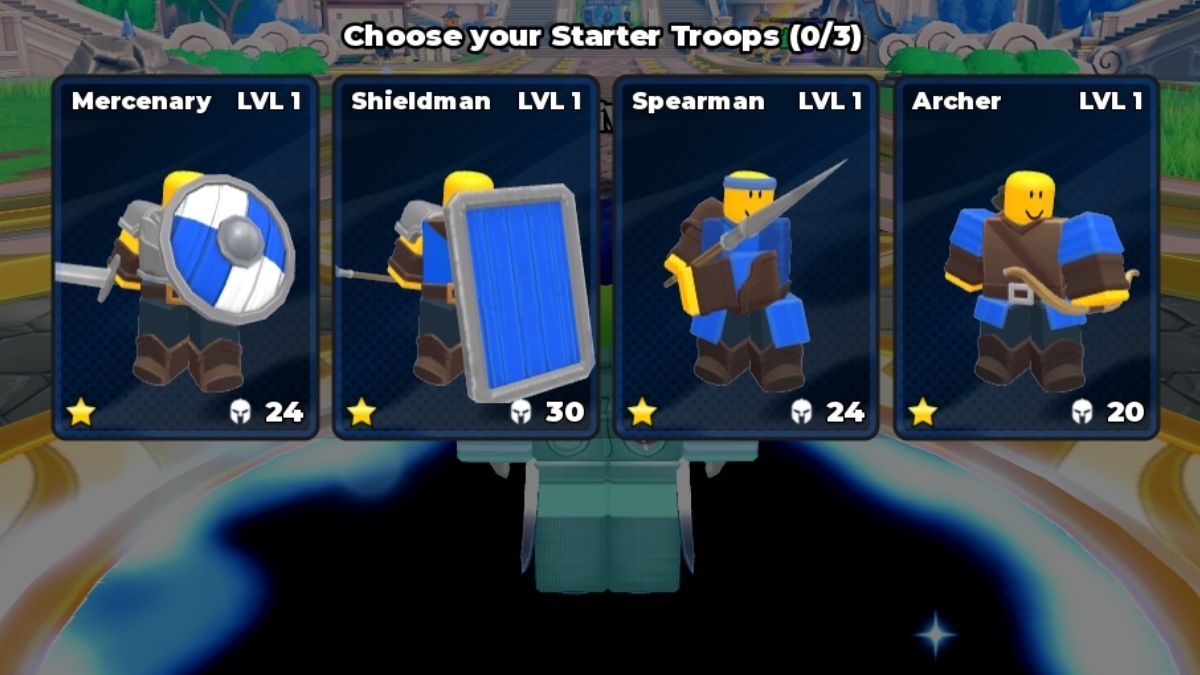
There are 4 starter troops and at the beginning of the game, you can choose to equip 3. Then when you reach lvl 15 you get a forth slot. Those troops include: Mercenary, Shieldman, Spearman and Archer. If you're playing as an Attacker, you have spawn points where you can equip and respawn your troops in the case that they perish while you're still alive. If you're a Defender you need to fend off the enemy from securing your flag because it prologues enemy changes of respawning troops. This is where strategy takes a huge role so make sure to protect your base. A tip for Attackers is to keep an eye out for which troops your teammates are spawning so that you don't clash and work well together.
There's another major thing to keep in mind when assembling your troops. Each unit has a star number, this symbolizes the strength and rarity or troops. While it's ideal for your unit to be as powerful as possible you need to watch out not to reach the loadout star limit. To explain further, as a Beginner, your maximum star loadout is 6. This evolves as you level up through winning battles.
How To Ascend in Command An Army
As soon as you spawn in the game, you're going to run straight ahead and the Ascension Tree will be glowing blue on the right side of the map. When you interact with it, a pop-up menu appears where you have to select the desired troops you wish to ascend. This is important to do so you don't max out your inventory. Ascending a unit buffs damage stats and increases HP. Keep in mind that the max ascension level is 3 while unit mastery level is 20. Maxing out the mastery level unlock Evolution. Another tip we have for you is to delete your units only after you've reached ascension 3 because this give you a small Gem refund.
How To Win Battles in Command An Army
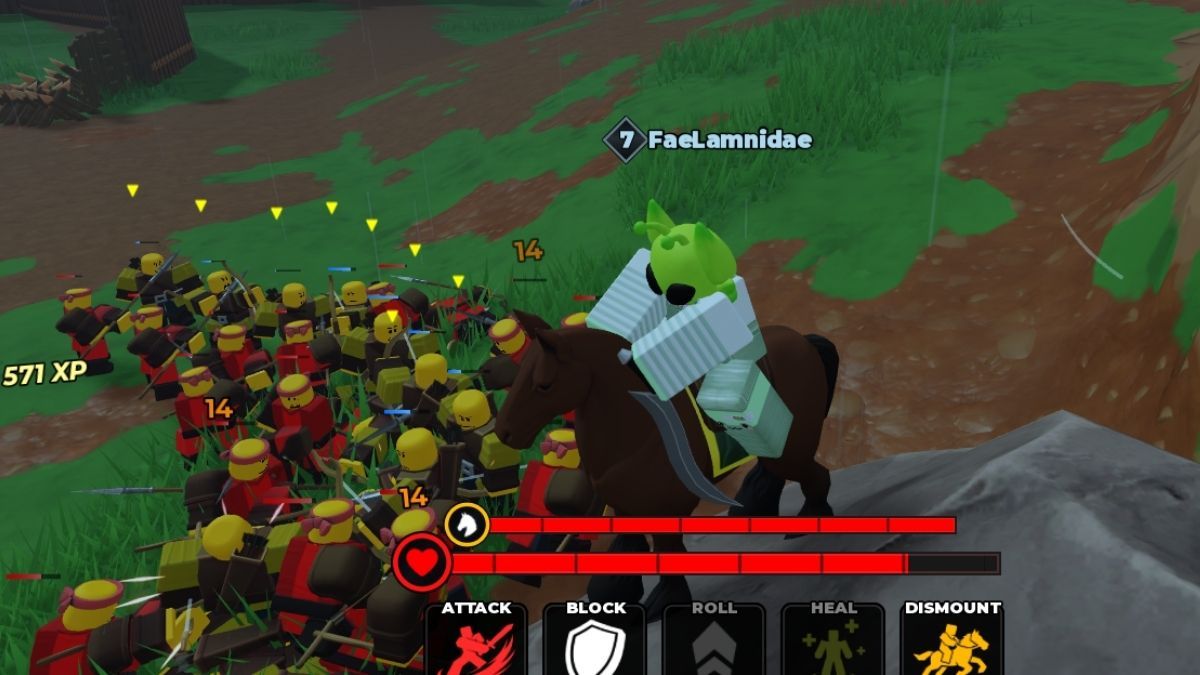
Now that you know all the basics in Command An Army, it's time to talk strategy. As previously mention the most important thing is to keep an eyes out on which troops your teammates are deploying so you can compliment their playstyle and find your own. The second thing you should definitely utilize is the Mount option. Riding the horse gives you an additional health bar which is an extremely important advantage when you're being attacked by the enemy. They'll need to down its health bar before they can get to yours. In case they manage to kill your mount, worry not because there is a cooldown of 1 minute before you can spawn it again. If you have additional Robux to spend you can roll for a better horse with higher stats. If the enemy manages to temporarily kill your horse and successfully land a couple of attacks on you, you can utilize the Roll ability to swiftly try and get away. However, be careful as every roll takes some of your stamina bar. The bar refills quickly if you're idle or walking but that's enough time for the enemy to strike you down. This is when you need to use the Healing option. It restores your missing HP, but you must be at a safe distance to successfully finish the process. Last but not least, always be aware of the number of units standing on both sides, because if you get left stranded and caught on the battlefield solo, your opponent will crush you.
And there you have it. All that's left to do is go out there and conquer all the those who dare and try stand in your way! If you're looking for something a bit more relaxing and click to win based, we suggest Search For The Needle Beginner's Guide along with Free active Codes you can redeem.


