To dupe glitch in Build A Ring Farm, players must plant any seed, then turn off their WiFi while repeatedly trying to remove the plant from the local disconnected client. Once done, reconnect to the server and log in again to get two seeds.
If you are tired of waiting for your favorite seed to spawn in Build A Ring Farm, you should definitely try to duplicate it using the dupe glitch when available in your inventory. Here is a detailed guide on how to dupe the glitch in Build A Ring Farm to progress in the game quickly.
How to duplicate a seed in Build A Ring Farm
Though there are multiple ways to duplicate a seed in Build A Ring, the most common and reliable method is the plug-out glitch. For this, all you need to do is play Roblox on your mobile or PC via WiFi, not Ethernet. Once you are inside the game, you can pick the seed you want to duplicate. Since we are looking to create value, I suggest duplicating high-rarity seeds, such as Queen Blossom, Soulbound Orchid, Ghost Pepper, Dragonfruit, or even the Void Fruit.
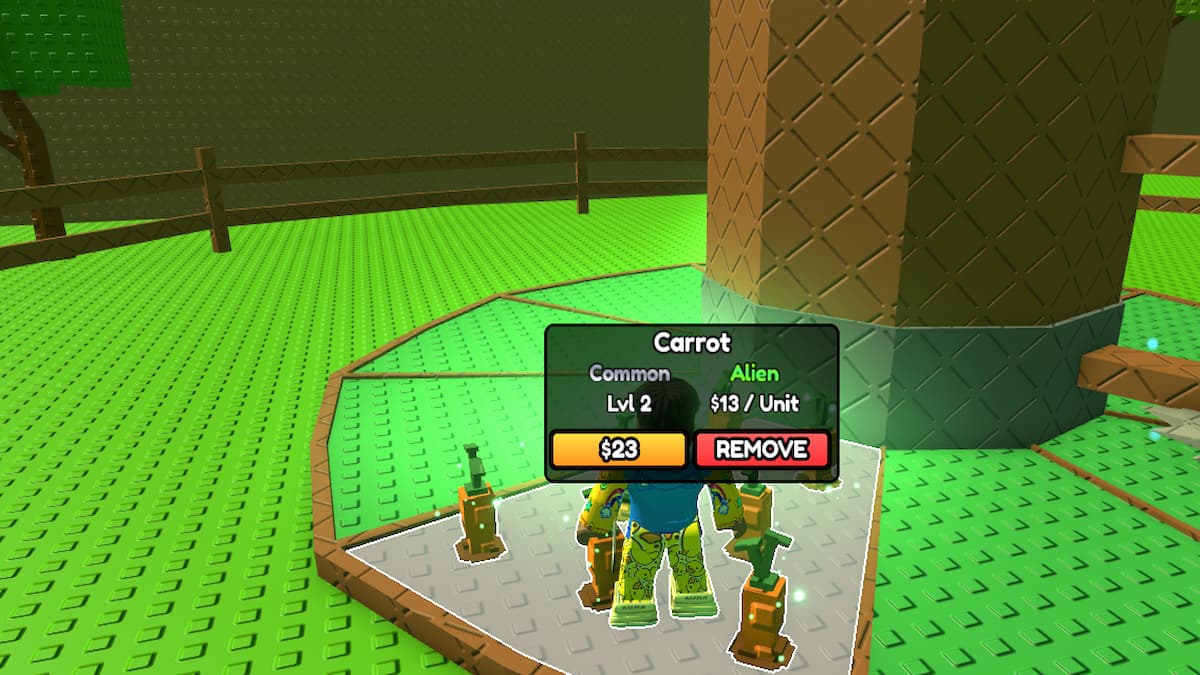
First, equip the seed in your hand and walk to the plot of land where you can plant. Now, sow the seed into the plot of land. After planting, disconnect your WiFi. Now, within the next 3 to 5 seconds, try spamming the Remove button to send a client signal to the server, which is currently disconnected. If you can remove it, reconnect to your WiFi and, when you're back online, quit the game immediately. Finally, log back in to the game, and you should now have two seeds instead of one due to the plug-out dupe glitch.
Why can't I dupe glitch in Build A Farm?
This dupe glitch in Build A Farm depends entirely on timing; even if you miss by a single second, the server won't receive the false remove message, and you won't get your extra seed. You should try to remove the seed from your farm within 3 to 5 seconds while you are disconnected. If you are unable to do that, the glitch won't happen. Also, when you reconnect to the server, you should log off immediately. Otherwise, the local signal you sent to the server will be processed, and you will only have one seed in your inventory the next time you open the game.
Is it legal to use the dupe glitch in Build A Farm?
Yes, it's 100% legal to duplicate your seeds using any glitches in Build A Farm. Glitches or bugs are part of the game, and exploiting them to your advantage does not put your Roblox account at any risk. Also, the developers are continuously patching most glitches like these with each update. So, try to use them before they're fixed forever.
Remember, we are only talking about the in-game plug-out dupe glitch and not any third-party hack apps or scripts to get duplicate seeds or unlimited money. Neither I nor anyone at PGG supports using such apps, as they will definitely lead to a permanent ban.
For more on Roblox, check out All Build a Ring Farm Seeds - Cost, Income, & More or Build a Ring Farm Mutations - Multipliers & How to Get