


To claim the Lolwen UGC from The Hollow event, you need to complete a questline from Banana Eats. For the quest, you need to:
- Find a Hollow Key.
- Survive the round.
- Go to the Banana Hunted Basement.
- Find 8 cake slices.
- Pick up Lolwen.
After claiming Lolwen, you’ll get the Badge for Banana Eats. Head back to the Hollow Hub to claim the Lolwen UGC and 10 Tickets.
If you’re after the Lolwen UGC but can’t figure out how to claim it, this guide is for you. To get Lolwen, you need to first obtain the Hollow Banana Eats Badge. You can do that by joining Banana Eats directly or through the portal in The Hollow Event Hub. Once you’re in the game, follow the complete guide below to get the badge and claim the Lolwen UGC.
How to Get The Hollow Banana Eats Badge & Tickets
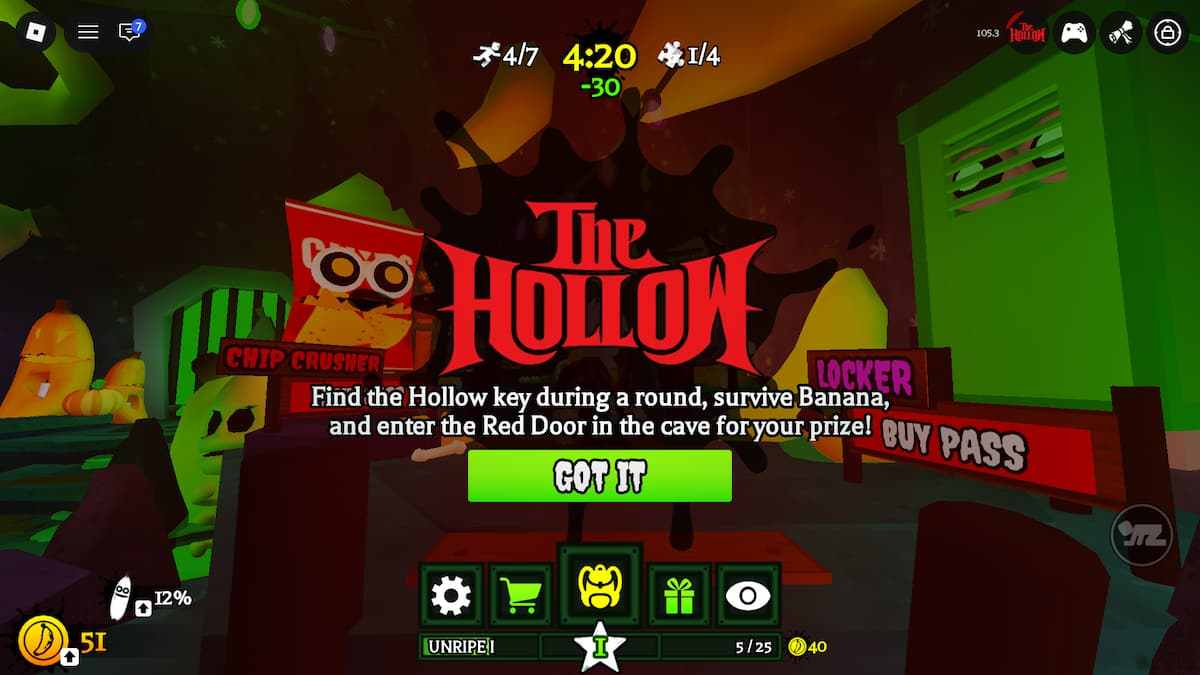
To get The Hollow Banana Eats Badge, you need to complete two quests: find a Hollow Key and collect 8 Cake Slices. Read on to learn how to do all three of these things.
1. Find a Hollow Key & Survive the Round
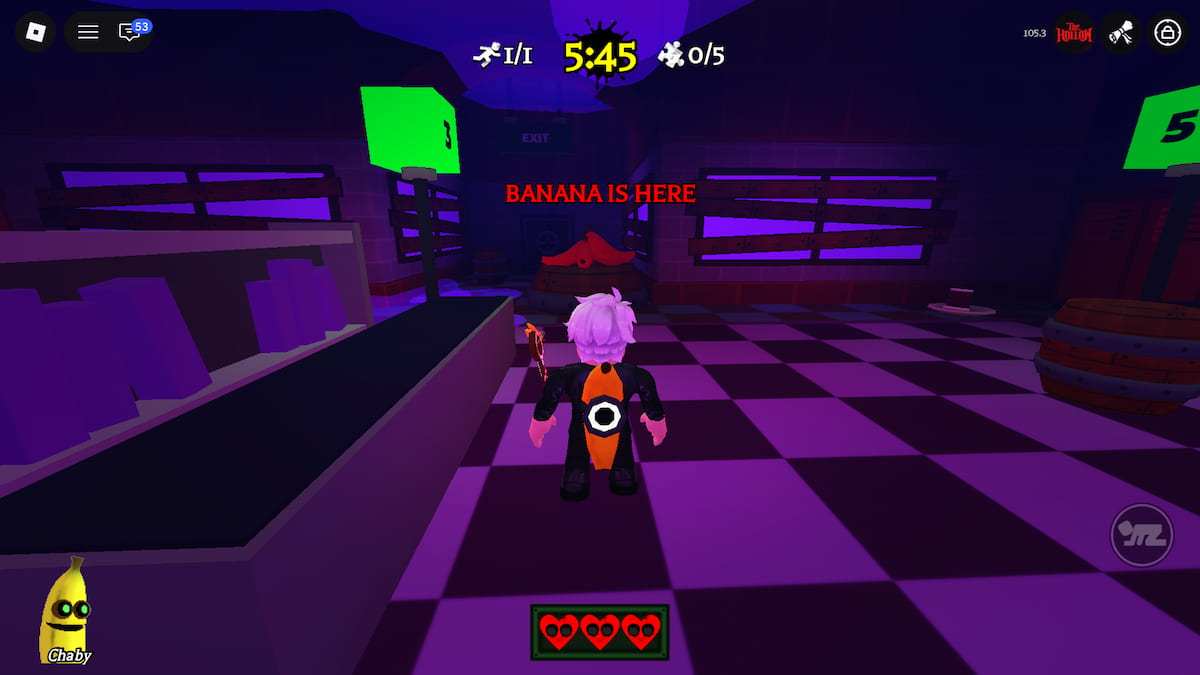
The first thing you need to do, if you want to get the Lolwen UGC from The Hollow Event, is to join a Banana Eats round and find a Hollow Key. Multiple Hollow Keys can spawn during a round, and they spawn in completely random locations. When you find one, claim it as soon as possible, and make sure you survive until the end of the round.
Note: You can’t collect the Hollow Key if you become a Banana. It is only obtainable as a Survivor.
If you lose all three lives, you’ll lose the Hollow Key. Survive until the exits open and escape with the Hollow Key to obtain it.
2. Collect 8 Cake Slices
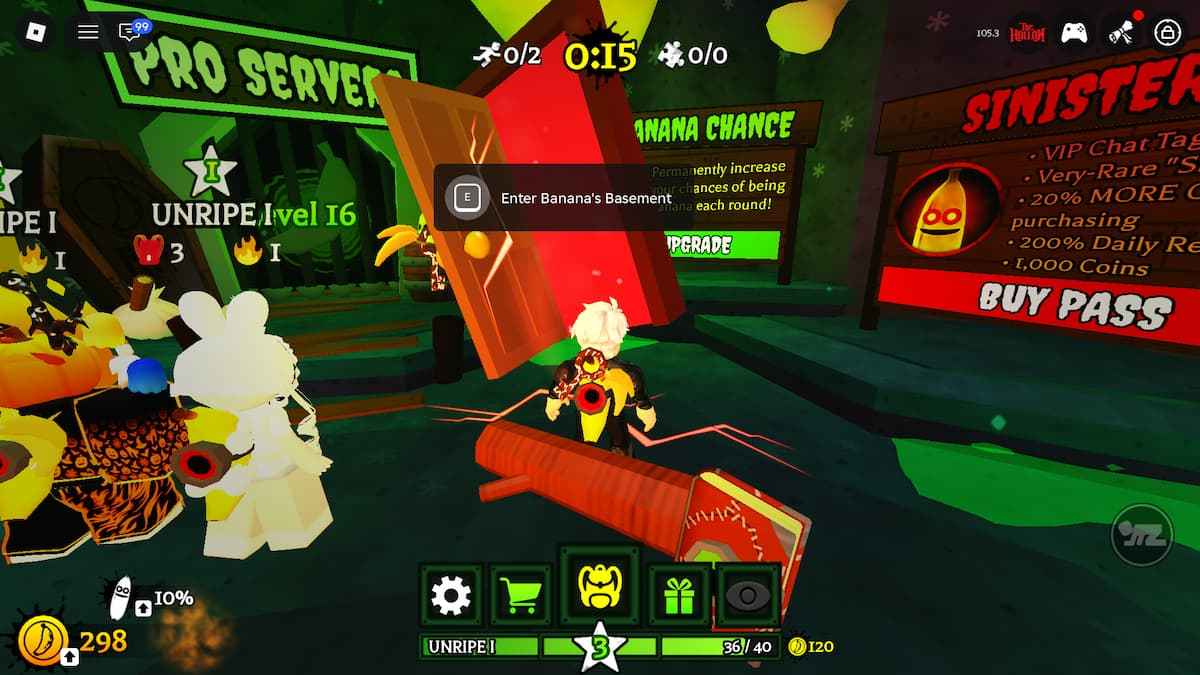
Once you obtain the Hollow Key, you can enter Banana’s Basement by interacting with the Red Door in the lobby. In the Basement, you simply have to find and collect 8 Cake Slices. Just follow the arrows, and you’ll easily find all the slices. For the last slice, you’ll end up back at the entrance area.
As soon as you grab the last slice, a cutscene will start. At the end of that cutscene, you’ll see different items floating in the air right in front of you. Go and collect Lolwen to get the Hollow Banana Eats Badge.
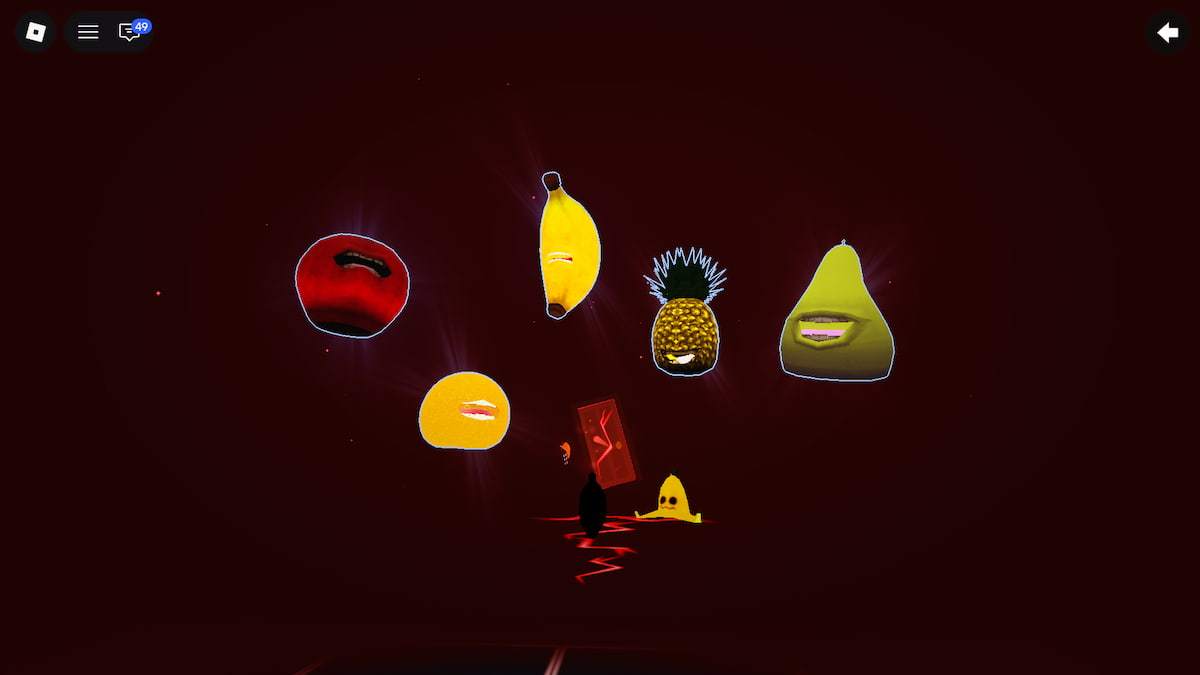
After that, interact with the Red Door in front of you to return to the Banana Eats lobby.
How to Claim Lolwen in Roblox The Hollow
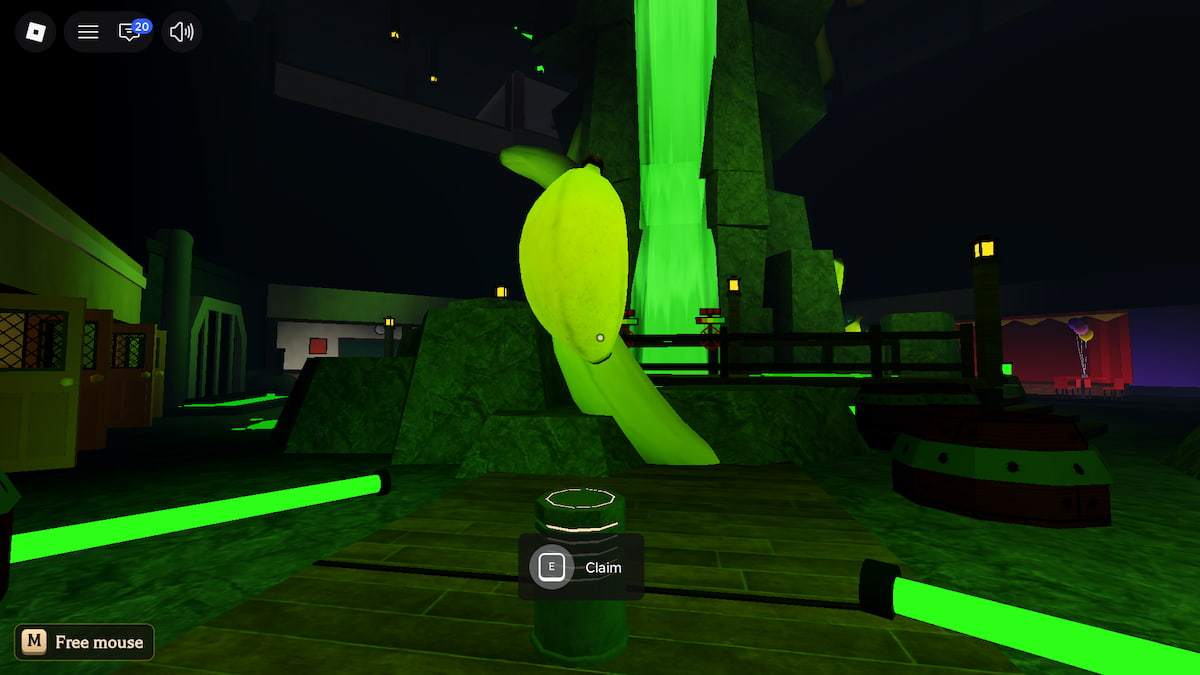
To claim the Lolwen UGC from The Hollow Hub, you need to obtain the Banana Eats Badge. Once you’ve done that, go back to The Hollow Hub, enter the lift, and go to Floor 6. Navigate the maze to find the Banana Eats room. Inside the Banana Eats room, interact with Lolwen on the podium to get the Lolwen UGC for free.
While you're here, also check out our guide on How to Get The Hollow Dress to Impress Badge and How to get the Amazing Liquefactive Bighead in the Hollow to claim more free UGC rewards from The Hollow Event Hub.


