


Players can steal crops/fruits from other opponents during the night and can defend their own garden by staying inside it, equipping protective pets & crops & by hitting them with powerful gear or a shovel.
The biggest feature of Grow A Garden 2 compared to the previous iteration is the ability to steal fruits or crops from your neighbors. While this sounds exciting, you can also be robbed at the same time when you venture out to other bases. To prevent this, you must learn to defend your base and steal successfully simultaneously to catapult your progress.
How to steal in Grow A Garden 2
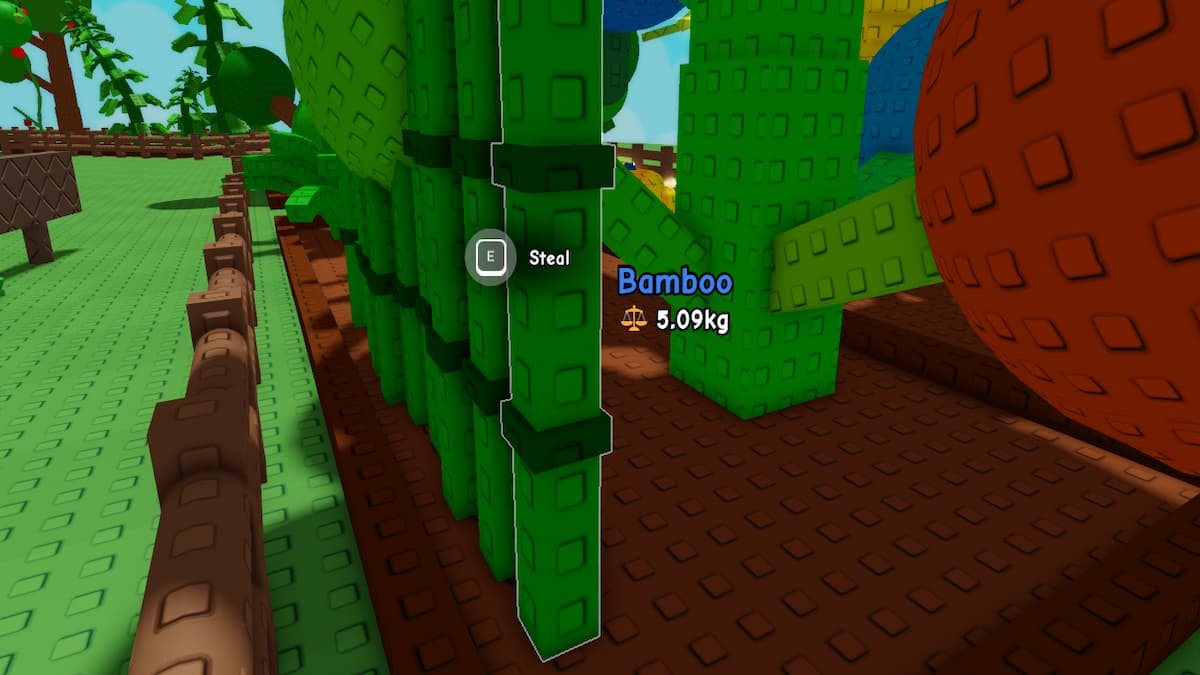
Firstly, you have to understand that stealing is an active feature only at night. So, don't try to invade anyone's garden at night. When night falls, you can simply walk up to any of the gardens nearby without players and pick up any fruit of your liking by pressing E to loot it. Immediately, run back to your base to get the crop/fruit for yourself.
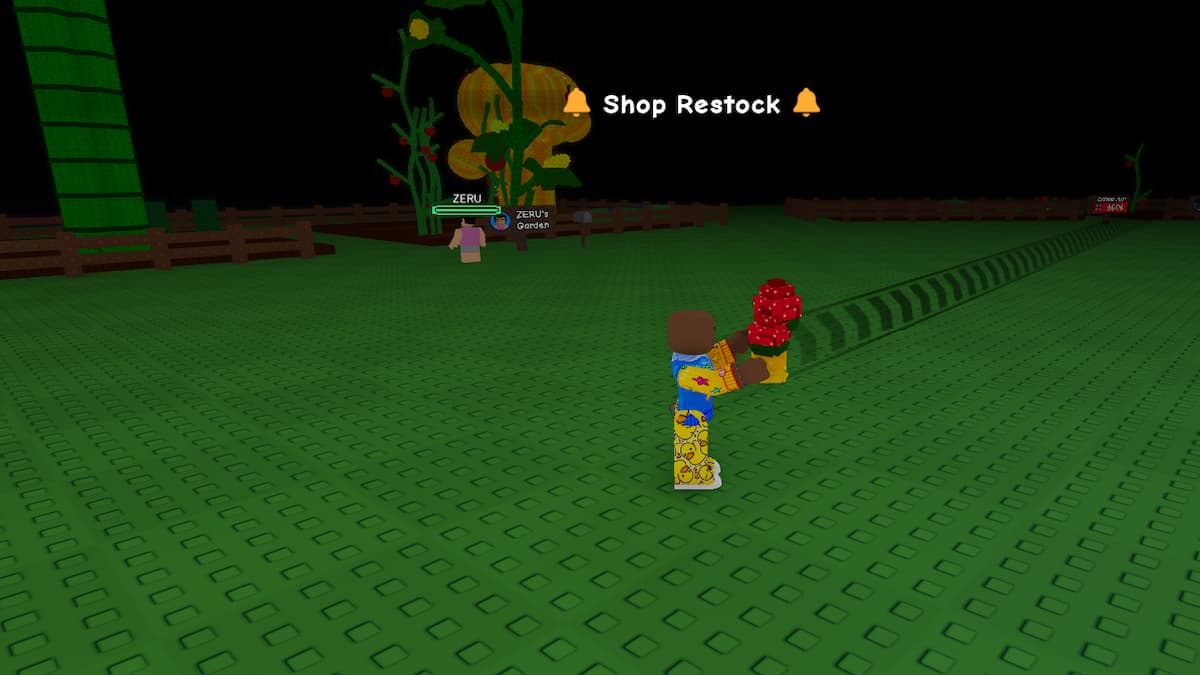
Remember, the Garden button will not be available while stealing. So, you cannot teleport to your base instantly, and walking is the only way to reach the location. Since there is a constant threat of being attacked by other players while returning, I suggest only stealing from Gardens that are very close to each other, unless you are playing with your friends who can handle your foes while you focus on bringing back the crop to the base.
How to defend in Grow A Garden 2
While stealing is hard, defending is even harder, as multiple players can always target you. To make the defense process much more consistent, I have outlined 5 vital tips and tricks you must follow to avoid getting robbed.
- Play on Private Server: If you don't want ever to get robbed in Grow A Garden 2, you should play on a private server. You can easily create one for yourself by clicking on the Servers option on the game page.
- Staying in your Base: The best and easiest way to safeguard your base is to stay inside it throughout the night. I recommend following this if you don't have any plans of stealing. Otherwise, you can quit the game entirely to join a different server at a different time.
- Equipping Protecting Pets: Pets are very helpful in protecting your base in Grow A Garden 2, especially ones like Bees that patrol around your base and sting anyone who steals your crops/fruits. Equip such pets while you concentrate on looting others.
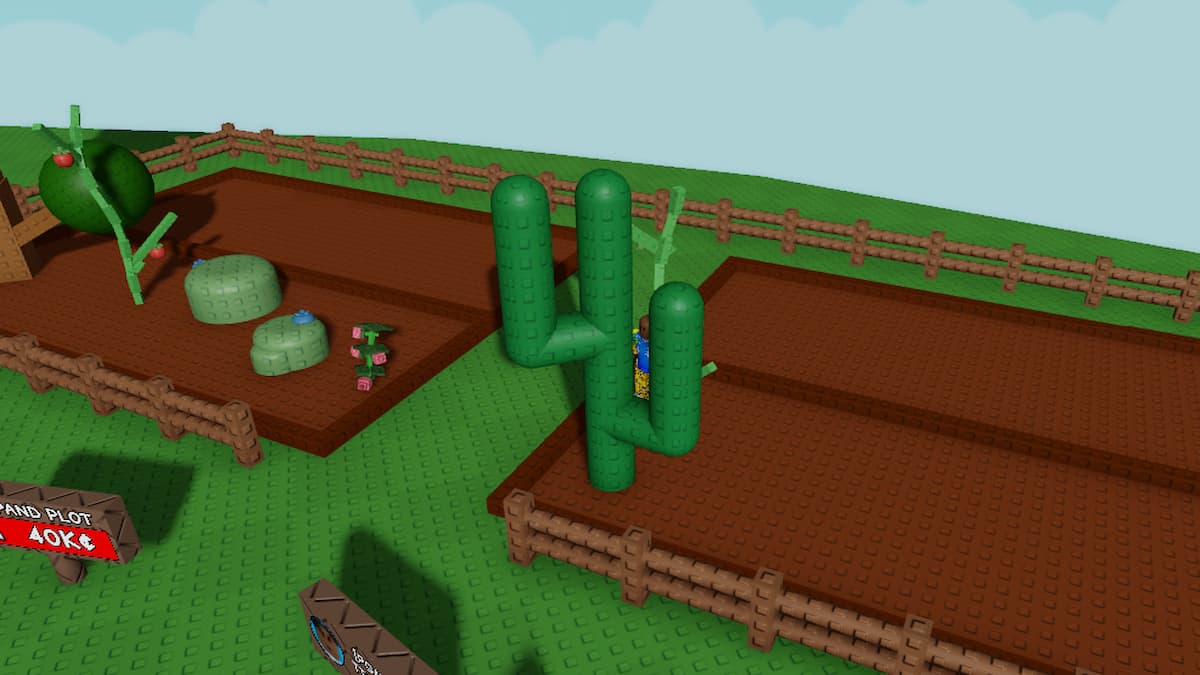
- Attacking Crops: Similar to pets, multiple crops like Dragon's Breath & Cactus help you defend your base. For example, the Dragon's Breath fires at all nearby opponents, causing them to drop their hard-earned sheckles, while Cactus decreases the health bar each time a player steps on it.
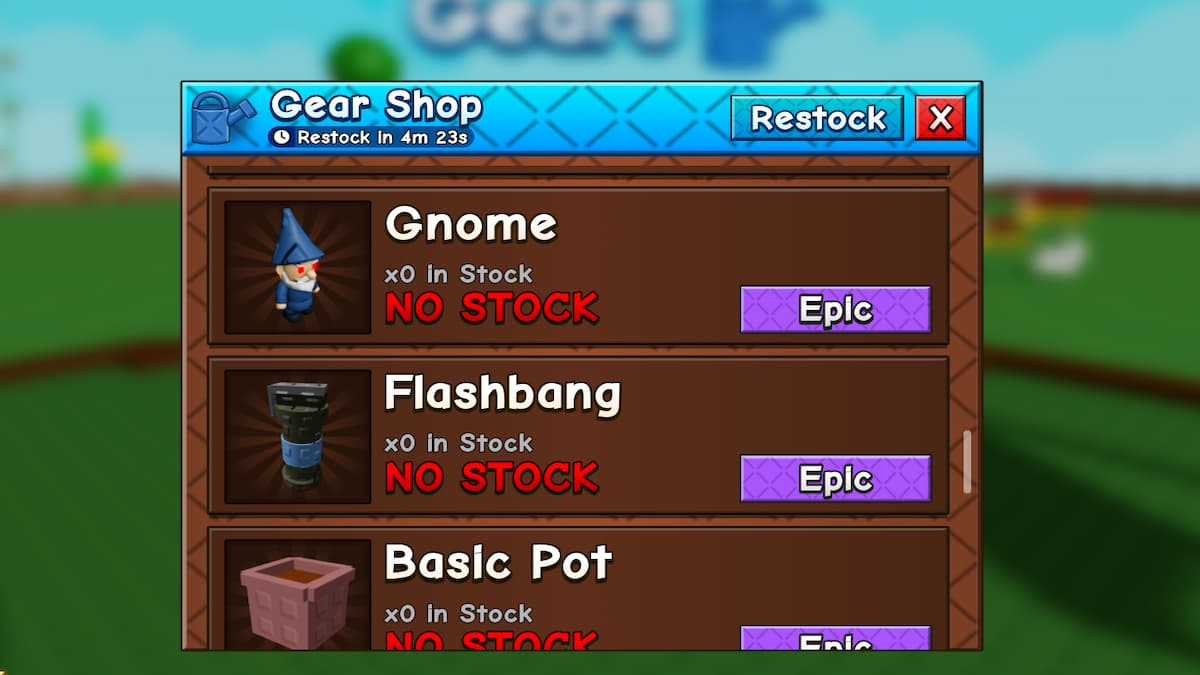
- Effective Utility Gears: There are multiple Gears, like Shovel, Gnome, Flashbang, Mushrooms, Power Hose, Freeze Ray & Vine Wrapper that a player can equip & use to protect their base. Each one is unique, and try to get the ones that suit your playstyle. Some of these Gears are obtained for Sheckles from the in-game store, while others are obtained for Robux from the Shop.
For more on Roblox, check out 50 Best Guild Image ID Codes for Grow A Garden 2 or Grow a Garden Beanstalk Part 2 + Admin War Update Guide


