


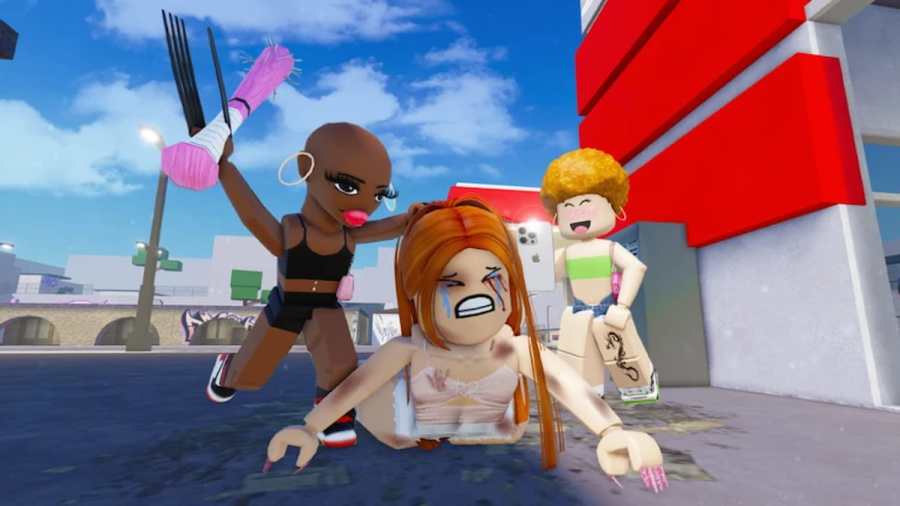
Using a Private server is the best way to conduct any custom tournaments without the annoying interference of any random players inside Baddies. So, if you are in dire need of getting into a private server, I suggest you read the following guide.
All Active Baddies Private Server Links
All the links below can be accessed directly from your PC and mobile phone with a click. For console players, tell your PC or mobile friends to join first and send a default party invite to allow you to join these servers.
| Server Link | Host Name |
|---|---|
| Server Link 1 | Sun |
| Server Link 2 | Nya |
| Server Link 3 | VipSoulz |
How do you purchase a Baddies Private Server?
If you like the privacy and comfort you get in a private server, I highly recommend you pool money with your friends and get one for yourself. To do this, follow the below method.
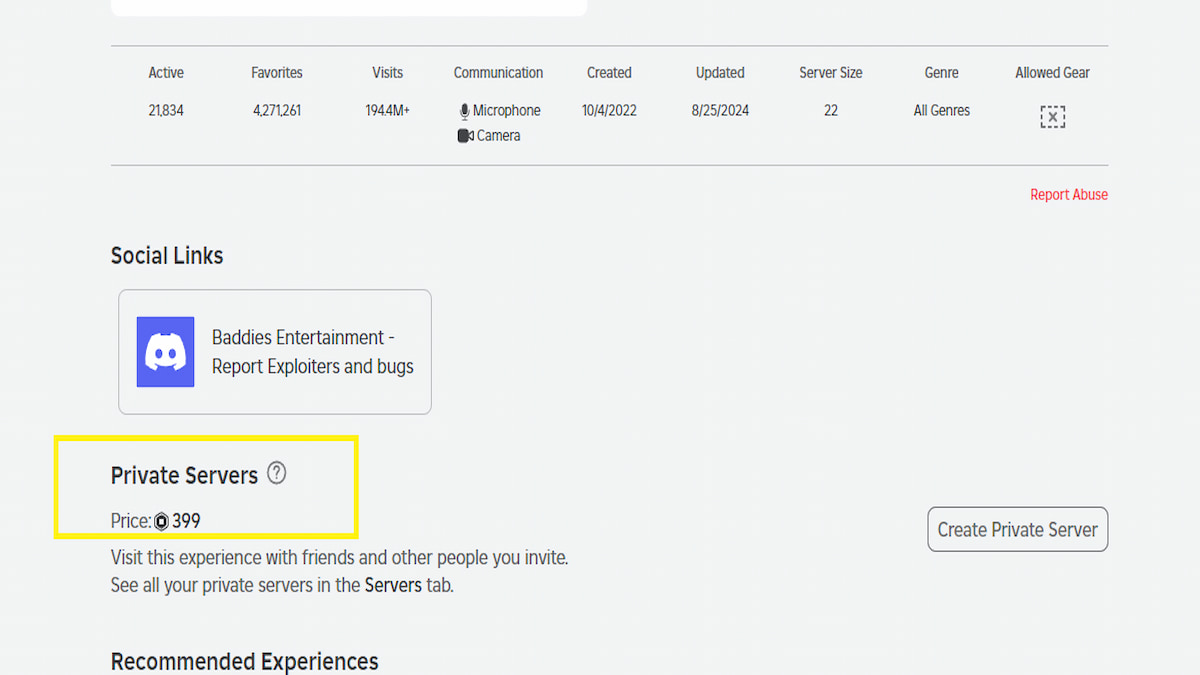
- Open the Baddies experience on the Roblox platform.
- Scroll down a little below the Socials section to find the Private Servers section.
- Click on the Create Private Server option and pay 399 Robux to get a Private server for yourself.
What is the maximum size of a Private Server in Baddies?
A total of 16 players can use the private server at a time in Baddies. If you need to make more space, you have to kick the existing members or look for any other accessible server to play in with your friends.
Is the Baddie's private server worth it?
Yes, the Baddies private server is absolutely worth your time and money as it helps you to grind and practice the various combo movements in the game without the annoying disturbance of any strangers. Also, it is the best place to conduct any tournaments/ custom competitions for your friends or Discord users.
Is there a difference between a Private and Public Server in Baddies?
No, there is absolutely no difference in terms of gameplay when you compare a private Baddies server to a public one. You can visit all the known POIs in the game, blast all your custom songs in your Boombox, and even conduct a private fighting tournament among friends!
How to join a Baddies server?
To join any Baddies Private server, all you have to do is click on one of the above links and hop directly onto the server. In case you bought a private server for yourself, you will get a URL link while customizing/opening the server. Simply copy and send this link to your friends or other Discord friends to invite them.
For more Roblox Private Server Links, check out Pet Simulator 99 Private Server Links or Tycoon RNG Private Server Links in Pro Game Guides.


