
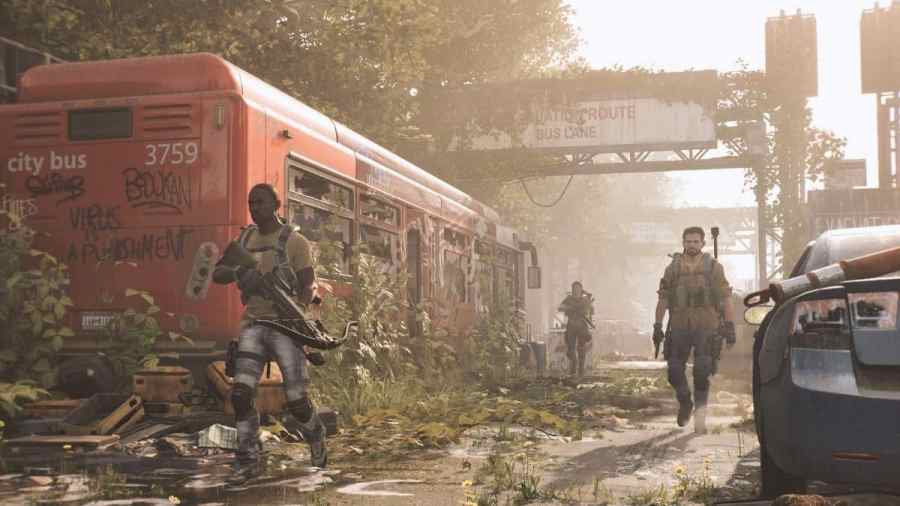
How to check Division 2 server status

Let me in, let me in!

With online multiplayer games, servers can often be down for multiple reasons. If the game isn't working for you, here's how to check the Division 2 server status so you can find and fix the problem.

Recommended Videos

How to Check if Division 2 Servers are Offline

The best way to check if the Division 2 servers are offline is to go to the game's official X account @TheDivisionGame. If there is maintenance planned, then you will find a post about it, along with how long it will last.

Related: Are Rainbow Six Siege servers down? How to Check Status

If you checked X and there is no indication of planned server updates, then you can go to Tom Clancy's Division 2 Help page on the Ubisoft website. Find the Connectivity and Performance box, and you'll see all Status alerts for the game on all platforms. The status alerts are up to date, so you'll know if the servers are down.

Why are Division 2 Servers down?

There could be two reasons why the Division 2 servers are down. First, the game could be under maintenance, and Ubisoft has taken the servers down. If you see that there are no current plans for maintenance on the game's social media, then the issue could be with your internet.

How to fix Division 2 Servers being down

If the servers are down because of Ubisoft and new updates, then you can't really do much other than wait for them to finish. If you've checked the social media and help page and the servers are online, then the issue might be with your internet. In this case, you can try several steps:

  • Log out and close the Ubisoft Connect launcher.
  • Restart the game
  • Restart your router in case of network issues.

If you want to know more about the game, check out The Division 2 could be down for the count thanks to a bad update for Pro Game Guides.

Follow us on Twitter and Facebook to get updates on your favorite games!

About the Author

Hristina Matic assigning editor Pro Game Guides

Hristina Matić

Assigning Editor

Hristina Matić is the Assigning Editor at Pro Game Guides, responsible for editorial oversight and content quality across the publication. She holds a Master's degree in English Language, Literature and Culture from the University of Belgrade and has built her foundation in content and editorial work across gaming media before joining PGG, where she has grown into a senior editorial role. A horror specialist first and foremost, Hristina has put hundreds of hours into Dead by Daylight, Outlast, The Last of Us, and Until Dawn, games she returns to repeatedly and knows at a level most guides writers don't. That depth of genre knowledge translates directly to her Roblox coverage, where she focuses on the platform's expanding horror and survival scene: titles like 99 Nights in the Forest, Hunty Zombies, and Paradox (DOORS). She also covers multiplayer action titles including Marvel Rivals, R.E.P.O., and PEAK.

Topics covered: Roblox TDs, Horror Games, Dead by Daylight, Multiplayer Games, Marvel Rivals

Find Hristina Matić on: Twitter

Forgot password
Enter the email address you used when you joined and we'll send you instructions to reset your password.
If you used Apple or Google to create your account, this process will create a password for your existing account.
This site is protected by reCAPTCHA and the Google Privacy Policy and Terms of Service apply.
Reset password instructions sent. If you have an account with us, you will receive an email within a few minutes.
Something went wrong. Try again or contact support if the problem persists.