Players can use the Classic Roblox Theme for a limited period of time. The rumored start date is September 12, 2026, and you'll need to click the Roblox Icon on PC or in a Browser to activate it.
To celebrate Roblox's 20th anniversary, the developers plan to bring the Classic theme back to the platform. However, it won't be added directly to the platform; instead, it will act more like an Easter egg that requires you to complete a set of actions to apply the theme. So, if you are wondering how to get the Classic Theme & use it, here is a detailed guide.
How to get the Classic Theme in Roblox
First, the Classic Theme is only returning for a short period to celebrate the 20th anniversary. It should go live around September 12, 2026, 7 PM PDT, and remain for the next few days, or even a week. This is exactly when the RDC 2026 Event would go live.
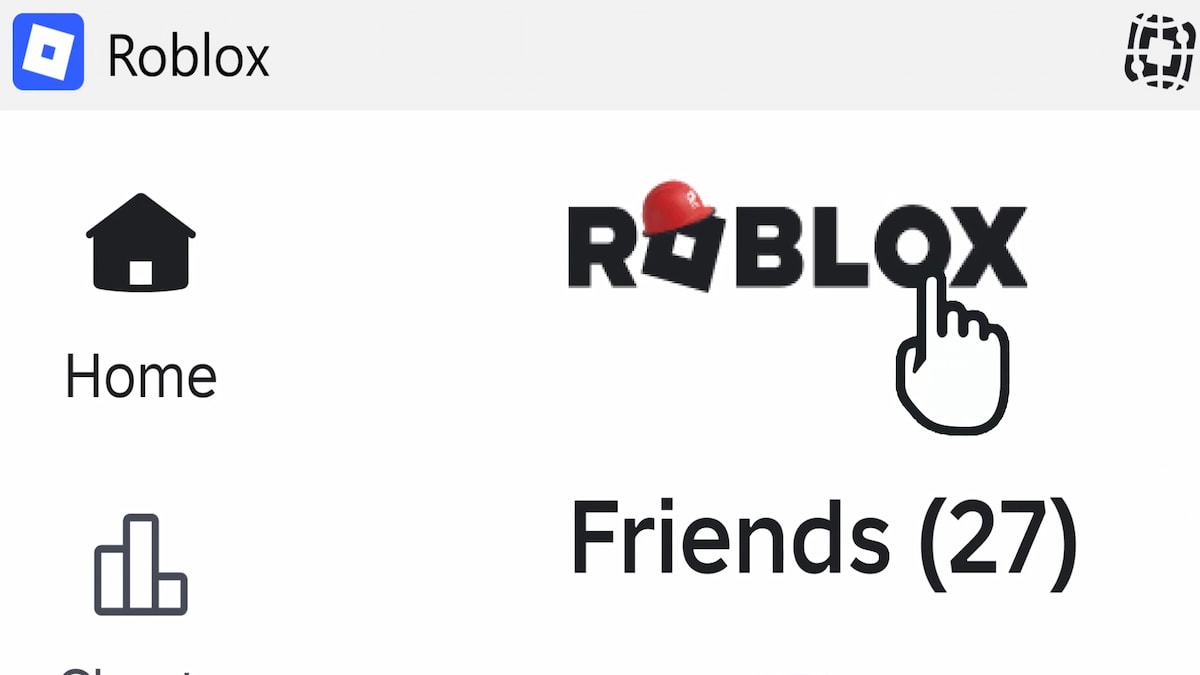
Once the update is live, you'll notice the Roblox icon looks a little different, with a red hat on top of the O character, as shown in the image above. Click the O character, and it will immediately turn red. Keep pressing the same button to turn all adjacent letters red, then the entire icon & finally apply the Classic Roblox theme to the entire web page.
Also, the Classic Roblox Theme will only be available on PC and in a browser. So, if you are on a mobile or console platform, you'll need to switch to your PC or log in through a browser to enjoy the content.
Remember, this is rumored content based on existing leaks from popular Roblox leakers. We still need to wait for the exact release dates, timing, and the feature itself from the official handle.
For more on Roblox, check out Best 18 Co-Op Games on Roblox or How to Beat the First Chase in Wonderland Level 4 [Roblox]