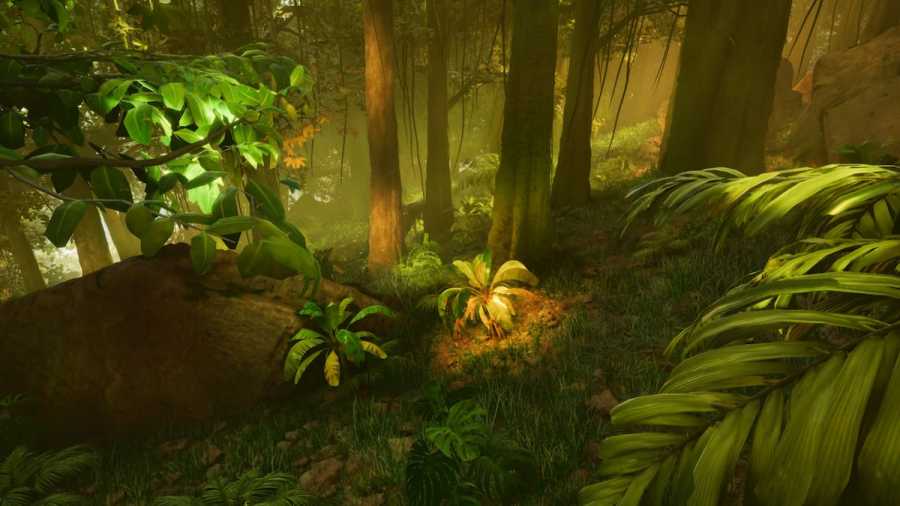
ARK Survival Ascended is generally more enjoyable when played as part of a group, yet it does offer a mode that can be experienced independently (even if it’s not as captivating). Here is a detailed exploration of the single player mode within ARK Survival Ascended. ARK Survival Ascended – Single player, explained To be upfront, […]
Cross-Platform Modding is one of the new features added in ARK Survival Ascended to allow all players the ability to heavily alter the game, regardless of platform. The process is so simple, it can be done with just the click of a button. Here’s everything you need to know about Cross-Platform Modding. How to use […]
ARK Survival Ascended looks very similar to ARK Survival Evolved, but they have several significant differences that set them apart. The simplest method of detailing this is to provide you with all the additions introduced in ARK Survival Ascended, so here are all the key differences between both Ark games. Ark 2 vs Ark Survival […]
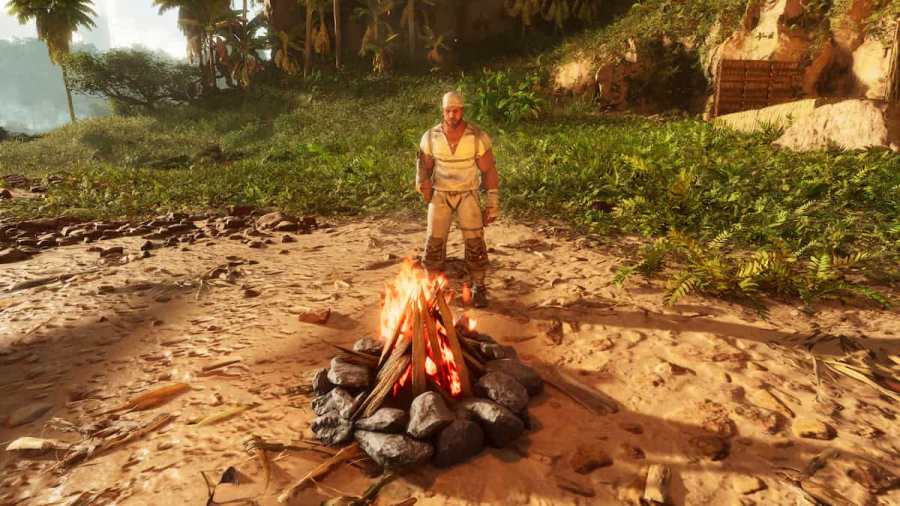
A crucial step in surviving ARK: Survival Ascended is building a campfire for warmth, light, and food. But how do you light a campfire? How to start a campfire in ARK Survival Ascended (ASA) To light a campfire in ARK Survival Ascended, you must first unlock the campfire in the Engrams menu. Once you’ve done […]
ARK: Survival Ascended has improved in many ways, so you’ll use the in-game command console more than ever. By editing the game, you can create a unique experience and improve your chances of survival. For that, you’ll need to learn how to use console commands in ARK: Survival Ascended. How to activate console commands in […]