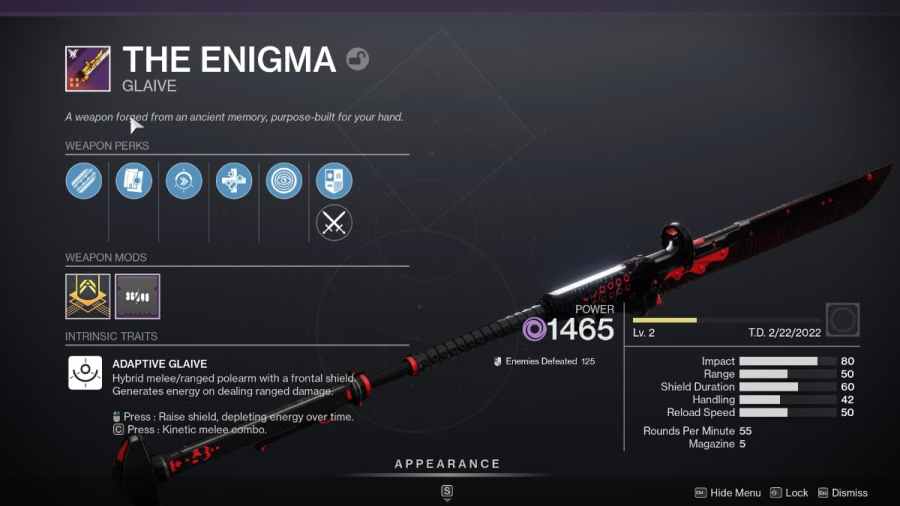
To use a Glaive in Destiny 2, you must first acquire one by completing The Relic mission. Completing The Relic mission will unlock your first Glaive, which acts as a unique melee weapon. Once you have a Glaive, you can use the primary attack to fire high damage dealing projectile and the secondary attack to […]
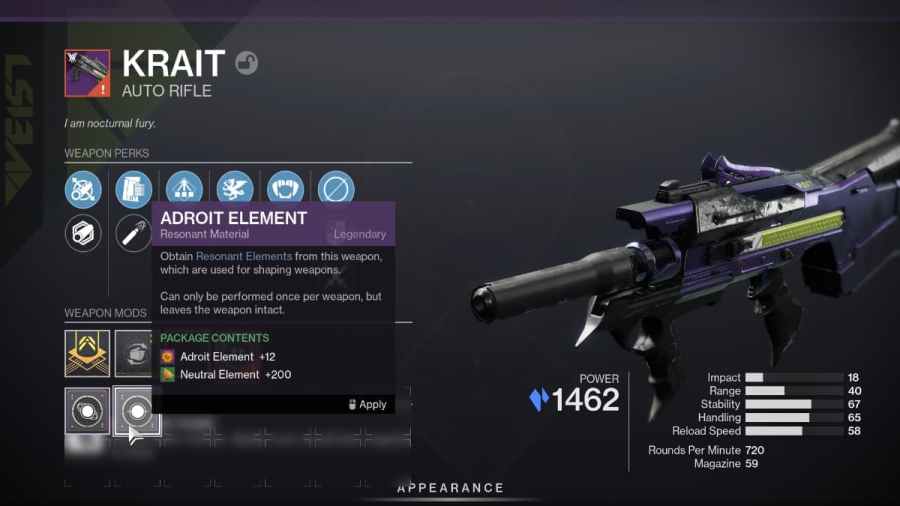
To get Neutral Elements in Destiny 2, you will need to find Deepsight Resonance weapons and attune them. Attuning involves leveling the weapon to a certain point where extracting materials such as Adroit Element unlocks. You can attune Deepsight Resonance weapons by killing enemies in Destiny 2. You can attune weapons fast by completing and […]
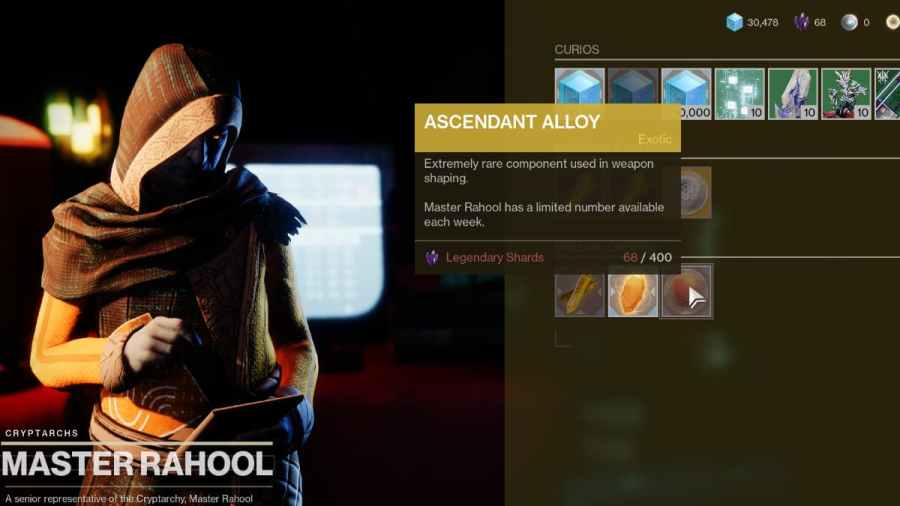
To get Ascendant Alloy in Destiny 2, you must buy the alloy from Rahool, complete Witch Queen missions, and reach Gunsmith rank 16. The simplest out of all three methods for getting Ascendant Alloy is to buy it from Master Rahool. You can find Master Rahool at the Tower player hub, and Rahool will sell one alloy […]
Fundamental Osmium in Destiny serves as an extra method for you to increase your reputation with Fynch called Throne World Reputation. You can find Fundamental Osmium all across Savathun’s Throne World in the form of nodes. These nodes will appear as shown in the image above. If you want to harvest the nodes, just walk up and […]
To change the difficulty level in the Destiny Witch Queen campaign, you will select the option from inside Savathun’s Throne World. You can find Savathun’s Throne World after unlocking it during the starting points of the campaign. Once unlocked, you can change the difficulty level by finding the option on the map below. One option will allow you […]