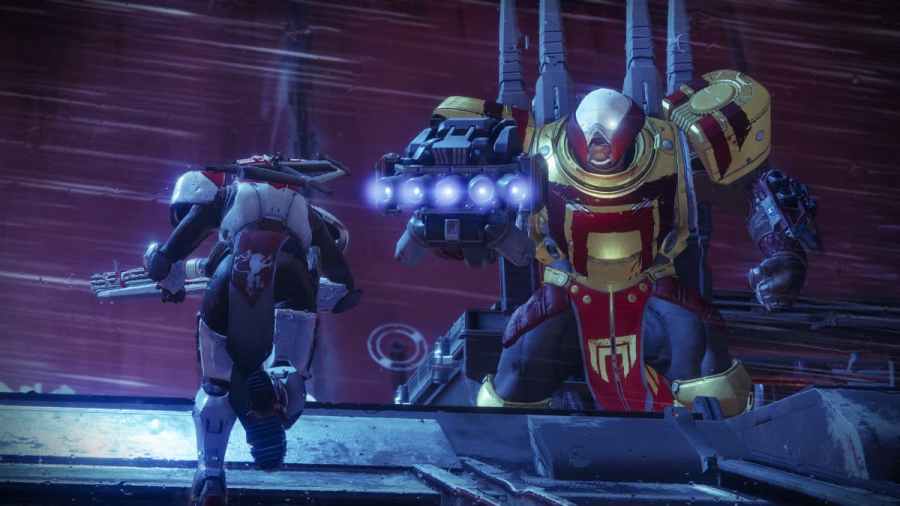
To fix Destiny 2’s Error Code Anteater, you will need to start by following a series of troubleshooting steps. The first step is to restart your game on your console or PC, followed by restarting the system itself. Doing so is a simple fix that will sometimes eliminate any errors you are facing, but it doesn’t always […]
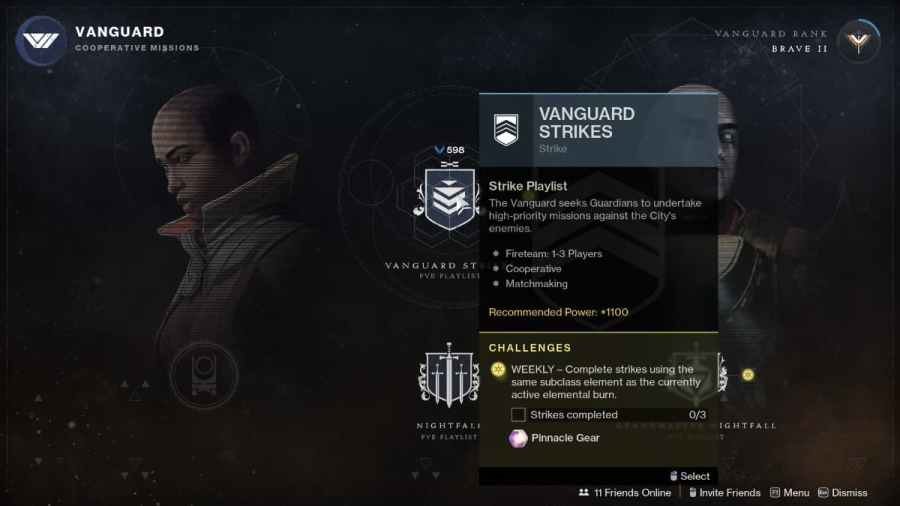
In order to complete your weekly Vanguard Challenges and earn some Pinnacle Gear, you need to play Vanguard playlists while using the same subclass element as the currently active elemental surge. This explanation under the Vanguard Weekly Challenge is confusing, especially for those who do not regularly grind Vanguard Ops. Don’t fret, because we’re here […]
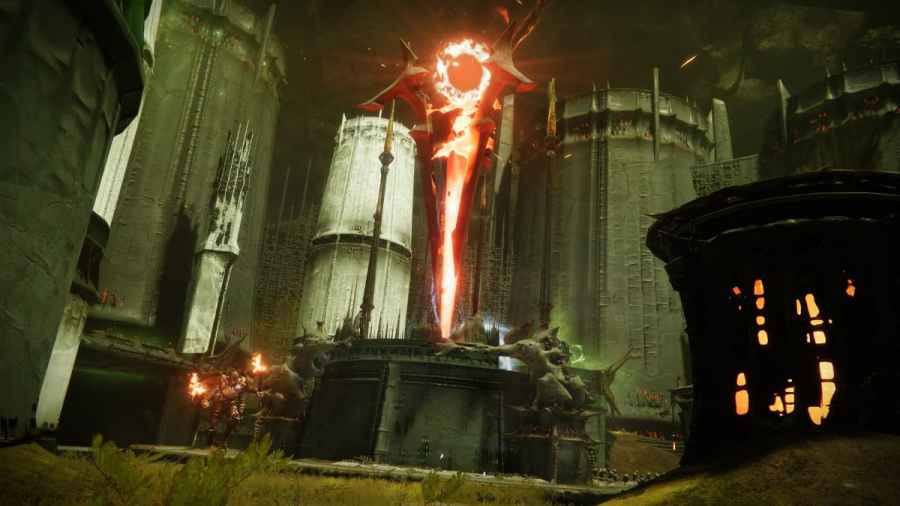
While playing the Scarlet Keep Strike and Nightfall on the Moon, players will encounter a Hive Wizard called Hashladun. During both the Strike and Nightfall, players will need to kill Hashladun in a final boss fight at the top floor of the Scarlet Keep. But who is Hashladun lore-wise in Destiny? Not much is said about this Hive Wizard […]
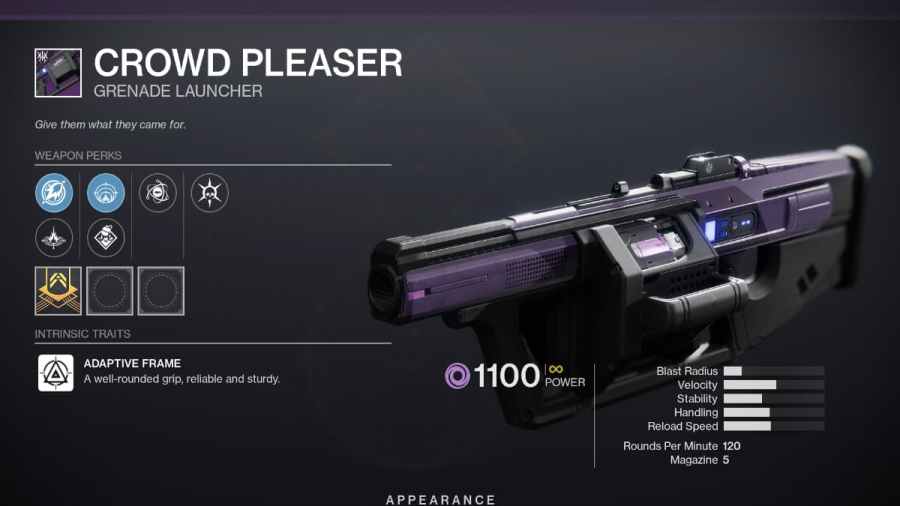
If you want to get the Legendary Crowd Pleaser Grenade Launcher in Destiny 2, you will need to play the Gambit PVE mode. The Crowd Pleaser is a random drop that players will get from completing Gambit matches. Because of this, you may need to play multiple Gambit matches before you can get the Crowd […]
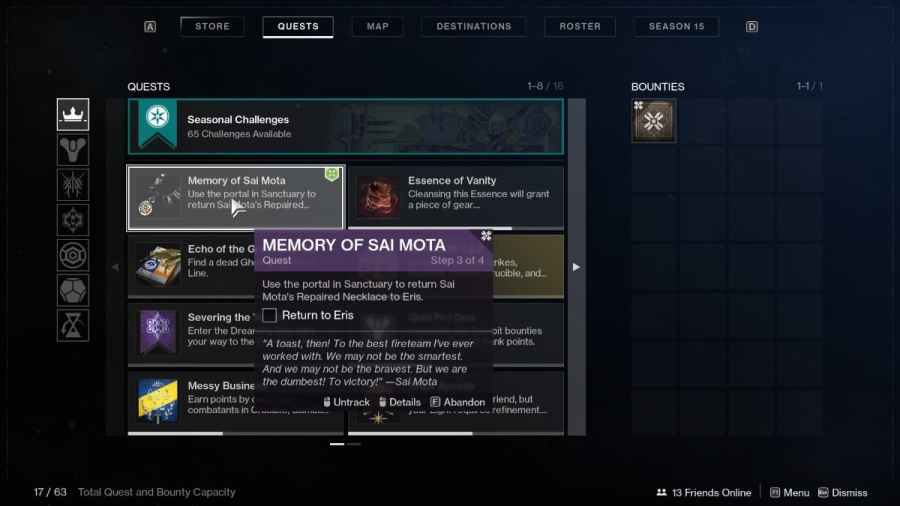
To complete the Memory Sai Mota quest in Destiny 2, you will first need to accept and complete the Lunar Spelunker bounty, which requires you to visit the following Lost Sectors and loot the chests: K1 Crew Quarters K1 Logistics K1 Communication After looting all three chests, you will get a Firewall Data Fragment. You will need to take this […]