If you are going through BitLife achievements and looking for something fun to do, we recommend trying to complete the Begone Achievement. The begone Achievement tasks players with exorcising their own ghost. But before you can exorcise your own ghost, you must first become an Exorcist in BitLife. That being said, here’s our guide that will […]
Flipping houses is an interesting method for making money that not many players know about or use in BitLife. If this was you, don’t worry, as Flipping houses is not difficult to understand. In short, to flip houses in BitLife, you must first purchase property and then repair it. After fixing some decent homes, you can later sell […]
If you are trying to complete Halloween theme challenges like the Phantom House Flipper or the Demon Slayer in BitLife, you must eventually live inside a Haunted Mansion. Living inside Haunted Mansions is a common requirement, as you must own a Haunted House to exorcise ghosts. Here’s a guide explaining how players can live inside Haunted Houses and […]
If you are trying to complete Halloween-themed challenges in BitLife, such as the Spooktober Challenge or The Phantom Flipper Challenge, you will need to encounter ghosts. In some challenges, you must also need to exorcise these ghosts. Luckily here’s a guide that will explain in depth how to exorcise ghosts in BitLife: How to Exorcise […]
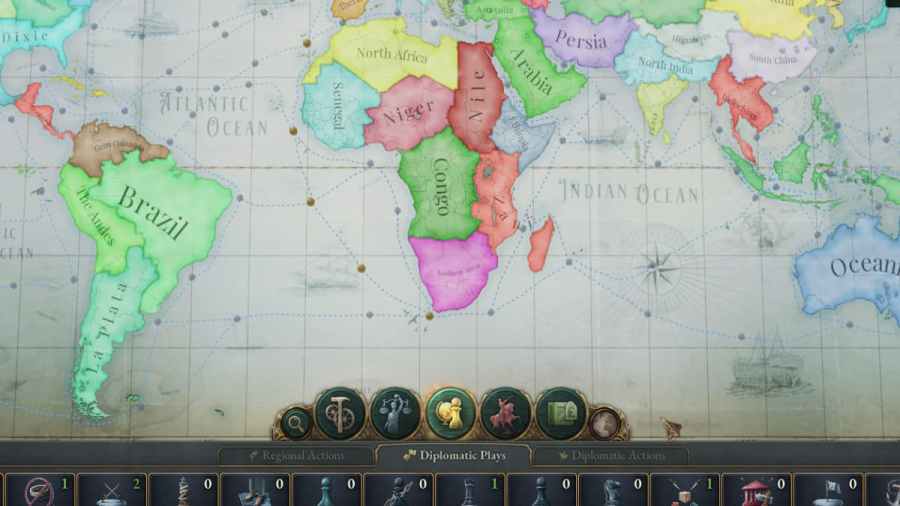
If you want to Annex a Subject from another country in Victoria 3, you must declare an interest and later use the conquer state diplomatic play. You can declare an interest in another country’s Subject by opening the Diplomacy menu tab on the left of your screen. After you have an interest, you can start Annexing another […]