Just as the name states, Adopt Me! players can adopt hundreds of adorable pets and help raise them, take in other players as a parent or older sibling, or even be the adoptee themselves and find their forever home. Whether you want to create your own house and grow the biggest family on the block, or start […]
Let’s get colorful! Another week has come and gone, which means it’s time to welcome another Adopt Me! update. On April 27, 2023, Adopt Me! released its Paint Sealer update, and while this update didn’t add any new pets to the experience, it did add a fun new item to the fan-favorite Salon, and a brand new, limited-time-only vehicle! For a […]
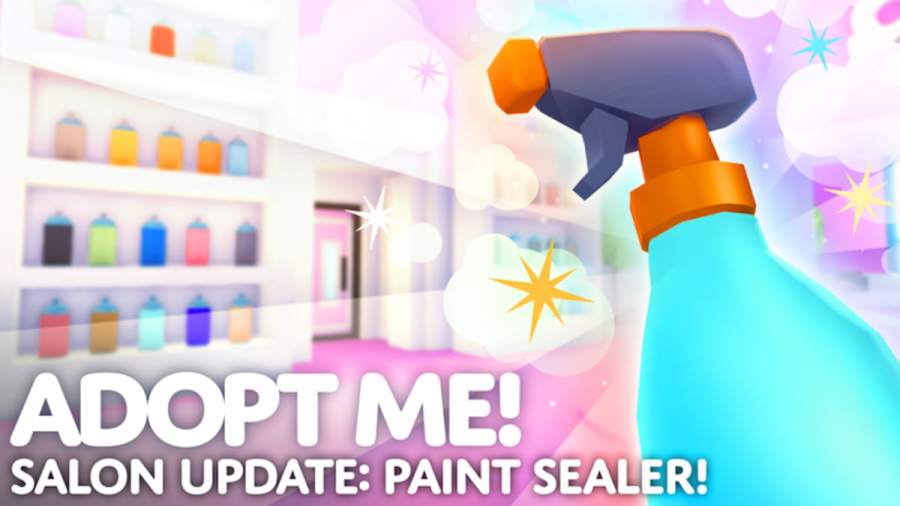
Do you enjoy pampering your virtual furry friends? Is dressing up and showing off one of your favorite things to do in Adopt Me!? Then you may be interested in trying out the Paint Sealer! Added with the April 27, 2023, update, the Paint Sealer item can be purchased from the Salon and used to […]
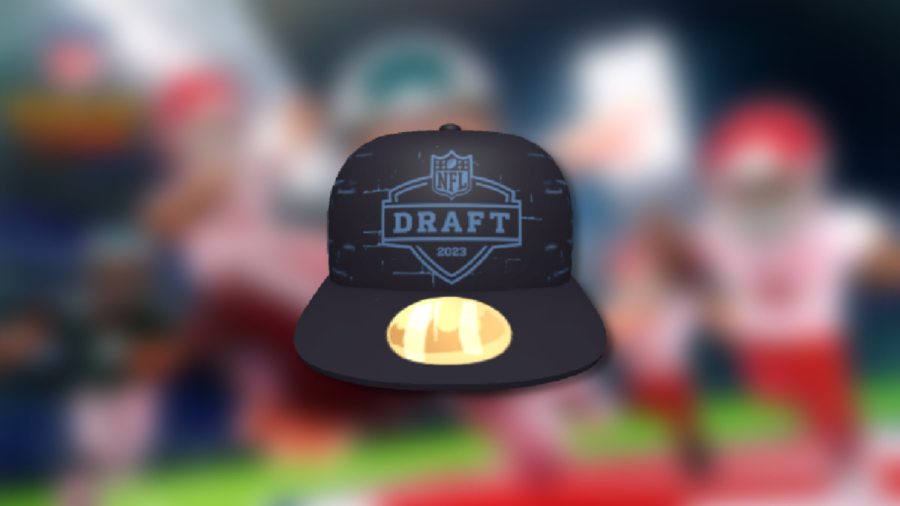
The second installment of the popular NFL Tycoon has arrived—meet Super NFL Tycoon! This experience, similar to its predecessor, allows players to build their own stadium, manage their dream team, and grow their franchise dynasty. To many players’ delight, this experience also offers a handful of NFL-themed avatar items that can be claimed for free, including the […]
The second installment of the popular NFL Tycoon has arrived—meet Super NFL Tycoon! This experience, similar to its predecessor, allows players to build their own stadium, manage their dream team, and grow their franchise dynasty. To many players’ delight, this experience also offers a handful of NFL-themed avatar items that can be claimed for free […]