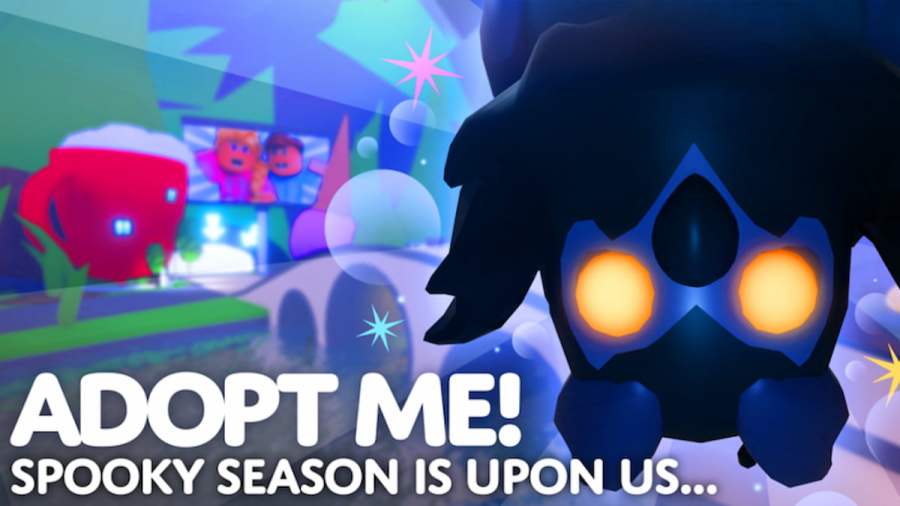
Spooky season is finally here and I’m ready to collect as much candy as I can, both in real life and in Adopt Me!! On Oct. 5, 2023, Adopt Me! released its Halloween Begins update, which is the first of many Halloween-themed updates that will be coming to the experience this month. With Adopt Me’s yearly Halloween celebration […]
I’m so excited to announce that Halloween has arrived in Adopt Me!, and with it has come a new island aesthetic, limited-time-only pets (all of which are spookified for the occasion), and, of course, a few fun and engaging minigames! This year, players can participate in three different minigames, Tile Skip, Chickatrice Says, and Spooky Shuffle, which […]
There’s few experiences that celebrate the holidays as intensely as Adopt Me!, and players are more than aware of this! One of the most beloved Adopt Me! holiday events is the yearly Halloween celebration, which typically runs from the first week of Oct. to the first week of Nov., and sees tons of new content […]
My friends and I love playing Royale High together; dressing up, decorating our dorms, exploring the world, and making wishes at the fountain are just a few of the many activities we do for fun. Normally, having other players in our server with us is totally cool (the more the merrier!), but other times, we […]
Halloween festivities have begun to pop up across Adoption Island and I couldn’t be more excited! From exclusive Halloween-themed pets, to engaging and fun minigames, Adopt Me! sure knows how to throw a party, and (just like every year) every player is invited to help celebrate, including you! If you’re anything like me, you’re interested in collecting […]