Maxim “wippie” Shepelev is a professional esports player hailing from Russia. He plays Valorant for the Version1 esports organization, which also runs the Minnesota ROOKR Call of Duty League team. This article covers Wippie’s keybinds and crosshair settings in Valorant. Wippie Valorant Keybinds MOVEMENT Forward W Back S Strafe Left A Strafe Right D Default […]
Pontus “Zyppan” Eek is a professional Valorant player situated in Sweden. He plays for the FunPlus Phoenix (FPX) eSports organization. The following are the keybinds and crosshair settings used by Zyppan in Valorant. Zyppan Valorant Keybinds Movement Forward W Back S Strafe Left A Strafe Right D Default Movement Mode Run Walk Left Shift Toggle […]
Shogo “Takej” Takemori is a professional Valorant esports player from Japan. He plays for the ZETA DIVISION esports organization. This article covers Takej’s keybinds and crosshair settings in Valorant. Takej Valorant Keybinds MOVEMENT Forward W Back S Strafe Left A Strafe Right D Default Movement Mode Run Walk Left Shift Toggle Walk Off Jump Space […]
JasonR is known for his brilliant skills in tactical shooter games. He made the switch from CS: GO to Valorant since the game’s beta and has been playing since. Here are the keybinds and crosshair settings JasonR uses in Valorant. JasonR Valorant Keybinds MOVEMENT Forward W Back S Strafe Left A Strafe Right D Default […]
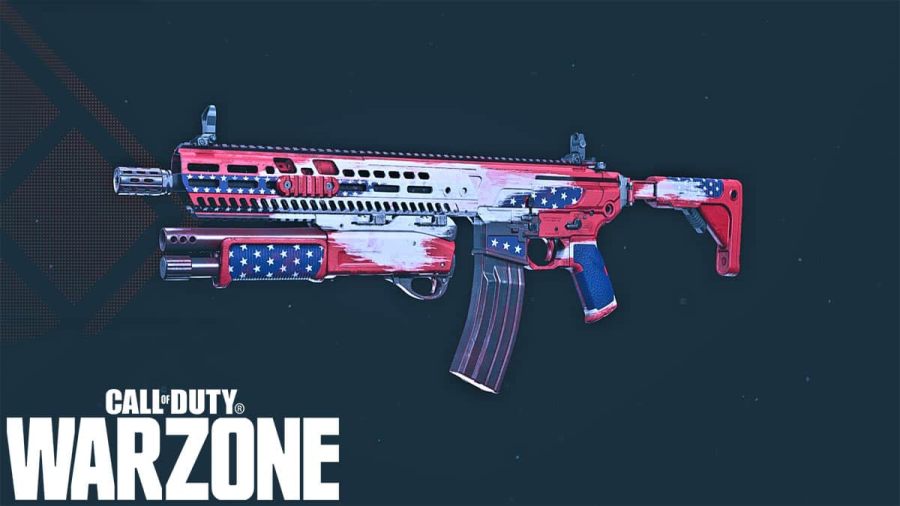
The M13 has always been one of the easiest to control weapons in Call of Duty: Warzone. It has minimal recoil, high fire rate and good range. However, the M13 was rarely used because of the extremely low damage output which made it a slow time to kill (TTK) weapon. This has changed since the […]