



One of the common objectives found in most BitLife challenges is to attend concerts in the game. This is even one of the tasks in the BitLife Lunar New Year Scavenger Hunt challenge. So, if you don't know how to attend a concert in BitLife, let me explain it to you in detail.
How to go to a Concert in BitLife
To answer the question at hand, attending a concert is an exclusive friends-only activity/event in the game. This means you cannot go to a concert with your date, colleagues, or even your family members. So, to make this happen, you need friends first. The best time to make friends in BitLife is during school or college days, as you have access to a lot of people.
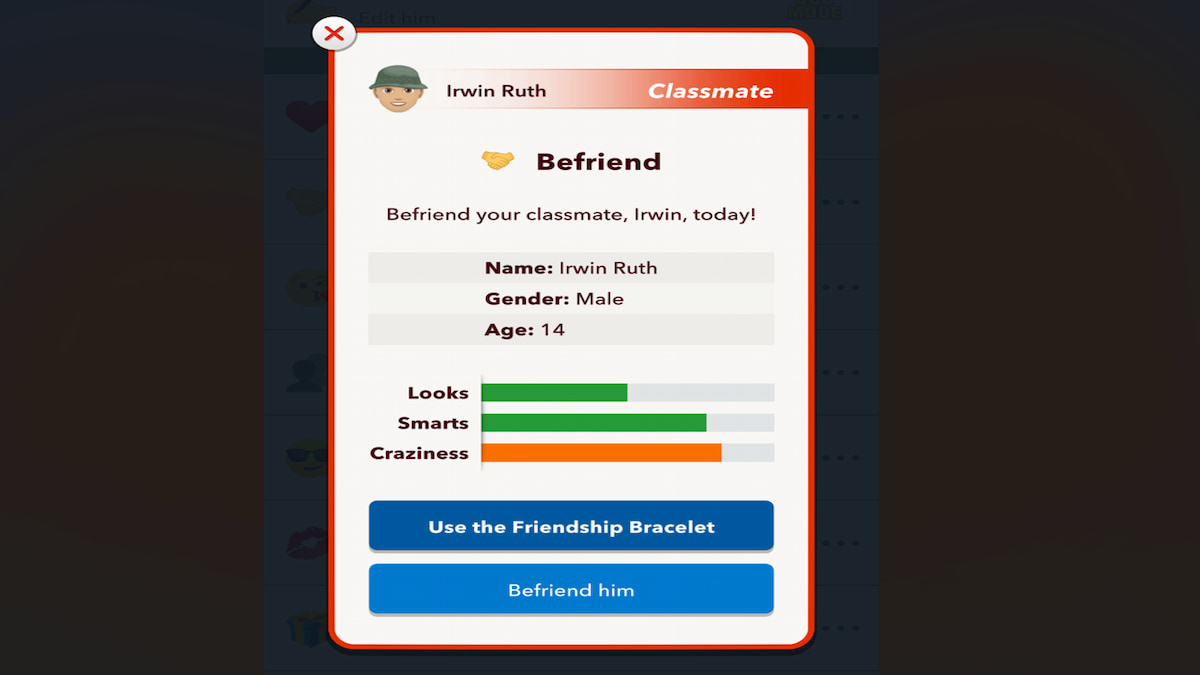
To do this, click on your Class option under the School/Education tab. Now, in the list of options, pick the person with whom you want to make friends and use the Befriend option under them. In case they don't accept your invitation, try to improve the relationship rating with them by gifting, complementing, and building conversations. All of these options are available by default under your mutual Activities tab.
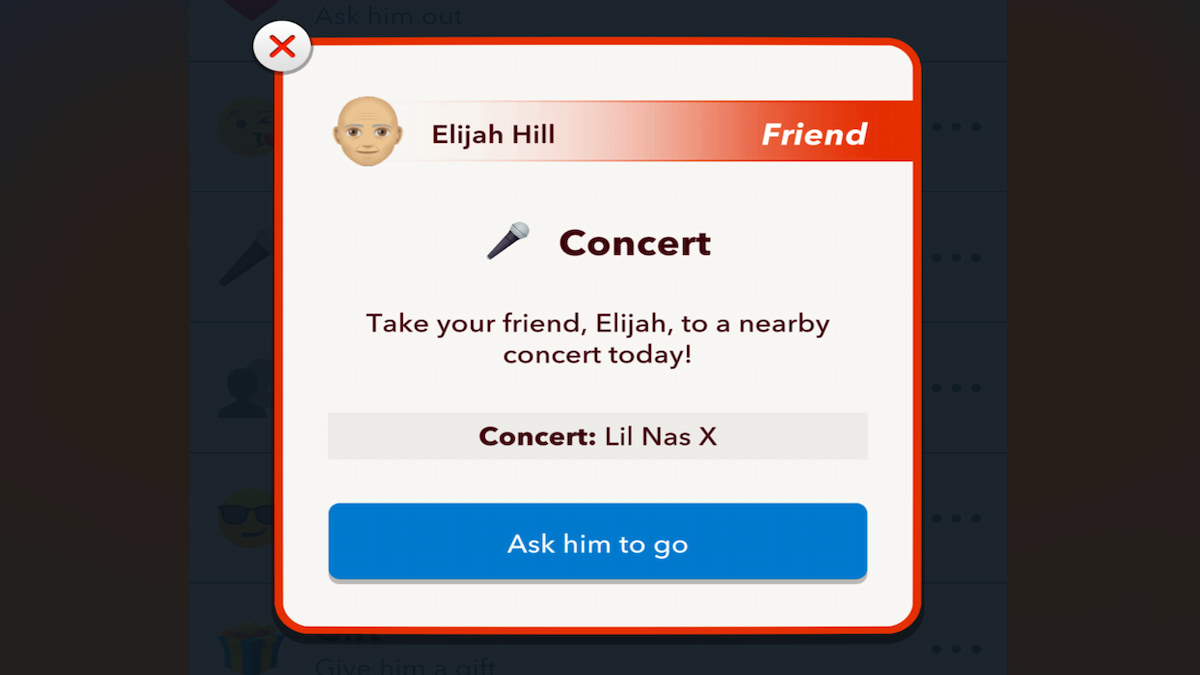
Once you have made a few friends in the game, the next step is to wait until you turn 15 to attend a concert. After turning 15, click on one of your friend's names from the Relationship tab in the main menu. In your mutual Activities, you will now find a new option called Concert. Click on it, and you can go to a concert in BitLife.
Remember, sometimes, your and your friend's parents may not allow you to attend a concert. In such instances, you can wait until you turn 18 to go to a concert. Also, the concerts you attend are entirely random, as there is no option to select a particular artist individually. All you can do is pray that you go to your favorite artist's Concert.
For more on BitLife, check out How to Make Friends in Bitlife or How to Make an Enemy a Friend in BitLife


