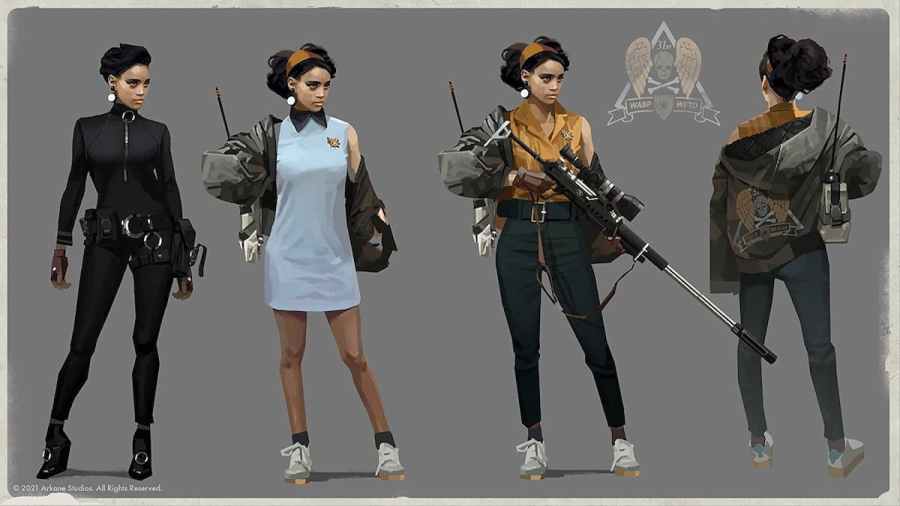
Upon starting Deathloop, you may want to ignore attempting to break the loop and instead choose to invade other players in the multiplayer aspect of the game, as Julianna, the assassin where you have to hunt down players playing as Colt to reset the time loop. But you cannot immediately from start-up. You must first […]
There are many different ways to play Deathloop. This includes changing your perks, weapons, playstyle, and trinket loadout. One way to customize your playthrough that you might not have thought about is changing your outfit. To unlock these outfits, you simply need to play as Julianna in multiplayer mode. Killing Colt while in this mode […]
Deathloop is all about, well, a time loop. It’s a neverending day that keeps on repeating like Groundhog day. You’ll keep on repeating the same day over and over, but with new information, making Colt more efficient to take down all of the Visionaries. You will lose everything you have equipped apart from your knowledge. […]
Not long into the game, Colt wants to head back to his apartment in Updaam to see if he can recall anything about what he’s trying to accomplish. Upon getting there and exploring the apartment, you’ll notice a very obvious safe. But of course, the safe is locked by a four-digit code. Codes are generally […]
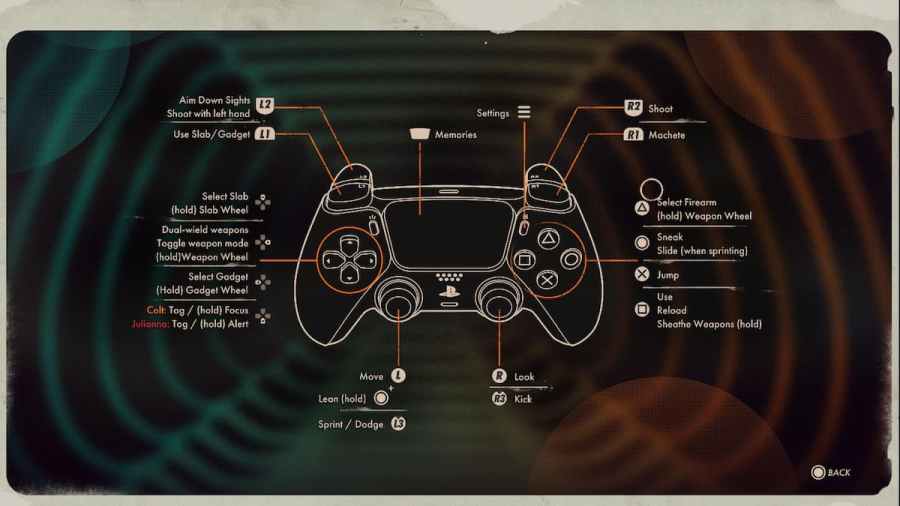
As you travel through the different areas in Deathloop, enemies will constantly be searching for you or on the lookout for you. Not to mention the ever-present threat of Julianna. So to even the odds, you will want to focus. To focus in Deathloop, press the T key on mouse and keyboard. If you are playing on […]