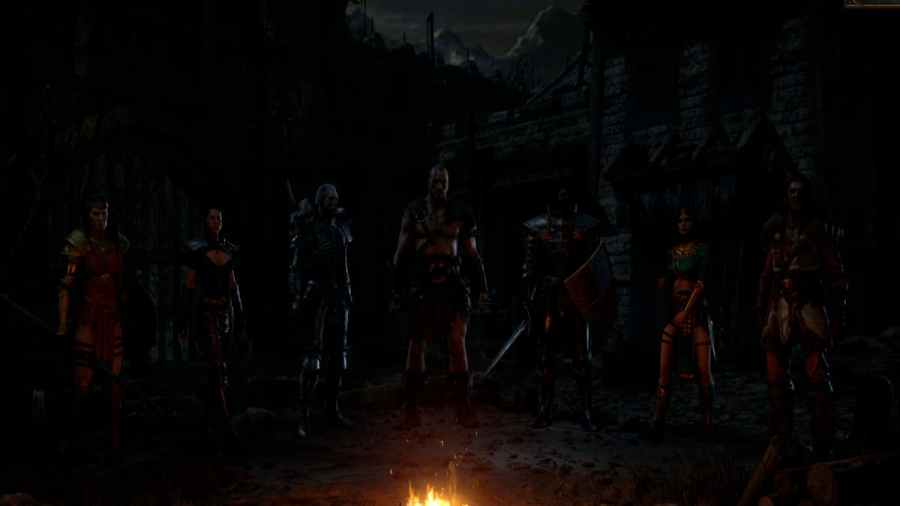
If you are wondering if you can change the gender of your characters in Diablo 2 Resurrected, the answer is no. All characters are locked into the initial genders they have on the character screens. Beyond renaming them, there is no way to change their appearance or what gender they are. Diablo 2 Resurrected also […]
If you fail to connect to online servers in Diablo 2 Resurrected and get a “failed to connect” error, you can fix it by restarting your PC or router. Sometimes both methods will be enough to fix any issues your PC has connecting to the Diablo 2 servers. Also, checking your internet connection and restarting […]
To fix the Failed to Authenticate error in Diablo Resurrected, you will need to restart your router, restart your game, or check if the servers are down. Also, check to see any pending updates or even verify your files using the battle.net app. Checking your internet connection or restarting your system are also good options. […]
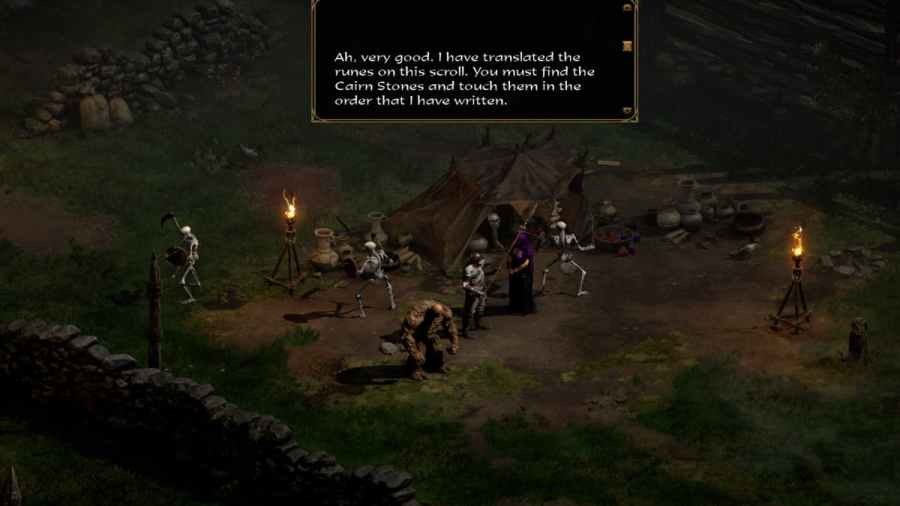
The Underground Passage is located in the Stony Field area of Diablo 2 Resurrected. To find the Underground Passage, you must progress through the game and reach the Cold Plains. In the Cold plains, there will be a path that splits off into the Stoney Field. Once you reach the Stoney Field, we recommend turning […]
To switch and turn on Legacy mode, you will load the game and go to the main menu. From the main menu, press the button on the bottom right of your screen, “create new. ” This is the option to create a new character in Diablo Resurrected, and you will need to visit the character screen if you […]