If you’re struggling to find the 5 Collectables required to get the Hollow Paranormal Badge & Tickets, this guide is for you. In this guide, we’ll tell you the exact locations of all 5 Collectables and how to complete Act 1 to get the Badge, Tickets, and the in-game Haunted Wrench. So, let’s get right […]
Players can get the 20 Tickets & the Tasty Brew Badge for the Hollow Event in Survive Overnight in a Mega Store by collecting 18 Candies (6 of each of the three variants) and adding them to the Cauldron. You can find the Candies by opening Pumpkin Chests, eliminating employees & exploring the Coffins. In […]
To finish Floor 1 of the Hollow Hub, players must collect the Night Relic by finding the Five Missing Pieces, then use them in the Puzzle Room to solve the Puzzle by aligning the pieces to connect the starting and ending nodes, then receive the Relic to exit the floor via the Elevator. The First […]
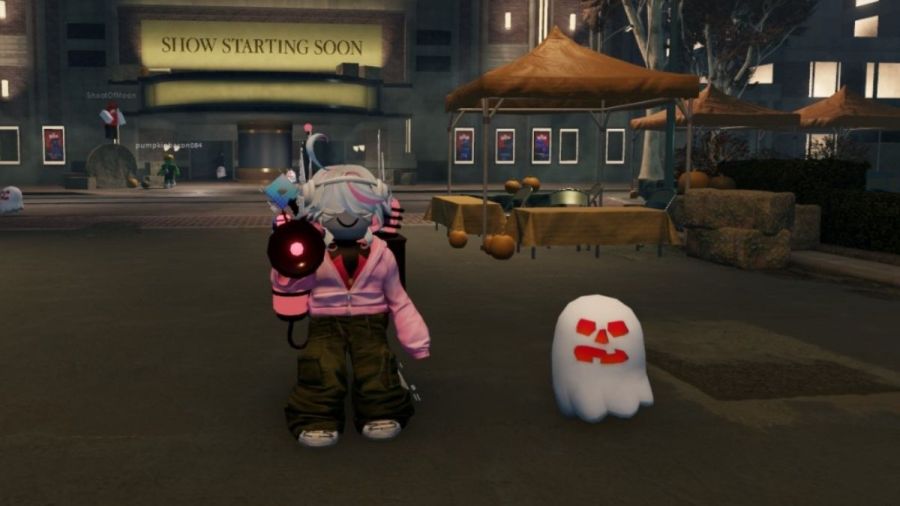
You can get all 4 Ghost Launcher Prizes in The Hollow Roblox Event by finding a Roblox Star Creator, Developer, Admin, and Roblox Plus subscriber. Check their community member lists and profiles to see if they’re playing, then join their server to claim the corresponding Ghost. The Hollow Roblox event brings a collection of exclusive […]
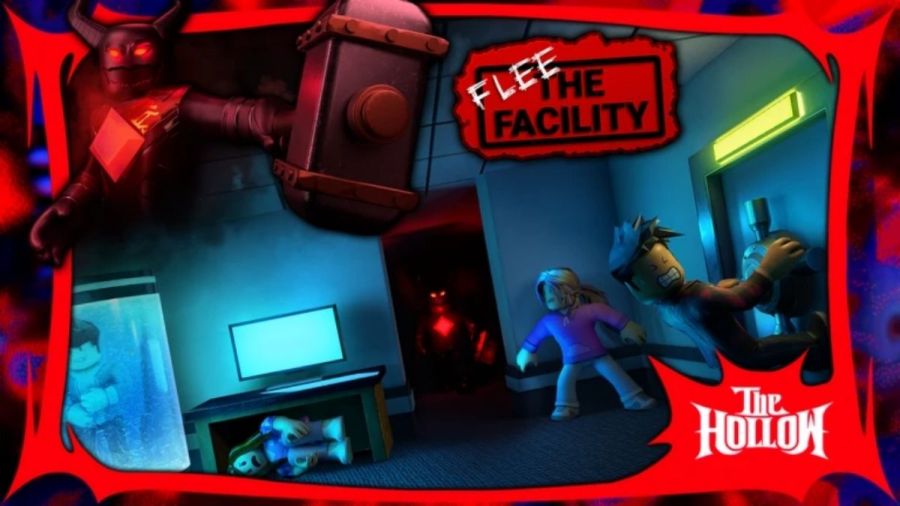
Flee the Facility has joined this year’s Roblox The Hollow Event, bringing a spooky Candy-collecting challenge to the classic survival game. Regardless of whether you are a survivor hacking computers to escape or hunting down players as the Beast, you will need to gather a specific amount of Candy to earn your rewards. So, this […]