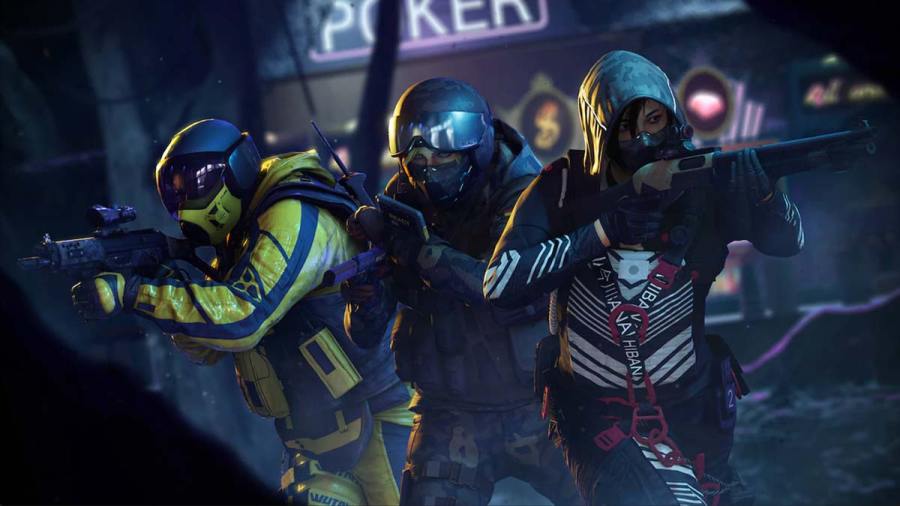
Rainbow Six Extraction has 13 unique mission types that players will face during each incursion. Specimen is one of the relatively straightforward mission types which requires players to trap and capture an Elite Archaean for examination. The objective is simple, players will have to eliminate a few Archaeans to attract the Elite Archaean in the […]
Sabotage missions are one of the 13 mission types players will face in Rainbow Six Extraction, and you will need to know how to complete this objective while taking the least damage. Operators run the risk of going MIA easily in the game, hence it’s best to complete certain combat missions as quickly as possible. […]
Rainbow Six Extraction is the follow-up to Ubisoft’s Rainbow Six Siege. In this Tom Clancy game, players will work with fellow operators to overcome an infestation of Earth. Enemy invaders, called Archaeans, have populated various locations on Earth and players will be tasked with completing operations in an effort to best this new foe. Players […]
Rainbow Six Extraction features 18 playable Operators at launch. Although the game is best enjoyed when you switch between characters, there are some who have an edge over the others. Here’s our take on the best Operators to use in R6 Extraction. 1. DOC Ability: Stim Pistol Weapon: SG-CQB Shotgun Doc is a true support […]
Rainbow Six Extraction is a co-op first-person shooter that allows players to tweak visual settings to get maximum frame rate. Ubisoft has added several new features that will help players to make the most out of their devices. Ideally, to increase your overall FPS you will have to adjust the graphics settings. Make sure that […]