


Beast Force is a Kaiju No. 8-inspired game on the Roblox platform. Like its inspiration, players gain the ability to morph/transform themselves into Kaiju-like creatures and harness their powers to finish deadly/dangerous missions. While the general gameplay loop is easy to understand, there are specific in-depth gameplay mechanics like beast transformation, item abilities, and division stats that need detailed explanations. This is where something like the Beast Force Trello and Discord servers come to the rescue as they provide in-depth information about each topic.
- Beast Force Trello Board
- Beast Force Discord
- Beast Force Game Link
What is the Beast Force Trello Link?
You can access the Beast Force Trello using the given link. It is the quickest way to learn the features of the Beast Force gameplay. You can learn everything from the weapons to the in-game items from the various cards on the board. So, use this information and implement it in your gameplay to become a better player.
How to use Beast Force Trello
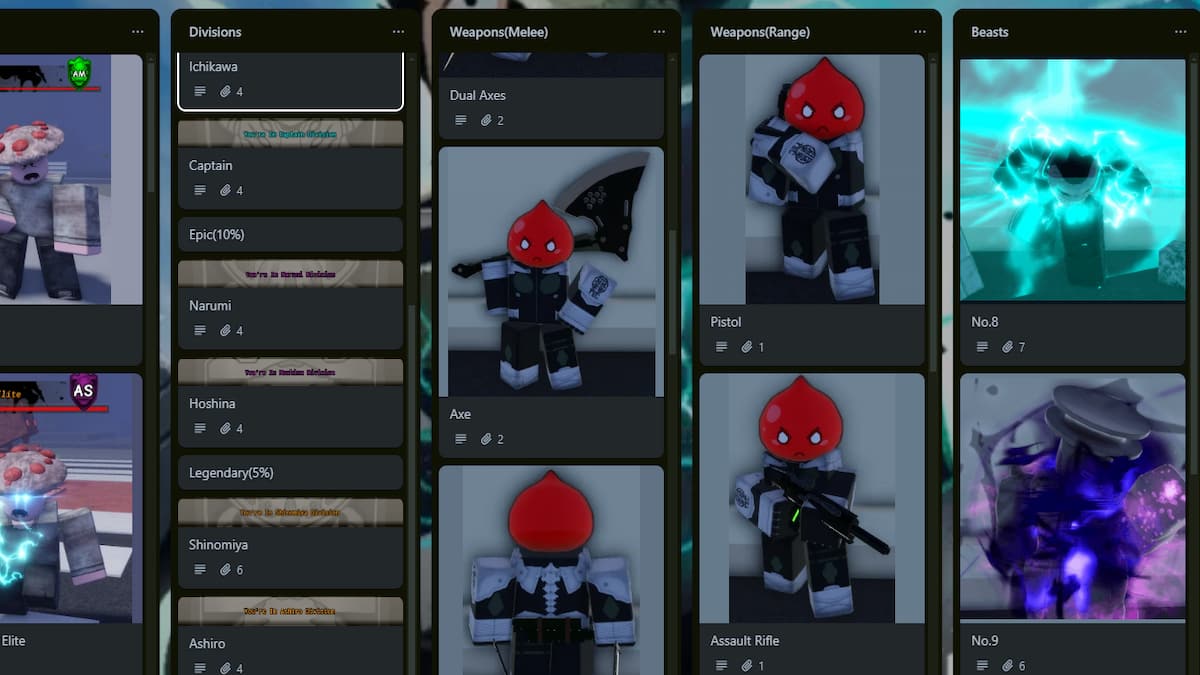
After opening the Beast Force Trello channel, you will find dozens of cards arranged vertically in a column-wise manner. All you have to do is correctly find the card that meets your requirements and read the information in it. For example, if you want to know the ability details about No.8 Kaiju, go to the beast/kaiju column and open the No.8 Kaiju card to get information about its passives, kit abilities, and damage stats for each move.
What is the Beast Force Discord Server?
Joining the Beast Force Discord Server is the next best thing to do if you are tired of using the Trello channel, as you can directly get information about particular mechanics from another player. Unlike information on a Trello board, you can ask the other player and resolve any doubts then and there in an elaborate manner. Also, the Beast Force Discord channel is the best place for beginners to hang out and find friends to play with.
How to use Beast Force Discord Channel
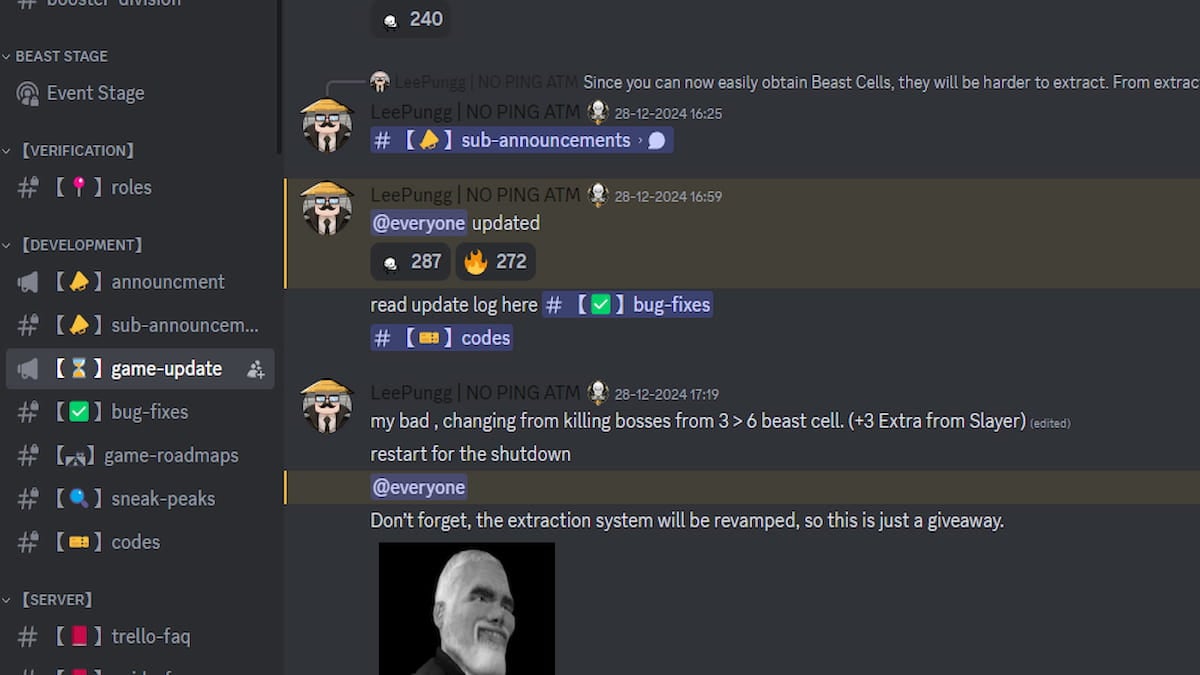
Like most popular Roblox experience Discord channels, the entire Beast Force Discord is divided into multiple text and voice channels, each serving a purpose. For instance, if you want to want to ask any doubts of a player, just send a query on the text channel or ask in one of the voice channels. Irrespective of the method, you will get an elaborate and detailed answer to your question within a few minutes from other veteran players.
For more Roblox Trello Links, check out the Verse Piece Trello and Discord Links – Roblox or Roblox NINJA Trello and Discord Links on Pro Game Guides.


