Players can obtain the Trade Phone in Adopt Me by getting a Neon Pet & playing for two continuous hours. They can then equip the item from the Toy section inside the main inventory. The Trade Phone can be used to make new listings, know recent offers, check previous transactions & even teleport to the Trade hub.
The Trade Phone is a unique utility item in Adopt Me that lets players sell their pets or items on the fly and receive suitable trader offers from other players. However, this highly valuable item is not available by default, and you must complete a set of requirements to obtain the item. So, here is a detailed guide on getting yourself your own Trade Phone in Adopt Me.
Complete Trade Phone Guide in Adopt Me
As mentioned earlier, there are requirements that you must complete to get the Trade Phone; to be precise, there are two requirements which you can find under the Guides column inside the Pets section.
- Discover a Neon Pet: To get a Neon Pet in Adopt Me, you must have 4 of the same pet in the game. For example, you can have four Dogs or Unicorns. You must carefully age them to the Full Grown state. Then, take them to the Neon Cave underneath the main bridge, where you must keep each of the Fully Grown Pets on each of the pedestals to fuse them to get 1 glowing Neon Pet.
- Play the game for 2 Hours: This is the easiest task out of the two, as all you have to do is have a single gameplay session that crosses the 2-hour or 120-minute mark.
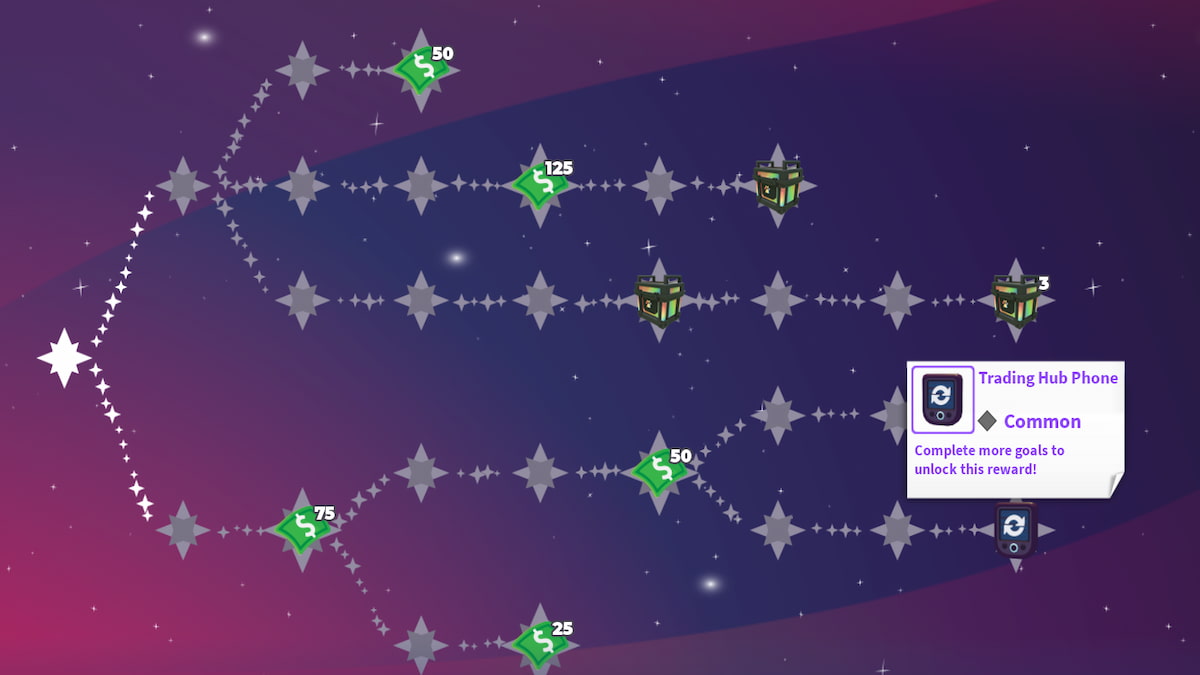
Remember, you only need to complete these two tasks if you’re already on the third and final (3/3) part of the Pets Guide. If you’re a new player, you’ll need to complete all three pages of the Guide Book before you can get your hands on the Trade Phone. However, if you’ve been playing Adopt Me regularly, you’ll most likely already be on the third page.
After finishing both of these tasks, you can redeem the Trade Phone from the Pets Guide Menu.
How to equip the Trade Phone in Adopt Me
Once you have unlocked the Trade Phone, the next step is to equip it. Press your Inventory button and then select the Toys option. Here, you can find the Trade Phone along with your Trading License.
How to use the Trade Phone in Adopt Me
After opening the Trade Phone, you will find the following list of options, each with its own functionality.
- Trade Listings: It displays the list of all the items or pets you want to sell in the game.
- Trade Offers: Shows the current list of Trade offers you have received for your listed & interested items.
- Trade History: Shows the list of all the previous trades made by you inside the game
- Travel to Hub: This is self-explanatory, as it allows you to travel to the default Trade Hub in the game.
For more on Roblox, check out Adopt Me Pet Ages & Levels List - Neon Stages! or Adopt Me Pet Values List