


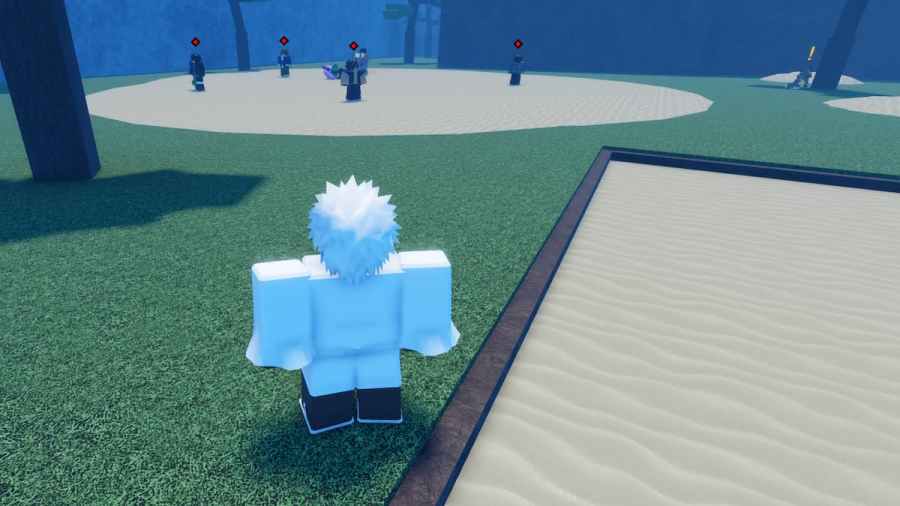
Since the competition is often too intense, the best way to enjoy the game is to use GPO Private Server codes. That way, you can level up your character in peace. I also recommend commands to help you improve communication with other players.
All Working Grand Piece Online Private Server Codes
| Server Code | Host |
|---|---|
| eVyQDUetrk | Omiab YT |
| 3ITxE7x6BI | Omiab YT |
| vYF7N93cqH | Anomylos |
| QhEcbyZOjF | Crimson Son |
| dmgBOmXnQy | Blade of Dragon |
| orXYYLZ717 | Oru |
| mEfecCi6hG | DaveA007 |
| c93u98BQsJ | kts |
| 7SLb9HLpN5 | Hiddonius |
| 5uO3aOwKb8 | Mastersurvel |
| KtKEaaFQzk | Moe |
| Y2hce0SGgP | FwBound |
How to join a private server in Grand Piece Online
Follow these instructions on how to join a private server in Grand Piece Online.
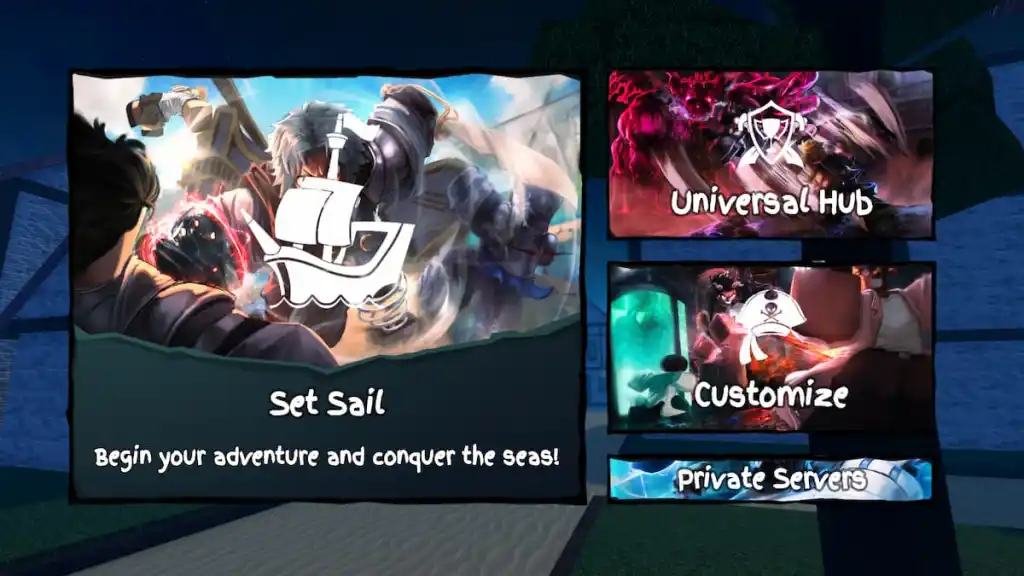
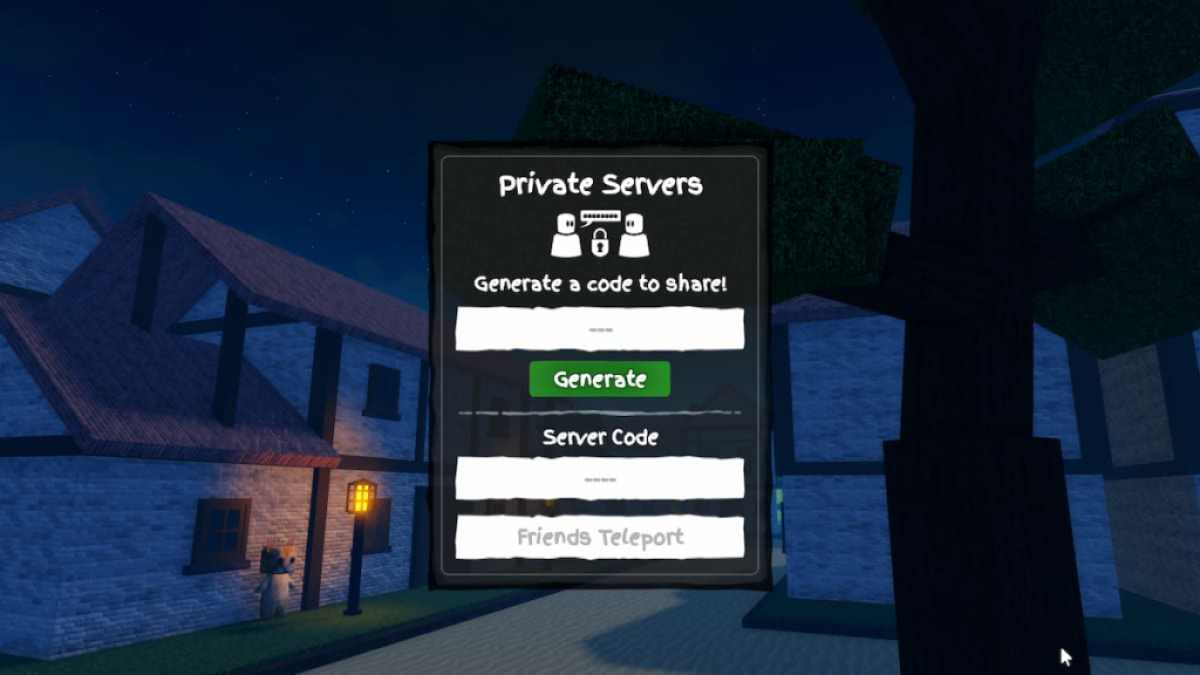
- Start Grand Piece Online in Roblox.
- Click on the Private Servers button at the bottom of the screen.
- Enter working GPO private server codes into the Server Code text box.
- Press Enter on PC or Return on mobile to confirm.
How do you buy a GPO Private Server
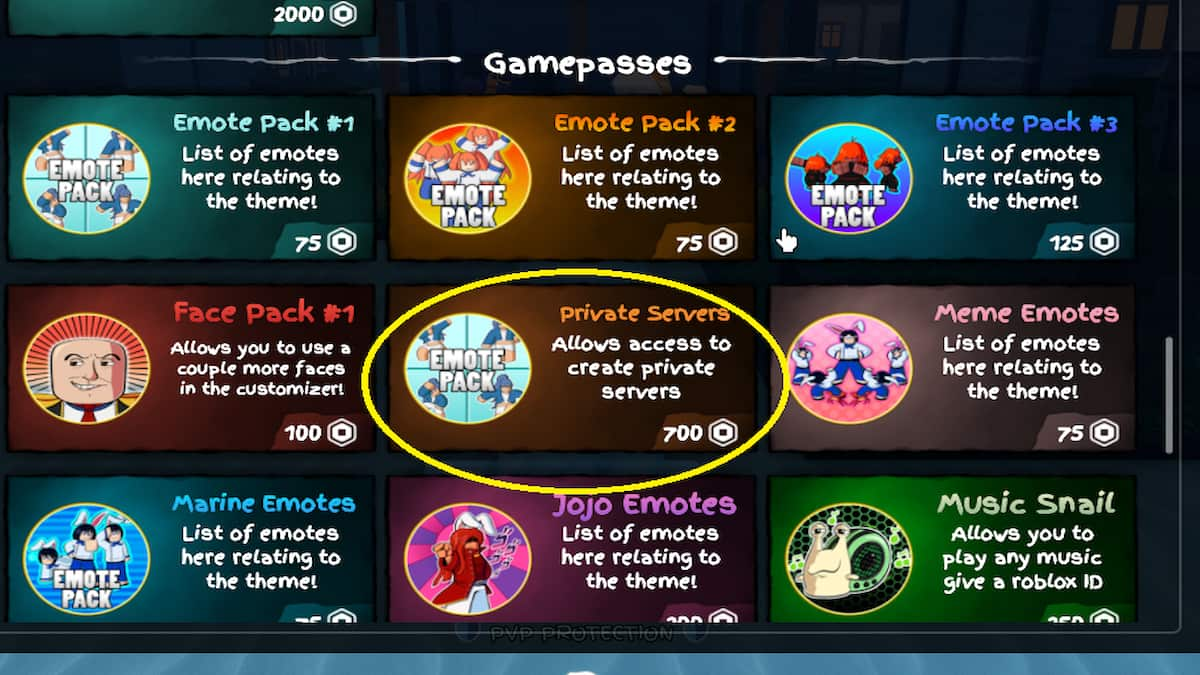
If you feel the above private servers are crowded, you can always purchase one. Hop inside the game and open the Shop section. Here, under the Gamepasses menu, select the Private Server option, then buy it for 525 Robux. Restart the game and head to the Private servers section. Click the Generate button to create a new private GPO server for yourself and share the link with your friends so they can join.
What is the Size of a Private Server in GPO?
Like most Roblox Games, you can invite up to 32 players to a private server. If you want to invite more players, you must kick out the existing players to make space or join a new one.
Is there a Difference between private and public servers in GPO?
No, there is absolutely no difference in terms of gameplay experience while using a private GPO server or a public one. The private server only provides the luxury of grinding for your favorite accessory item without the disturbance of any random players.
All Grand Piece Online Commands List
To get started with commands, open Grand Piece Online and click on the chat icon in the upper left corner to input them.
- /c *channel* - switch channel menu tabs
- /w *speaker* - open a private message channel with the speaker
- /mute *speaker* - mute a speaker
- /unmute *speaker* - unmute a speaker
- /t *message* - send a team chat to players on your team
- /help - list of commands
GPO Private Server FAQ
When a player enters a valid private server code, he can run three different server types.
Regular Server- The default Private Server in GPO.
Trade Hub - The Trade Hub, where you can exchange items with each other in a safe and secure environment.
Universe Hub - Inside Universe Hub, players can visit other game modes like the dungeons, arena, battle royale, and AFK world.
Yes, the Private Servers are permanent in GPO, so you do not need to renew each month. Why? Well, the Private Servers are sold as gamepass items, not the default Roblox Servers, which are monthly subscriptions and not customizable beyond giving your servers a name. So, spend 525 Robux and enjoy the benefits for a lifetime.
If you are the owner of the Private Server in GPO, you can always generate new Private Server Codes to share with your friends. To do this, click on the Private Servers/Friends Join from the main menu. Here, press the Generate button to get a new Code. Please copy the code and share it with your friends to invite them to your server.
Now that you know more about GPO Private Server Codes and Commands, check out GPO First Sea Map Guide - All Locations or Grand Piece Online (GPO) Song ID Codes on Pro Game Guides.



