Becoming a Werewolf in the Sims 4 is not as hard as you think. In fact, there are several methods that you can use to become one. Some methods include cheats, while others take a more traditional gameplay route. That said, the following are all the methods you can use to become a Werewolf in […]
If you want to become a Werewolf in the Sims 4, you can do it the regular way or use cheats. We recommend going the cheat route, as the usual way is a lengthy process. If you want to use cheats to become a Werewolf, you first need to activate cheats in the Sims 4. […]
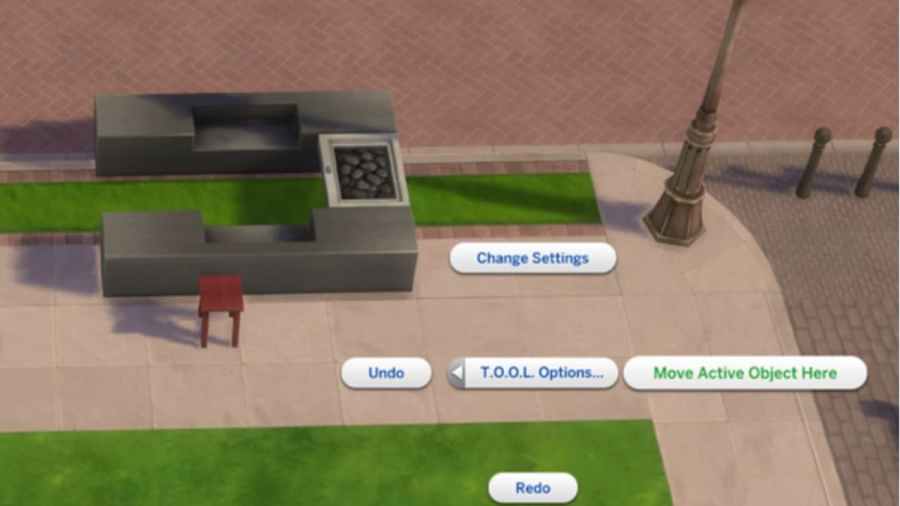
If you find yourself frustrated by the inability to adjust items on your lot that are just out of reach in The Sims 4, consider trying out this TOOL mod by TwistedMexi. It allows you to adjust your lot more than ever before. How to download the TOOL Mod for Sims 4 To download the […]
Moving objects freely upward or downward can quickly make your build in The Sims 4 pop. If you’re new to building, you might not know how to do this cheat. Luckily, it’s quick and easy to learn. What controls to use to move objects up and down in Sims 4 First, prepare the Build/Buy mode […]
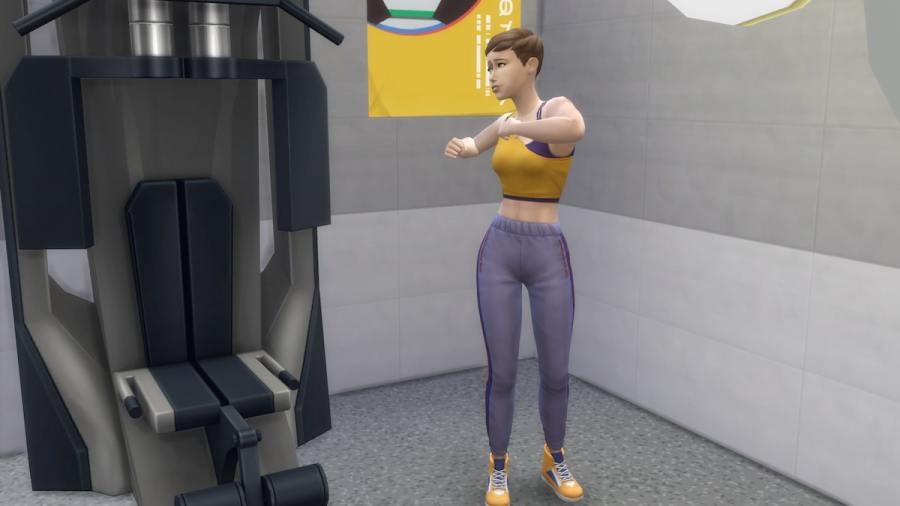
Gain muscle, talent, and fulfillment for your Sim, all with one simple cheat code. Use the command to give your athletic Sim the gift of instant gratification. Simply pull up the Cheat Command Console and type in the code! What is the Fitness Cheat Code in Sims 4? For Sims who need a little pump […]