


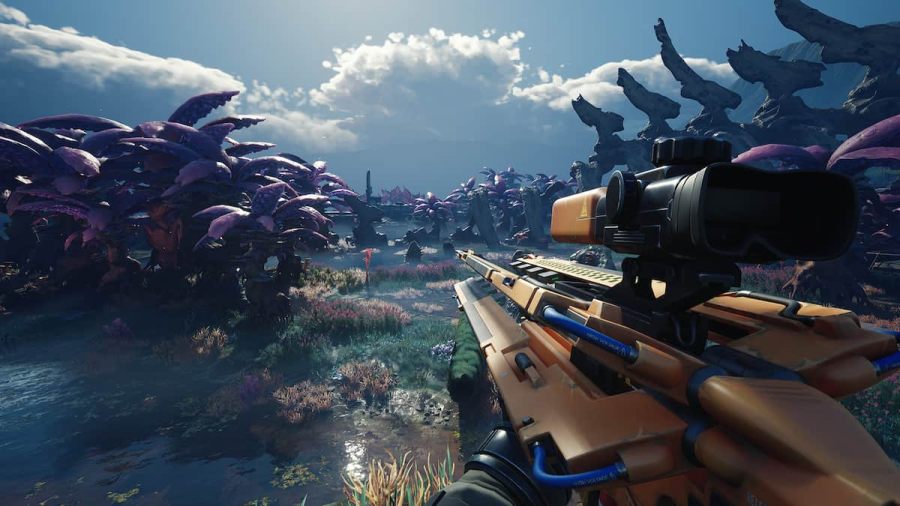
The Cycle Frontier is one of the latest free-to-play FPS games based on the resource gathering and extraction style format popularized by Escape From Tarkov. Similar to Escape From Tarkov, The Cycle Frontier has several individual buttons for distinctive features like pinging enemies or calling your evacuation crew. While the default keybindings are good to begin, it's better to switch some keys like crouch from "C" to "Left Ctrl" to match the traditional FPS key layouts. So, if you are a new player trying to alter your keybindings, explore our best keybinds for the game given below.
Recommended Videos
Best Keybinds for The Cycle Frontier - Mouse and Keyboard
Movement Keys
| Function | Key |
| Forward | W |
| Backward | S |
| Left | A |
| Right | D |
| Jump | Space |
| Crouch | Left Ctrl |
| Sprint | Left Shift |
Shooting & Ability Keybinds
| Function | Key |
| Fire | LMB (Left Mouse Button) |
| Aim Down Sights (ADS) | RMB (Right Mouse Button) |
| Previous Weapon | Scroll Mouse Wheel Up |
| Next Weapon | Scroll Mouse Wheel Down |
| Zoom | Z or MB4 (Aditional Mouse Button) |
| Reload | R |
| Primary Weapon | 1 |
| Secondary Weapon | 2 |
| Primary Ability | Q |
| Secondary Ability | E |
| Melee | V |
| Call Evacuation | P |
Inventory Management & Miscenallous Keybinds
| Function | Key |
| Inventory | I |
| Map | M |
| Pickup Item | F |
| Tool | Y |
| Consume Item | E |
| Show Jobs | G |
| Helmet Accessory | N |
| Weapon Accessory | L |
| Attachments Screen | 3 |
Communications & Multiplayer Keybinds
| Function | Key |
| Chatbox | Enter |
| Push to Talk | T |
| Ping | MMB (Mouse Mouse Button) |
| Spray or Emote | , |
| Friends List | O |
Best Keybinds for The Cycle Frontier - Controller
| Function | Key |
| Movement | Left Analog Stick |
| Look Around | Right Analog Stick |
| ADS | LT |
| Shoot | RT |
| Reload | X |
| Jump | A |
| Primary Ability | Y |
| Secondary Ability | B |
| Crouch | LB |
| Interact/Pickup | RB |
| Sprint | Hold Left Analog Stick |
| Map | Change View |
| Inventory | D-Pad Up |
| Weapon Cycle | D-Pad Down |
| Call Evacuation | D-Pad Left |
| Consume Item | D-Pad Right |
For more on The Cycle Frontier, check out How long do storms last in The Cycle Frontier?, or How to split items in The Cycle Frontier on Pro Game Guides.


