



After the Blackmarket update, players can buy and equip weapons to eliminate anyone who crosses their path. While it is easy to acquire one, many don't know how to utilize one in the game. So, learn how to purchase and use weapons in BitLife with this guide.
How to purchase weapons in BitLife
So, before doing anything, you must purchase the Blackmarket Expansion pack for $6 from the game store, as the entire procedure revolves around the DLC. Once you have the DLC, you can follow the given steps.
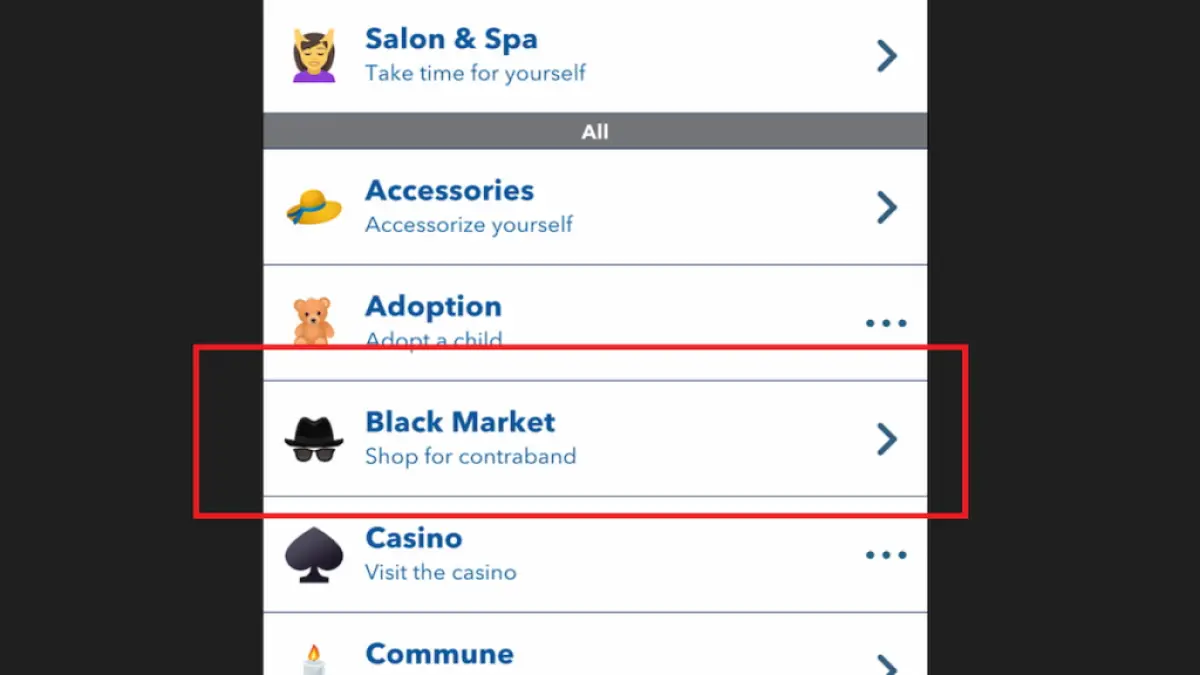
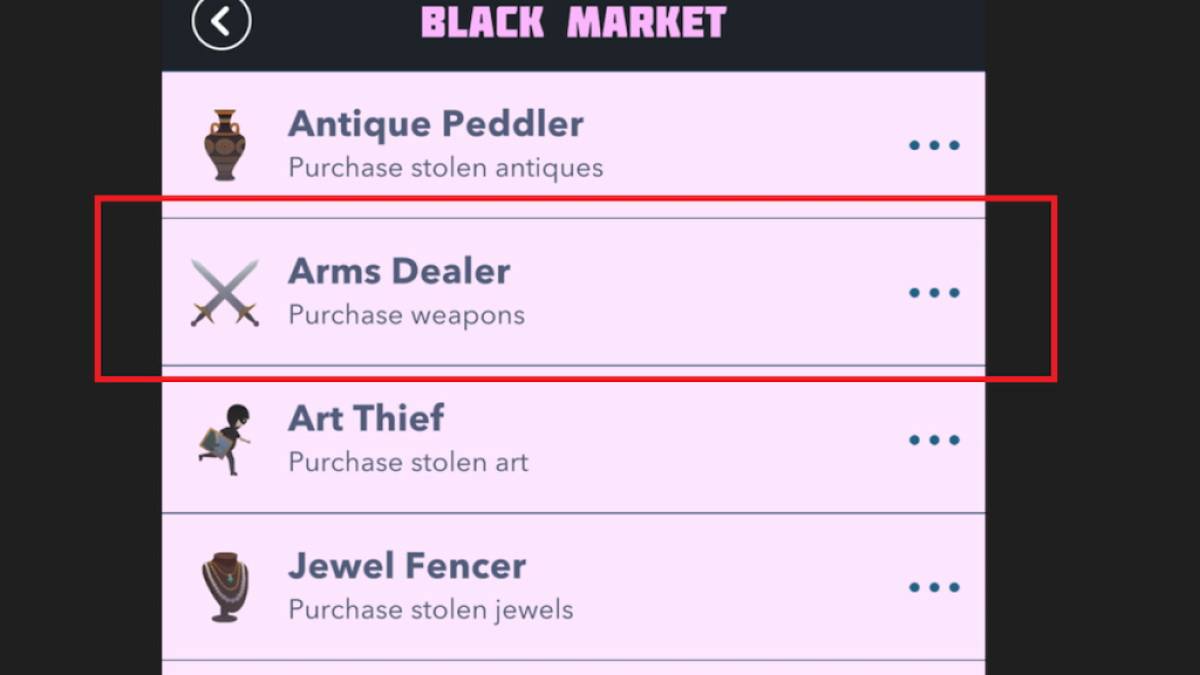
- Open BitLife and head to the Activities tab after your character turns 18.
- Click on the Black Market options and choose the Arms Dealer option.
- Browse through the catalog and purchase any weapons that match your budget.
- After purchasing, you can find the arms under the belongings section in the Assets tab.
Related: BitLife – How to Complete the Slice & Dice Challenge
How to use a weapon in BitLife
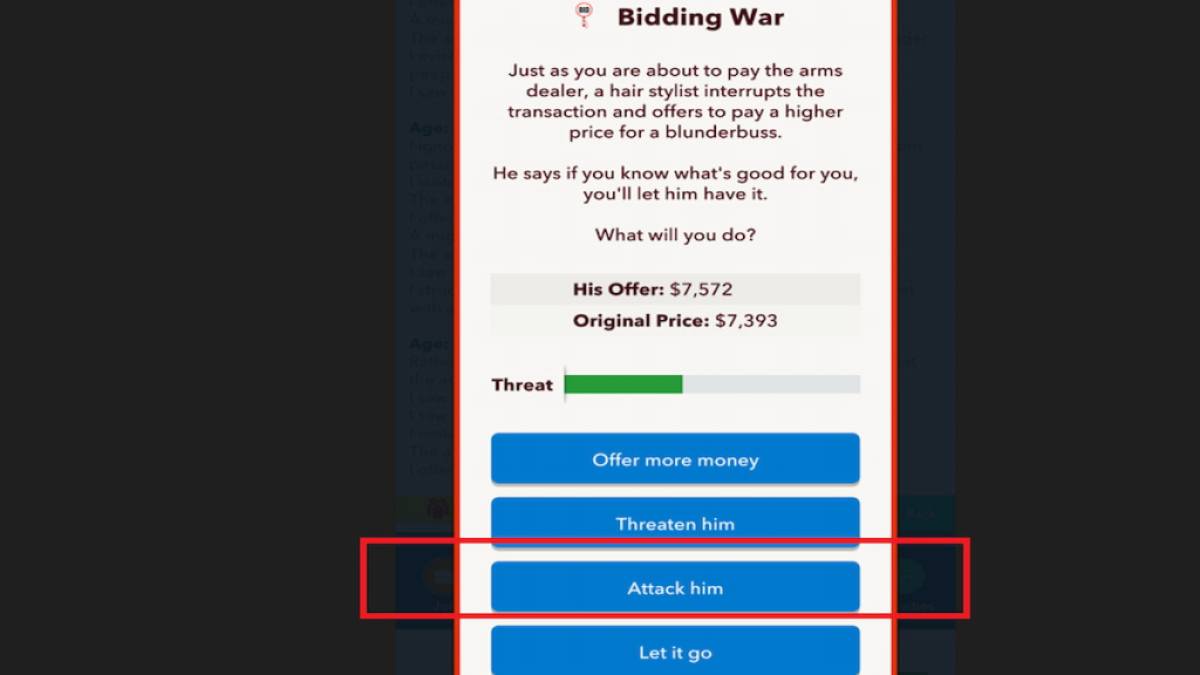
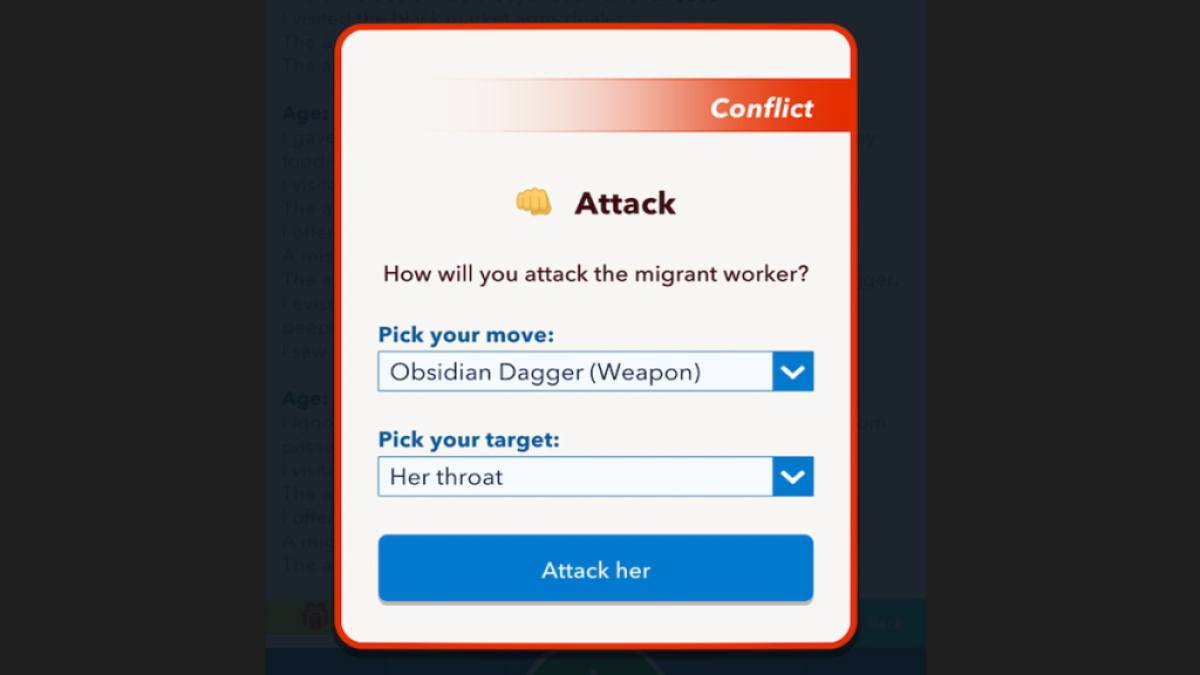
Using a weapon is entirely different from purchasing one. Unlike other features, there is no unique button to use your weapons at your will. Instead, the only way is to use the weapons against your dealer while purchasing an item. While haggling for the price, use the attack option and select a weapon. If you want to threaten, pick nonvital parts like the hand or leg as your target, but if you wish to eliminate them, select the head, chest, or throat as your attack areas.
For more on BitLife, check out How to open and run a Museum in BitLife or How to be born in Texas – BitLife Guide on Pro Game Guides.


