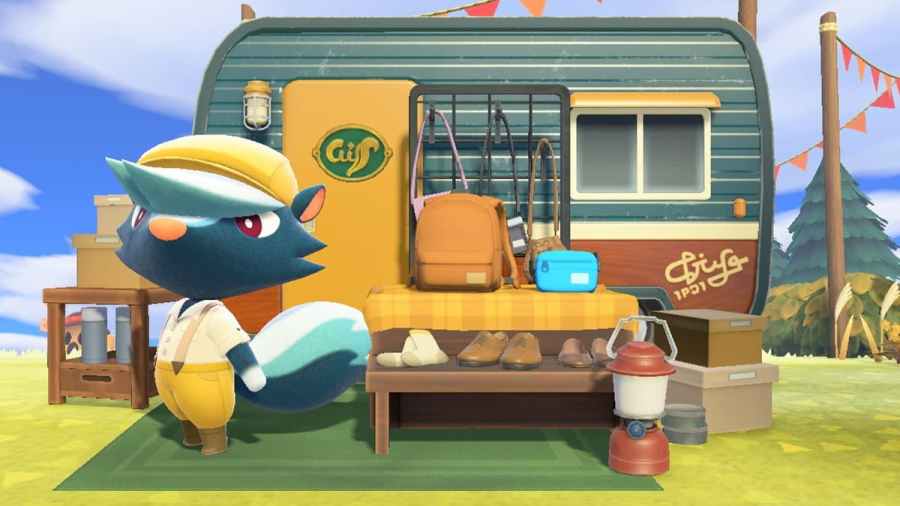
Harv’s Island became way more exciting after the Animal Crossing: New Horizons 2.0 update. Rather than just being a place where Harv will let you use his photo studio, Harv has opened a co-op where other Animal Crossing characters can open shops and sell their goods and services. However, the shops aren’t automatically there, and […]
The Animal Crossing: New Horizons 2.0 update is here and brings plenty of new activities and items for players to enjoy and utilize during their time on their island. One of the items introduced in Animal Crossing: New Horizons 2.0 is the Donation Box. But what does this new item do? The Donation Box allows […]
With Animal Crossing: New Horizon’s 2.0 update, players can dive into a variety of free content to enjoy, including new items, vistas, and activities to do with their favorite Villagers. Some users have had trouble downloading this free update, though. If your update doesn’t install, you’ll have to add it manually. To manually update Animal […]
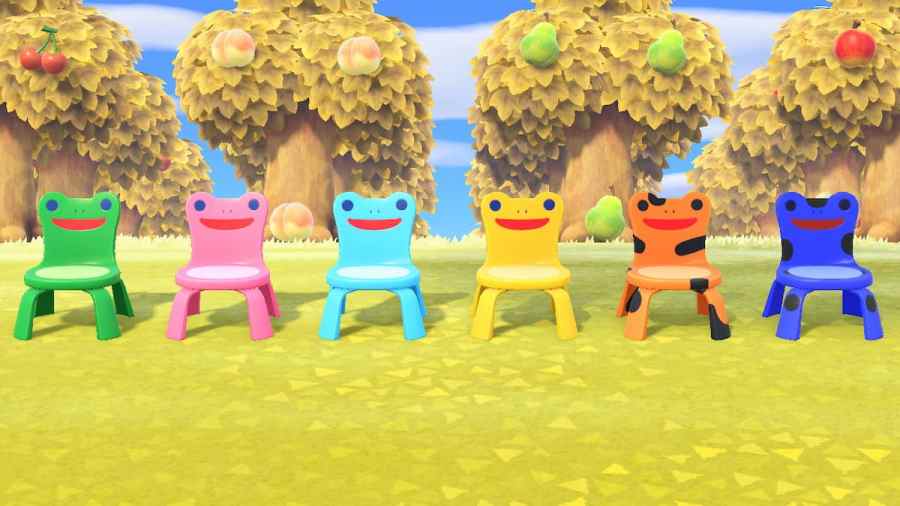
When it comes to the Animal Crossing community, fan-favorites are a big deal. Whether it’s favorite villagers, favorite songs, or yes, favorite items. A long-time fan-favorite piece of furniture is the Froggy Chair. Seen first in Animal Crossing: New Leaf, the adorable meme that is the Froggy Chair finally made its debut in Animal Crossing: […]
Ever wanted to zoom in further or get a perfect angle on your pictures in Animal Crossing: New Horizons? Well, as of the 2.0 update, you can. If you are interested in getting new features for your in-game camera, such as Handheld mode, you will need the Pro Camera App. The app doesn’t automatically update […]