The COPIUM emote is one of many emotes available to Twitch users with BetterTTV (BTTV) extensions installed. It is also available through FrankerFaceZ (FFZ), as well as the 7TV extension. Users without the extension installed will only see the text in chat, and mobile users will have to have a third party app installed to […]
The Myling is a Ghost in Phasmophobia with two specific behaviors attached to it. A Parabolic Microphone has a chance of displaying a Myling’s strange sounds to the player holding it. A Myling is said to be quieter when hunting, but this fact is misleading to players who aren’t aware of how the mechanic works. […]
The Shade can be very difficult to find evidence for in Phasmophobia because it is a fairly inactive Ghost. Experienced players will be able to identify the Shade based on its other unique traits and even make sure the Ghost can’t initiate a Hunt. They also favor specific events and Interactions, making it easier to […]
Revenants are very dangerous Ghosts in Phasmophobia that can move at nearly twice the speed of players if they spot them. Their biggest downfall is that losing line of sight with a Revenant will cause them to slow down significantly. When the player is hidden, Revenants are among the slowest Ghosts in the game. This […]
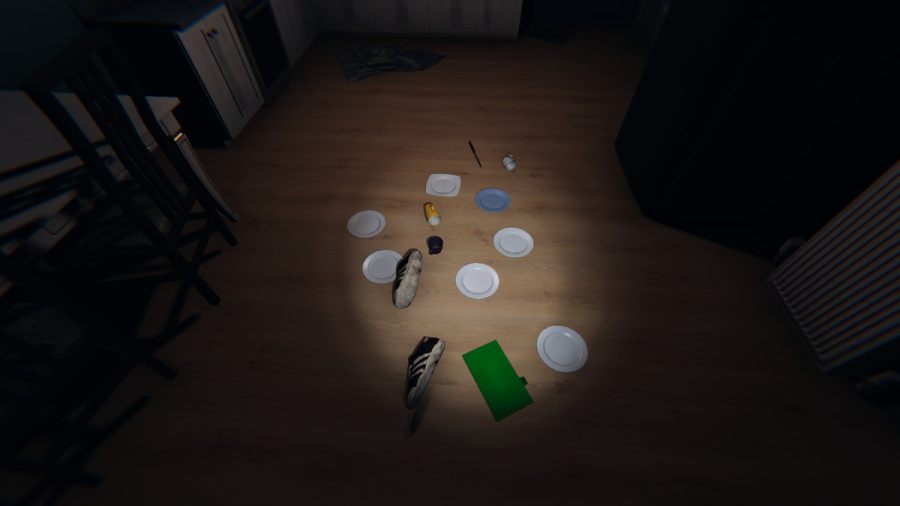
The Poltergeist is a fairly active Ghost in Phasmophobia that likes to move objects more often than performing other Interactions. They have the ability to move multiple objects at once and can drain the Sanity of player whenever they do so. Removing the objects in an area will render the Poltergeist unable to use its […]