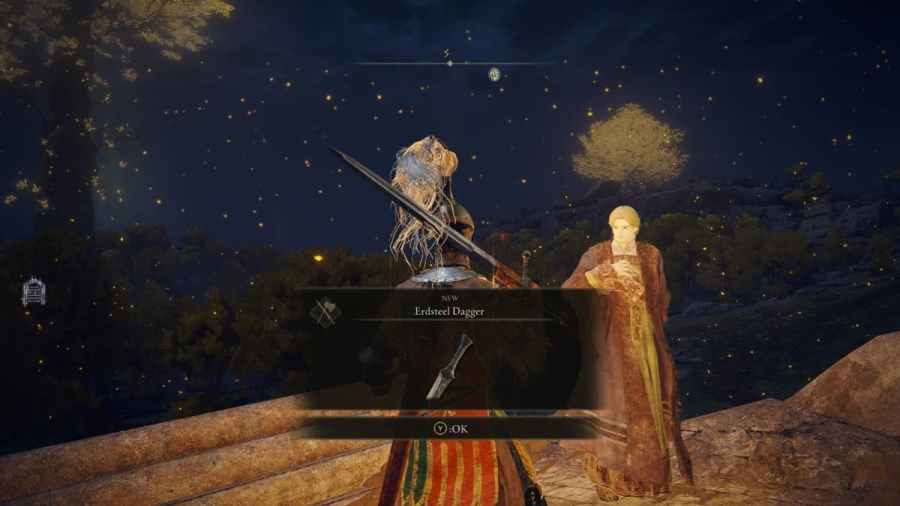
To cure Blood Loss in Elden Ring, you will need to use an item called Stanching Boluses. Stanching Boluses, when used, alleviates the Blood Loss status debuff gained when hit with an attack that causes bleeding. That said, you can get Stanching Boluses by looting them from bodies in places such as Stormveil Castle. The primary and best […]
If you have problems with an Unable to Summon Cooperator error in Elden Ring, you will first need to check your internet connection. Sometimes, internet issues and issues with your connection can cause various game errors, and that’s no different with Elden Ring. To check your internet connection, we recommend going to a site such as Fast.com. It is a […]
The Witch Queen is the latest expansion to Destiny 2 that expands on the story and adds new features that include crafting, new weapons, and a new type of enemy variant. The most significant part of the new content is the expansion of Destiny 2’s story, which brings a new campaign and plenty of side […]
To complete the Kenneth Haight quest, you need to find Fort Haight. Start by taking the road north from Kenneth Haight and following it. Eventually, you will reach a ruined fortress with a path blocked by spike barricades leading to the gate. But before taking the journey, make sure to bring a good weapon, and at least the Godwick Soldiers […]
To get the Finger Snap emote in Elden Ring, you will need to take a small journey to the Mistwood Ruins. After arriving, walk around a bit until you hear wolves howling. When you hear the wolves howl, fast travel back to the church ruins at the starting area and speak with the Trader. The […]