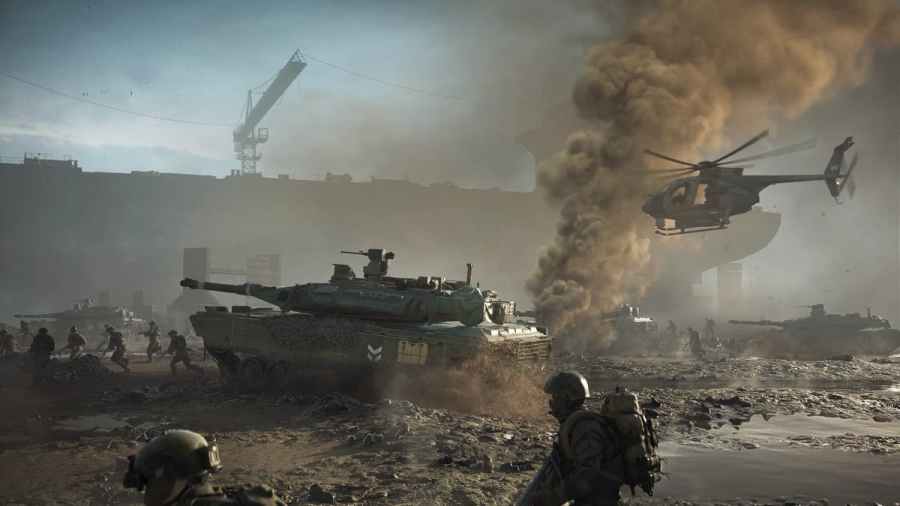
To access the Battlefield Builder feature of Battlefield 2042, you will need to visit https://portal.battlefield.com and log in with your Origin account. You can also access the Battlefield Builder by scanning the QR code in the game under custom experiences. To use the QR code, you will need to scan the QR code with your phone. Using […]
To create a portal server in Battlefield 2042, players must first load into the game and locate the Battlefield 2042 portal hub. The Battlefield portal hub will be located on the right side of your screen when you enter the game. After clicking the Battlefield 2042 portal, you will then need to click host, as […]
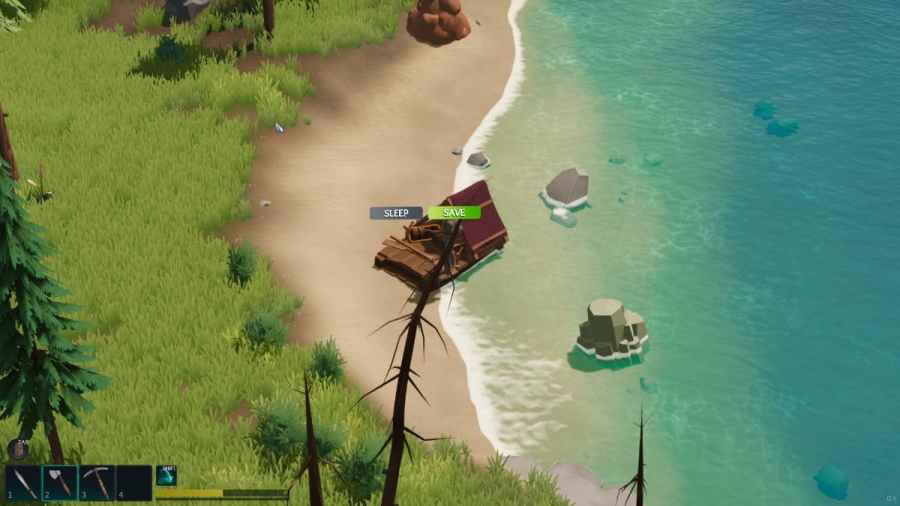
To save in Len’s Island, players will need to either save to the menu or save and exit buttons. Both options will have players leave their current game and save it. However, depending on what you want to do, you might need to use one or the other. The first option, save to menu, will save […]
To repair the bridge that leads to the town of Bridgewater in Len’s Island, players will need to gather 40 limestone and 80 stone. You can find and get limestone from yellow and greenish rocks off the coast of the island. To get stone, you will need to mine dark grey rocks found throughout the forgotten […]
Ribbons are unique challenges that reward players after the end of a match in Battlefield 2042 with EXP. Because of this, farming ribbons is one of the best ways in the game to farm EXP. There are a total of five ribbons that players can earn, and to earn them, they will need to complete […]